Share


How to Build an AI Tool from Scratch: A Complete Guide

- BLOG
- Artificial Intelligence
- October 13, 2025
AI is no longer just for labs or big tech companies. Today, with the right idea and the right tools, anyone can build useful, useful AI solutions. But how do you turn an idea into a working AI tool? One that solves problems, saves time, or does something new? That’s what this article is here to show you. Step by step, you’ll learn how to build an AI tool from setting goals and choosing a model to launching it. Whether it’s a chatbot or smart assistant, you’ll get the tools and steps to bring it to life.
Contents
- 1 What Is Artificial Intelligence?
- 2 Build Advanced AI Tools with Webisoft!
- 3 Common AI Terminology (Essential Before You Build)
- 4 Types of AI Technologies (Know What You’re Building)
- 5 Step-by-Step: How to Build an AI Tool
- 6 Typical Timeline for Building an AI Tool
- 7 How Webisoft Makes It Easy to Build an AI Tool That Works
- 8 Build Advanced AI Tools with Webisoft!
- 9 In Closing
- 10 Frequently Asked Questions
What Is Artificial Intelligence?
Artificial Intelligence (AI) is a field of computer science that develops systems capable of performing tasks that normally require human intelligence, such as learning, reasoning, problem-solving, perception, and language understanding. Unlike traditional software that follows fixed instructions, AI can adapt by analyzing data, recognizing patterns, and improving its performance over time.
Examples of AI You See Every Day:
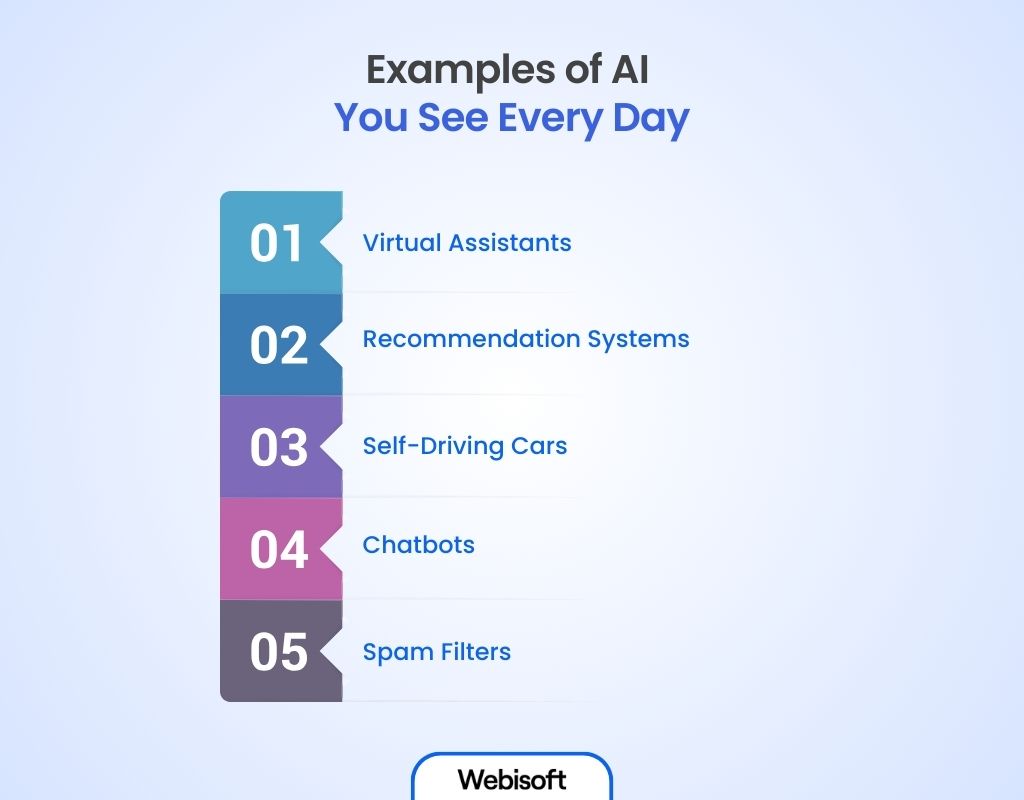
- Virtual Assistants like Siri, Alexa, or Google Assistant. They listen to your voice and assist you with tasks like setting reminders or answering questions.
- Recommendation Systems on Netflix, YouTube, or Amazon. They suggest movies, videos, or products based on what you like.
- Self-Driving Cars that use AI to see road signs, avoid dangers, and drive safely without a human driver.
- Chatbots on websites that quickly answer your questions without waiting for a real person.
- Spam Filters in your email that block unwanted or harmful messages automatically.
AI is already part of many things we use every day. It makes life easier, faster, and more personal.


Build Advanced AI Tools with Webisoft!
Book a free consultation today and start building with professionals.
Common AI Terminology (Essential Before You Build)
Machine Learning (ML) is a subset of artificial intelligence that focuses on algorithms and statistical models enabling computers to identify patterns in data and make predictions or decisions without being explicitly programmed for specific tasks.
Instead of following fixed rules, ML systems are trained on large datasets, adjust their internal parameters through optimization, and generalize their knowledge to new, unseen data.
Example: A spam filter learns which emails are unwanted by looking at lots of examples of spam. It then blocks new spam emails automatically.
Deep Learning: A more complex form of ML using neural networks
Deep Learning is a more advanced kind of Machine Learning. It uses something called neural networks, which are made of many layers of “artificial neurons.” These allow the computer to understand very complex information like pictures, sounds, or text.
Deep Learning is good at finding small details and patterns in large amounts of messy data. This makes it an essential technique when creating AI applications that require recognizing images or speech.
Example: Apps that recognize faces in photos or can tell if a picture shows a dog or a cat use deep learning.
Neural Networks: Algorithms modeled on the human brain
Neural Networks are computer systems inspired by how the human brain works. Our brain has billions of cells called neurons that send signals so we can think and learn.
Neural networks work in a similar way, with many connected “neurons” that pass information to each other in layers. This allows the computer to learn difficult patterns and make smart decisions.
Example: Voice assistants like Siri or Alexa use neural networks to understand your voice and answer your questions. These are examples of adaptive AI that improves through use.
Natural Language Processing (NLP): AI that understands language
Natural Language Processing (NLP) is a subfield of artificial intelligence and computational linguistics that focuses on enabling computers to understand, interpret, generate, and interact with human language. It combines techniques from linguistics, computer science, and machine learning to process text and speech in ways that allow tasks such as language translation, sentiment analysis, question answering, and conversational AI.
NLP makes it possible for computers to talk with people naturally, answer questions, or translate languages which is a core part of AI chatbot development. It makes it possible for the computer to understand what words mean in different situations.
Example: Chatbots that answer questions on websites or apps that translate languages use NLP to understand what you say and respond properly.
Well, knowing these basics is helpful if you want to learn how to build AI tools or how to create own AI tool applications involving language.
Types of AI Technologies (Know What You’re Building)
 Knowing different AI technologies gives you the ability to pick the right tools for your project. Here, you’ll learn about the main types of AI, so you can decide what fits best and avoid confusion while building or creating an ai app.
Artificial Narrow Intelligence (ANI)
This is the most common type of AI we have today. ANI is designed to do one specific task very well. It can learn and make decisions, but only within a limited area. For example, it might be great at recognizing faces or recommending movies, but it can’t do tasks outside its focus. Example: Voice assistants like Siri or Alexa, spam filters, and recommendation systems are all ANI. These are common examples when you’re learning how to make AI tools or how to build an AI tool.
Artificial General Intelligence (AGI)
AGI is a type of AI that can understand, learn, and do any intellectual task a human can do. It means the AI would be flexible and able to solve many different problems, just like a person. AGI is still mostly a goal for the future and doesn’t exist yet. Example: An AGI system could potentially do anything from writing stories to solving math problems or even learning new skills on its own.
Artificial Superintelligence (ASI)
ASI goes beyond human intelligence. It would be an AI that is smarter than the best human brains in every field, including creativity, problem-solving, and social skills. This type of AI is still theoretical and is a topic of debate and study about its impact on the future. Example: ASI would be able to improve itself and invent new technologies far beyond what humans can do.
Step-by-Step: How to Build an AI Tool
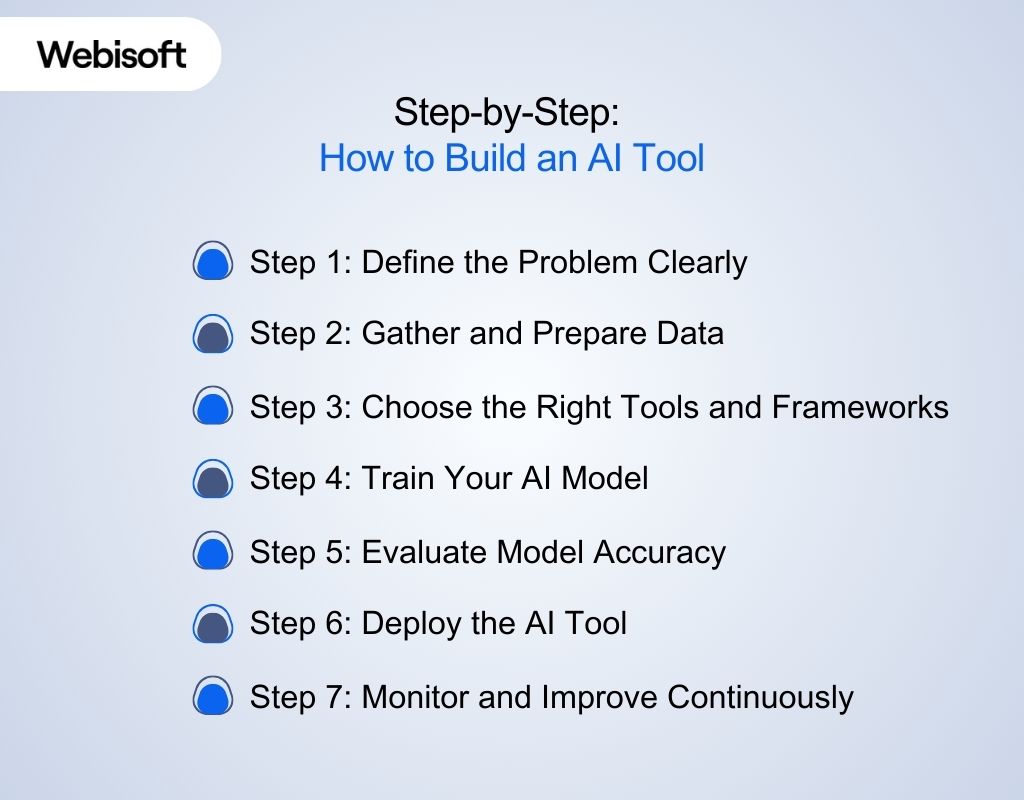 Building an AI tool is a methodical process that starts with a clear goal and ends with a product that performs intelligently in the real world. This article walks you through each step in a clear and simple way, from defining your problem to watching your AI work. Every step is essential, and each one sets up the next. You can also explore our detailed AI Build Guide to strengthen your understanding as you move through each stage. Follow this sequence, and you’ll avoid dead-ends, tech debt, and misaligned outcomes.
Step 1: Define the Problem Clearly
Before collecting data or writing code, first understand exactly what you’re solving. A vague goal like “improve customer service” is too broad. You need to define a specific task, the people who will use it, and what outcomes it should create. For example:
- If you’re trying to improve support speed, your tool’s task might be automatically tagging support tickets based on urgency.
- The output of the AI might be simple tags like “high”, “medium”, “low”.
- The users might be customer support agents who use the tags to prioritize responses.
This step sets boundaries. It tells you what data to look for, how to measure success, and what “done” looks like.
Step 2: Gather and Prepare Data
Once the problem is defined, you need to collect the right data that reflects it. This data should be accurate, labeled, and clean, because your model will learn from it. Here’s what that means:
- Collect data from real, relevant sources. For a support ticket AI, gather labeled ticket data from your CRM or customer service software.
- Make sure the labels are clear and consistent. Avoid vague or mixed labels like “maybe urgent.”
- Clean the data. Remove duplicates, fix missing values, and use consistent formats (like converting all text to lowercase).
- Split your dataset. Before training, divide your data into three parts: training (70–80%), validation (10–15%), and testing (10–15%).
The quality of your data directly affects how well your model performs. So even if your dataset is small, relevant data is better than a large messy one.
Step 3: Choose the Right Tools and Frameworks
After collecting and preparing data, choose the tools that match your project needs. This includes the programming language, libraries, and platforms you’ll use for development and deployment. Well this step is where you begin to create your own AI solution by selecting the technologies that fit the task best. Start with:
- Programming Language: Python is the most popular for AI due to its simplicity and large library support.
- Libraries/Frameworks:
- For structured data: use Scikit-learn or XGBoost.
- For natural language tasks: use spaCy or Hugging Face frameworks.
- For deep learning: use TensorFlow or PyTorch.
- Environment: Begin with small tools like Google Colab or Jupyter Notebook for experiments. Later, you can move to cloud platforms like AWS SageMaker or GCP if you need scale.
Don’t overcomplicate your stack. Use the simplest tools that can get the job done well. You can upgrade later if needed.
Step 4: Train Your AI Model
Now that you have your data and tools ready, it’s time to train your model. This means teaching the AI to recognize patterns in the data and make predictions. Here’s how to approach it:
- Start simple. Try basic models like logistic regression or decision trees to see how your data behaves.
- Add complexity gradually. If basic models don’t perform well, move to advanced ones like neural networks.
- Use your validation set. This improves your ability to fine-tune parameters like learning rate or number of layers without overfitting.
- Prevent overfitting. Use techniques like dropout or regularization to make sure the model doesn’t memorize the training data.
Keep records of all your experiments. Use tools like MLflow or Weights & Biases to compare results and keep your work organized.
Step 5: Evaluate Model Accuracy
Once the model is trained, test how well it actually works, especially on new data it hasn’t seen before. This is how you find out if it’s completely ready for real world use. To do this:
- Use your test set (the data you set aside earlier). Don’t use it during training or validation.
- Measure performance using the right metrics.
- For classification tasks: look at precision, recall, and F1-score.
- For prediction tasks: use MAE (Mean Absolute Error) or RMSE (Root Mean Square Error).
- Study your model’s mistakes. Check which types of inputs cause wrong results. This may uncover bias, bad labels, or areas where your model needs improvement.
Accuracy alone isn’t enough. The model must work well in practical, everyday situations including edge cases or noisy data.
Step 6: Deploy the AI Tool
Now that the model is performing well, it’s time to deploy it so people can actually use it. Deployment means putting your model inside a working app or service. You’ll need to:
- Package the model. Use tools like joblib, pickle, or ONNX to save and move your trained model.
- Build an interface.
- For live use: create a REST API using Flask or FastAPI.
- For scheduled use: set up batch processing that runs predictions at specific times.
- Set up infrastructure. For small projects, platforms like Heroku or Render might be enough. For larger systems, consider Docker containers, Kubernetes, and cloud platforms like AWS.
Also add safety features like input checks, usage limits, and logs. Deployment is not the finish, it’s the start of practical testing.
Step 7: Monitor and Improve Continuously
After deployment, your job isn’t done. The world changes, data shifts, and your model needs to stay up-to-date. Ongoing monitoring keeps it useful. Here’s how to keep improving:
- Monitor live performance. Use tools like Prometheus or Grafana to track how your model performs in production.
- Watch for model drift. If inputs change or accuracy drops, your model may need retraining.
- Collect and label new data. Regularly add fresh examples to improve the model over time.
- Track failures and edge cases. Save cases where the model fails or gets confused. These are valuable for future training.
If your tool is used in sensitive areas like healthcare or law, always involve humans to review high-impact predictions. This keeps the tool trustworthy and safe.
Typical Timeline for Building an AI Tool
Building an AI tool doesn’t happen overnight. While timelines vary based on complexity and industry, a standard AI project usually follows this rhythm over 8 to 16 weeks. Below is a phase-by-phase breakdown that reflects how to build an AI tool or how to program AI most successfully.
| Phase | Duration |
| 1. Problem Definition | 1–2 weeks |
| 2. Data Gathering & Preparation | 2–4 weeks |
| 3. Tool & Framework Selection | 1 week |
| 4. Model Development & Training | 2–6 weeks |
| 5. Model Evaluation | 1–2 weeks |
| 6. Deployment Preparation | 1–2 weeks |
| 7. Deployment & Testing | 1–2 weeks |
| 8. Monitoring & Iteration | Ongoing (weekly/monthly) |
These timeline are projected considering a good skill level. If you want it faster and better you can always contact our ai tool development team. Book an appointment. It is free.
How Webisoft Makes It Easy to Build an AI Tool That Works
Building an AI tool isn’t just about experimenting with models. It’s a structured process, one that blends business logic, deep learning techniques, deployment workflows, and ongoing monitoring. You can’t rely solely on open-source code and datasets. You need a strategy, a system, and expert guidance. That’s where Webisoft comes in. We assist you move from idea to execution quickly, intelligently, and with a solid technical foundation. Here’s how we support you at every stage of how to develop AI software and how to make AI software effectively.
- Plan Your AI: We work with you to set clear goals and identify the best ways AI can improve your business. Then, we design a simple step-by-step plan that suits your needs.
- Build AI Models: Our team makes AI tools just for your work like systems that suggest things, guess results, or understand language. We make sure they work well with your current tools.
- Use Big Language Models: We add smart tools like GPT to make chatbots, write content, make summaries, and serve users.
- Automate Tasks and Decisions: We build tools that use live data to do tasks automatically and make smart choices. This saves time and reduces mistakes.
- Turn Paper into Digital: If you have paper or scanned documents, we use OCR to change them into easy digital data.
- Launch and Support: We get your AI ready, launch it, and then watch how it works. We fix problems, update it, and keep it working well for a long time.
Build Advanced AI Tools with Webisoft!
Book a free consultation today and start building with professionals.
In Closing
So, you’ve now understood that building an AI tool is more than just using technology. It’s a creative process where ideas turn into smart solutions. However, now you know how to build an AI tool, the steps, the tools, and the right way to think. You can use this to simplify work, create personal experiences, or assist people in making better choices. And if you need support, Webisoft is here to assist building AI easier and faster.
Frequently Asked Questions
Can I build an AI tool without coding?
Yes, thanks to user-friendly platforms and no-code AI builders, you can create basic AI tools without deep programming knowledge. However, complex projects often need coding skills or expert support.
What programming languages are best for AI?
Python is the most popular language for AI due to its simplicity and rich libraries. Others like R, Java, and C++ are also used depending on the project needs.
Will AI replace software engineers?
AI can automate many tasks but won’t fully replace engineers. Instead, it will change how they work, focusing more on creativity and problem-solving.
How to create an AI like ChatGPT?
Building something like ChatGPT involves training large language models on vast datasets, requiring significant expertise, computing power, and resources.
Is it worth investing in building an AI tool?
If AI can solve important business problems or create new opportunities, investing in AI development often delivers strong returns and competitive advantages.
Why should I consider working with an AI development company?
Partnering with experts speeds up development, maintains quality, and helps you handle challenges, making your AI project more successful and cost-effective.
