Share


How to Build AI SaaS: An Expert Guide

- BLOG
- Artificial Intelligence, SaaS
- October 18, 2025
AI is now a part of many apps we use every day. It helps write emails, answer questions, and even manage schedules. Because of this, more people want to learn how to build AI SaaS software that uses AI to solve real problems. But building AI SaaS is not just about adding smart features. First, you need to choose the right idea. Then, you must plan how it will work, pick the right tools, and make sure people find it easy to use as part of a smooth AI software development process. In this article, you’ll learn how to develop AI SaaS step by step from the first idea to a finished product that people can use.
Contents
- 1 What Is AI SaaS?
- 2 Make AI Work for You with Webisoft!
- 3 Why AI SaaS Matters
- 4 Step-by-Step Guide to Building an AI SaaS Product
- 4.1 Step 1: Identify a Scalable AI SaaS Business Model
- 4.2 Step 2: Design Multi-Tenant Architecture for Shared SaaS Environment
- 4.3 Step 3: Implement Secure and Compliant Data Handling
- 4.4 Step 4: Build User-Friendly AI Features with Customization
- 4.5 Step 5: Develop Self-Service Onboarding and Subscription Management
- 4.6 Step 6: Implement Continuous Monitoring and AI Model Updates
- 4.7 Step 7: Scale Customer Support and Community Engagement
- 4.8 Step 8: Plan for Continuous Product Innovation and Market Expansion
- 5 Ensuring Data Security and Compliance
- 6 Monetization Strategies for AI SaaS
- 7 Real-World Use Cases of AI SaaS Products
- 8 Common Mistakes to Avoid When Building AI SaaS
- 9 How Webisoft Can Help You Create Your Own AI App
- 10 In Closing
- 11 Frequently Asked Questions
What Is AI SaaS?
AI SaaS (Artificial Intelligence Software as a Service) refers to cloud-based software solutions that integrate artificial intelligence technologies, such as machine learning, natural language processing, and advanced data analytics into easily accessible platforms. Instead of requiring businesses to develop and maintain complex AI systems in-house, AI SaaS allows them to use these tools directly over the internet. This model lowers costs, reduces technical barriers, and accelerates adoption of AI-powered capabilities. Webisoft provides cloud-based AI solutions to make your technology adoption easier. Real-world AI SaaS products include:
- Chatbots that handle customer support
- Platforms that analyze data to predict customer behavior, and
- Tools like Grammarly that improve writing or Salesforce Einstein that boosts customer management with AI-driven insights.
The AI SaaS market is expanding rapidly because many companies want the advantages of AI but prefer flexible, cloud-based services that reduce costs and complexity. According to a report on the AI SaaS market size and growth, the market was valued at approximately $71.54 billion in 2023 and is projected to reach $775.44 billion by 2031, growing at a compound annual growth rate (CAGR) of about 38.28%.


Make AI Work for You with Webisoft!
Talk to our team today.
Why AI SaaS Matters
SaaS artificial intelligence plays a key role in how modern software works. It turns complex machine learning and automation into ready-to-use services. This changes how businesses build, scale, and improve their products. Key Reasons:
- Quick AI Integration: Teams can add features like prediction, image recognition, or language processing without building models from scratch.
- Efficient Resource Use: AI workloads run in the cloud, so local systems don’t need to handle high processing or storage tasks.
- Faster Product Development: Developers can focus on building user features instead of training, tuning, or maintaining AI models.
- Efficient Model Performance: AI providers keep models updated and optimized, so accuracy and speed stay consistent over time.
- Supports Continuous Scaling: As usage grows, the backend scales automatically useful for apps that need to handle large or changing data volumes.
Webisoft’s AI integrations make advanced features accessible without heavy AI expertise.
Step-by-Step Guide to Building an AI SaaS Product
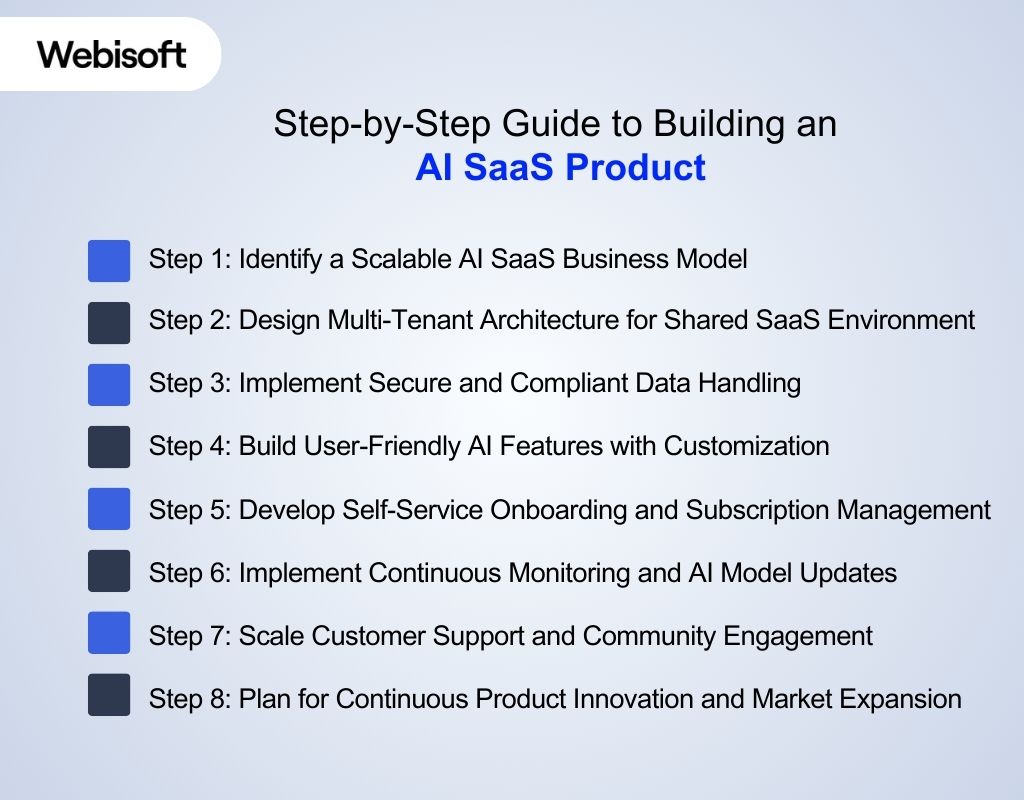 Starting from zero in AI SaaS product development means learning all the steps. This guide shows you how to build AI SaaS products and how to create AI SaaS products that work well.
Step 1: Identify a Scalable AI SaaS Business Model
Building an artificial intelligence SaaS product starts with a clear business model that can grow over time. To make this work, you first learn who your customers are and what pricing will keep them coming back. Knowing this helps you plan how to deliver ongoing value using AI features. With a strong business foundation, you can make better product and technical decisions later. To do that, focus on these important areas:
- Subscription tiers that offer different features or limits.
- Pricing models like monthly fees or pay-per-use.
- Validating your idea by talking to potential users.
- Plans for acquiring new customers and keeping them happy.
With a clear business model, you’re ready to design a system that can serve many users efficiently.
Once your business model is ready, the next step is to build a system that can handle many customers at once. To do this, you need a multi-tenant architecture, which is different from traditional software setups. This design allows all customers to share the same platform while keeping their data secure and separate. It also makes it easier to manage updates, scaling, and custom features for each user. Here’s what to consider:
- Building multi-tenant databases and services.
- Ensuring scalability to handle growing workloads.
- Creating modular services for easier maintenance.
- Allowing customer-specific customizations without affecting others.
Once the platform structure is in place, it’s time to secure your users’ data.
Step 3: Implement Secure and Compliant Data Handling
AI SaaS products rely on data to work well, and much of this data is sensitive. Because customers need to feel safe sharing their information, your system must be built with strong privacy and security in mind. Following clear rules not only protects the data but also avoids legal trouble. With secure handling in place, customers can trust your platform and continue using it with confidence. You should:
- Encrypt data both at rest and in transit.
- Control who can access data through strict permissions.
- Keep logs of data access for security audits.
With data security solid, you can focus on building the AI features customers will use daily.
Step 4: Build User-Friendly AI Features with Customization
After securing and scaling the platform, focus on creating AI features that users can understand and change easily. These features should give clear answers to real problems. Letting users adjust settings gives them more control and attracts more users. Focus on:
- Letting users customize AI inputs and outputs.
- Providing fast, real-time AI responses.
- Offering explanations or visualizations of AI decisions.
- Integrating with popular tools to fit into existing workflows.
Good AI features combined with ease of use will make onboarding simpler. Webisoft creates user-friendly AI features that your customers can easily customize.
Step 5: Develop Self-Service Onboarding and Subscription Management
When AI features are ready, let users sign up and manage accounts by themselves. A simple system lets users start quickly and control their subscriptions. This reduces questions and keeps users happy. You’ll want to include:
- Easy signup and account verification.
- Guided setup to help users get started.
- Automated subscription handling (payments, upgrades, cancellations).
- Dashboards showing usage and billing info clearly.
With users active, you need to keep your system reliable and AI models accurate.
Step 6: Implement Continuous Monitoring and AI Model Updates
With many users active, watch how the system and AI perform all the time. Since SaaS runs every day, AI trading bot workflow systems also need regular updates to stay accurate. Checking the system often finds issues early and keeps the app working well. Make sure to:
- Track system health and API responsiveness.
- Detects when AI models lose accuracy (model drift).
- Retrain AI models automatically with new data.
- Set up alerts for any critical issues.
Stable and accurate service helps build customer trust, paving the way for better support. At Webisoft, we connect advanced AI models and automated decision systems to keep your AI running smoothly and updated in real time. Our solutions keep accuracy high and reduce downtime, building trust.
Step 7: Scale Customer Support and Community Engagement
This is an important step of how to build AI SaaS. Well, as more people use the product, support requests increase. Building strong support that can handle many users makes customers feel cared for. Creating a community lets users share ideas and feedback, growing their connection with the product. Focus on:
- Providing support through chatbots, email, and live agents.
- Having customer success teams for high-value clients.
- Building a community forum for peer support and feedback.
- Collecting user feedback regularly to improve the product.
Satisfied customers are your best growth drivers.
Step 8: Plan for Continuous Product Innovation and Market Expansion
To grow your AI SaaS, keep adding new features and improving the AI. Exploring new markets or industries lets your product reach more people and stay ahead in a fast-changing world. Your innovation roadmap should include:
- Planning regular feature updates based on feedback.
- Adding new AI capabilities and automation.
- Adapting the product for different industries or regions.
- Partnering with other companies to reach more customers.
Constant innovation ensures your SaaS stays relevant and grows over time.
Ensuring Data Security and Compliance
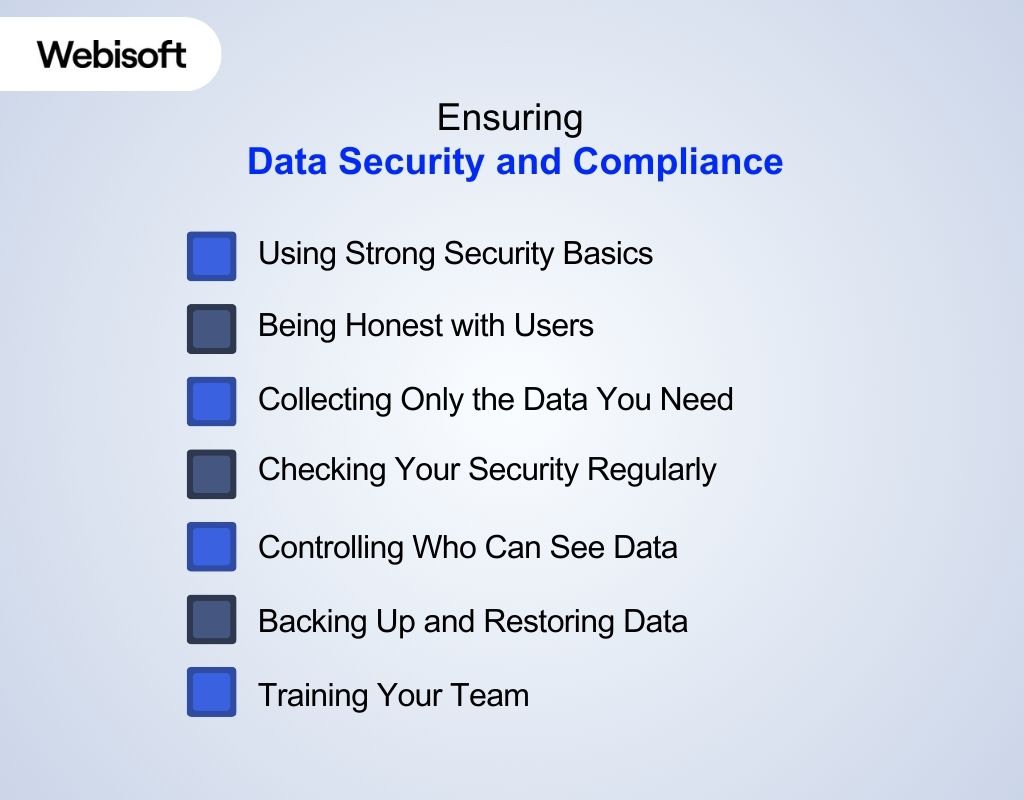 When you build an AI SaaS platform, keeping user data safe is very important. Following the right rules helps your AI powered SaaS stay trusted and strong.
Using Strong Security Basics
Start by protecting your system with solid security methods. Use HTTPS to keep data safe while it moves, and use AES-256 encryption to lock data when it’s stored. Hash all passwords with tools like bcrypt, and use two-factor login for extra protection. Also, keep your software and libraries up to date to fix known problems. “These basic steps help stop hackers and make your app much safer.”
Being Honest with Users
Rules are important, but so is trust. Be clear about what data you collect, why you need it, and how it’s used. Share a simple privacy policy, and let users change their settings or delete their accounts easily. “When people see you’re open and honest, they’re more likely to trust your service.”
Collecting Only the Data You Need
Try to ask for as little data as possible. If an email is enough to sign up, don’t ask for a phone number. Avoid collecting extra details unless it’s truly needed for your service. “Less data means fewer risks, simpler security, and happier users.”
Checking Your Security Regularly
Even if your system is secure now, it must stay that way. Run regular checks using tools like OWASP ZAP or Snyk to find and fix security issues. You can also hire experts to test your system (called a penetration test). “Regular checks help you stay safe as your app grows or changes.”
Controlling Who Can See Data
Not everyone on your team needs full access to user data. Use role-based access control (RBAC) to limit access based on job roles. For example, support staff can see customer info, but not full account details. “This protects user data from mistakes or misuse inside your company.”
Backing Up and Restoring Data
Set up automatic backups of important data and keep them in a secure place. Test your recovery process regularly so you can quickly fix problems if data is lost or stolen. “This keeps your business running even after a failure or cyberattack.”
Training Your Team
Many security problems happen because of human mistakes. Teach your team about safe passwords, spotting phishing emails, and handling data properly. Keep them updated with short, clear training. “A careful, informed team helps prevent most security issues.”
Monetization Strategies for AI SaaS
Making a good AI SaaS product is just the first step. Knowing how to create an AI SaaS product that lasts includes understanding how to earn money from it. Well, monetizing an AI SaaS product means choosing how to charge users for access to your AI-powered service. Your pricing model should reflect the value of your AI features, the cost to run them (e.g., compute, storage, inference), and your target users’ behavior.
- Subscription-Based Pricing: Users pay a fixed monthly or yearly fee to use the product, which supports regular access to features and covers system resources like compute time and storage.
- Usage-Based Pricing (Pay-as-You-Go): Users pay based on usage for example, each API call, generated token, or processed image, so pricing directly matches system activity and resource load.
- Freemium Model: Basic features are available for free, while advanced tools, faster processing, or larger limits require payment, encouraging users to upgrade when needs grow.
- Tiered Plans (Feature/User Based): Multiple pricing levels offer different features, speed, or user access, allowing customers to select the version that fits their technical or business scale.
- White-Label or Licensing: The platform or model is licensed to other companies who run it under their own brand, often using APIs or container deployment for direct integration.
- API Marketplace Distribution: The product is listed on platforms like RapidAPI or AWS Marketplace, where developers can access it by paying per request or through subscriptions.
- Professional Services & Add-Ons: Additional offerings like custom model tuning, system setup, or integration are sold to meet specific data or workflow needs in large-scale environments.
Real-World Use Cases of AI SaaS Products
Seeing how real businesses use AI SaaS products helps you understand its power. These examples can guide you in building AI SaaS that solves real problems.
| Industry | AI Tool Name | What AI Does | What It’s Used For | Why It’s Helpful |
| Marketing | Jasper, Copy.ai | Writes like a human | Creates blog posts, ads, emails automatically | Saves time and helps make more content |
| Customer Service | Intercom, Ada | Chat with people like a human | Answers customer questions anytime with chatbots | Faster help, saves money, always available |
| Sales | Gong, Clari | Listens and learns from calls | Checks sales calls, helps guess future sales | Makes sales team better, finds problems early |
| Finance | Zest AI, Kabbage | Learns from data to make decisions | Helps approve loans, spots fraud | Safer decisions, faster loan process |
| Healthcare | Aidoc, PathAI | Understands medical images | Helps doctors find diseases in X-rays or scans | Faster and more accurate health checks |
| HR & Hiring | HireVue, Pymetrics | Looks at skills and behavior | Picks good job candidates, checks video interviews | Finds the right people quickly, reduces bias |
| Online Shopping | Vue.ai, Dynamic Yield | Recommends and shows images | Suggests products, finds items from photos | More sales, better shopping experience |
| Cybersecurity | Darktrace, Vectra AI | Finds strange behavior | Spots hacking or cyber attacks before damage happens | Keeps systems safe, works all the time |
| Legal | Luminance, LawGeex | Reads and understands documents | Checks contracts, helps with legal writing | Saves time, avoids mistakes |
| Delivery & Transport | Locus.sh, Optimal Dynamics | Plans better routes | Chooses best paths for delivery, predicts traffic | Faster delivery, saves fuel and money |
Common Mistakes to Avoid When Building AI SaaS
Knowing how to build AI SaaS means learning what to avoid. Skipping these common mistakes helps your SaaS with AI work better and grow faster.
- Skipping Real-World Data Testing: Using only clean or ideal datasets in training leads to poor performance in real-world use. Always test models with noisy, diverse, and real customer data.
- Ignoring Model Monitoring: Once deployed, models can drift, meaning their accuracy drops over time. Without tools to monitor model output and data shifts, you may deliver wrong results.
- No Clear API Design: Exposing the AI model without a consistent, stable, and versioned API can cause integration problems for frontend or partner systems.
- Weak Access Control and Data Isolation: Failing to separate user data or enforce strict authentication exposes sensitive data and breaks compliance standards like GDPR or HIPAA.
- Forgetting Cost Control: AI models, especially large ones, consume compute power. Without tracking usage, cloud costs can grow fast especially with heavy traffic or large data inputs.
How Webisoft Can Help You Create Your Own AI App
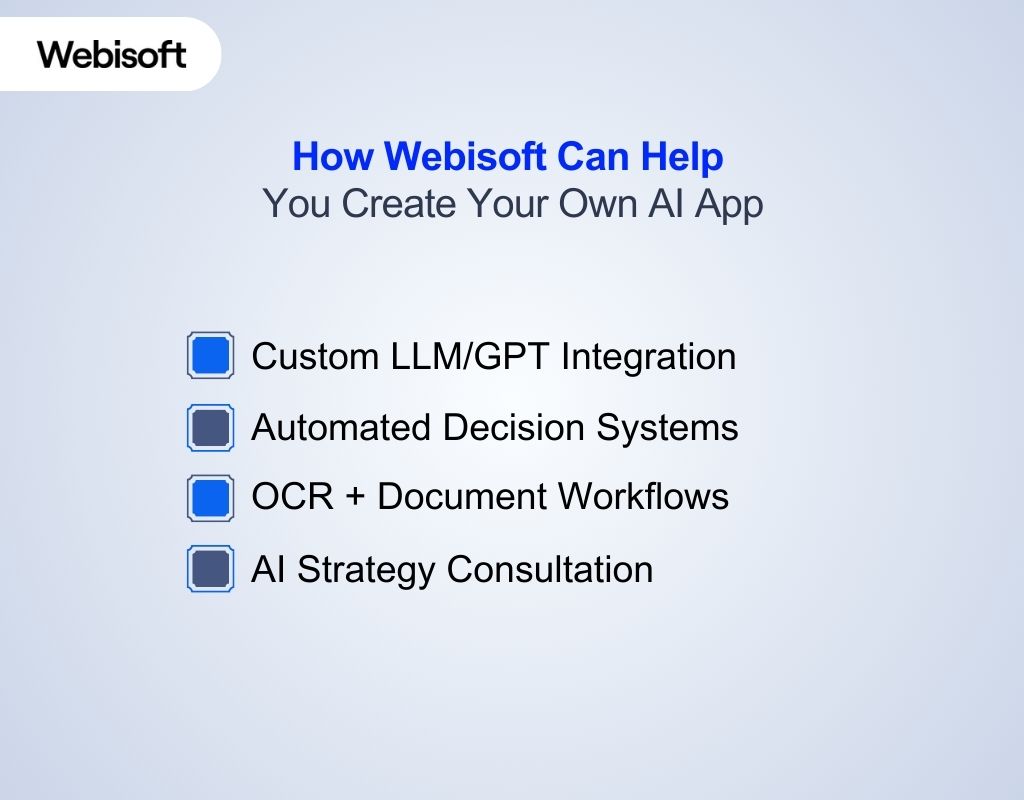 Building an AI SaaS product goes far beyond adding a chatbot or running a pre-trained model. Maybe your app needs to integrate LLMs into live customer workflows, extract insights from digitized documents, or power automated decisions from private, fast-moving data. That’s when Webisoft steps in. Webisoft isn’t just an AI service provider, they’re a full-stack AI development lab that partners with you to build the core of your SaaS. Here’s how they elevate your build:
- Custom LLM/GPT Integration: From embedding open-source models to fine-tuning GPT-based solutions for your niche.
- Automated Decision Systems: Let your SaaS do more than respond, let it analyze, prioritize, and act on user data instantly.
- OCR + Document Workflows: For platforms dealing with PDFs, forms, contracts, or ID verification, Webisoft transforms static files into dynamic AI-ready data.
- AI Strategy Consultation: Align your product vision with technical feasibility from day one.
Unlike most firms, Webisoft builds systems that fit your architecture, not the other way around. If your AI SaaS idea has outgrown plug-and-play tools or you need deep customization from the start, Webisoft builds what others can’t template.
In Closing
Now you understand how to build AI SaaS from finding the problem to creating smart tools that help people every day. Well, building AI SaaS is more than just coding; it’s about making useful tools that learn and improve over time. With the right plan and tools, you can bring your AI SaaS idea to life. And if you want help to build your AI SaaS faster and easier, Webisoft is ready to support you every step of the way.
Frequently Asked Questions
How long does it take to develop an AI SaaS product?
It usually takes about 3 to 6 months to build a basic version of an AI SaaS product. If the product is more complicated or needs special AI features, it can take 9 to 12 months or more. The time depends on how complex the product is and the work needed to collect data, create AI models, and test everything.
Can I use pre-built AI models instead of building from scratch?
Yes, you can use ready-made AI models from companies like OpenAI, Google, or Amazon. This saves time and money because you don’t have to build the AI yourself. But if your product needs very special AI skills or unique data, then building your own AI model might be better.
What kind of team do I need to build AI SaaS?
You will need a team with different skills:
- People who know how to make AI models (Data Scientists or ML Engineers)
- Developers who build the main system (Backend Developers)
- Developers who create the app or website look (Frontend Developers)
- Experts who handle the servers and keep the system running (DevOps Engineers)
- Someone to plan and manage the project (Product Manager)
- Testers who check the product for bugs and problems (QA Testers)
How can I measure the success of my AI SaaS product?
You can check if your product is successful by looking at:
- How many people use it and keep using it
- How well the AI works (is it accurate and fast?)
- What users say about the product (feedback and reviews)
- Business results like how much money you make and how many customers you get
- How well the system runs (speed and reliability)
These things help you understand if your product is doing well and what you can improve.
