AI automation promises are everywhere. Audited results are rarer. Most companies that run AI pilots struggle to turn them into production systems that change how work gets done, even though 78 percent of organizations now use AI in at least one business function, according to McKinsey's State of AI research. The gap is rarely the model. It is the plumbing: integration, data quality, error handling, and clear ownership of the workflow.
This guide covers 10 AI automation platforms worth knowing in 2025: what each one actually does, where it fits, and the trade-offs the vendor pages leave out. Use it to match a tool to a specific process, not to buy a category.
Types of AI Automation Tools
AI automation tools sit on a spectrum defined by two questions: how structured is the process, and how much autonomy do you hand the software? A rule-based bot that copies invoice fields sits at one end. An agent that plans and executes a multi-step task sits at the other. The main categories:
- Workflow automation platforms: Connect SaaS apps and run trigger-action sequences, now with LLM steps for classification, extraction, and drafting. Fast to ship, easy to reason about, and the failure modes stay visible.
- Robotic process automation (RPA) systems: RPA systems replay rule-based work against user interfaces, which makes them the pragmatic choice for legacy software without APIs. The trade-off: UI changes break bots, so RPA carries a permanent maintenance load.
- Agentic AI platforms: Give a language model a goal, tools, and permissions, and let it plan the steps itself. Powerful for unstructured work, but reliability depends on tight scoping, guardrails, and evaluation.
- Domain-specific AI solutions: Purpose-built automation for one function such as IT support, HR, content, or marketing. Less flexible, but they ship with the exact workflows and integrations that function needs.
- Data and analytics automation tools: Automate collection, transformation, and reporting so decisions run on current data instead of last month's export.
- AI development and integration platforms: APIs, SDKs, and orchestration layers for teams building custom automation, useful when off-the-shelf tools cannot express your logic.
The Criteria Behind Our Top AI Automation Tool Picks
Category labels only get you so far, so we scored each platform on how it behaves inside a real stack:
- Functionality: Does the AI make decisions inside the workflow, or is it a thin chat layer over classic automation?
- Ease of integration: Native connectors, webhooks, and API depth against the systems businesses already run.
- Scalability: What happens at 100x the volume, both technically and on the pricing page.
- Innovation: Adaptive agents, contextual reasoning, and model flexibility rather than a single bolted-on LLM call.
- Reliability: Track record, security posture, and how the platform behaves when a step fails.
- Real-world usability: Whether teams outside engineering can build, read, and maintain the automations.
Top 10 AI Automation Tools in 2025
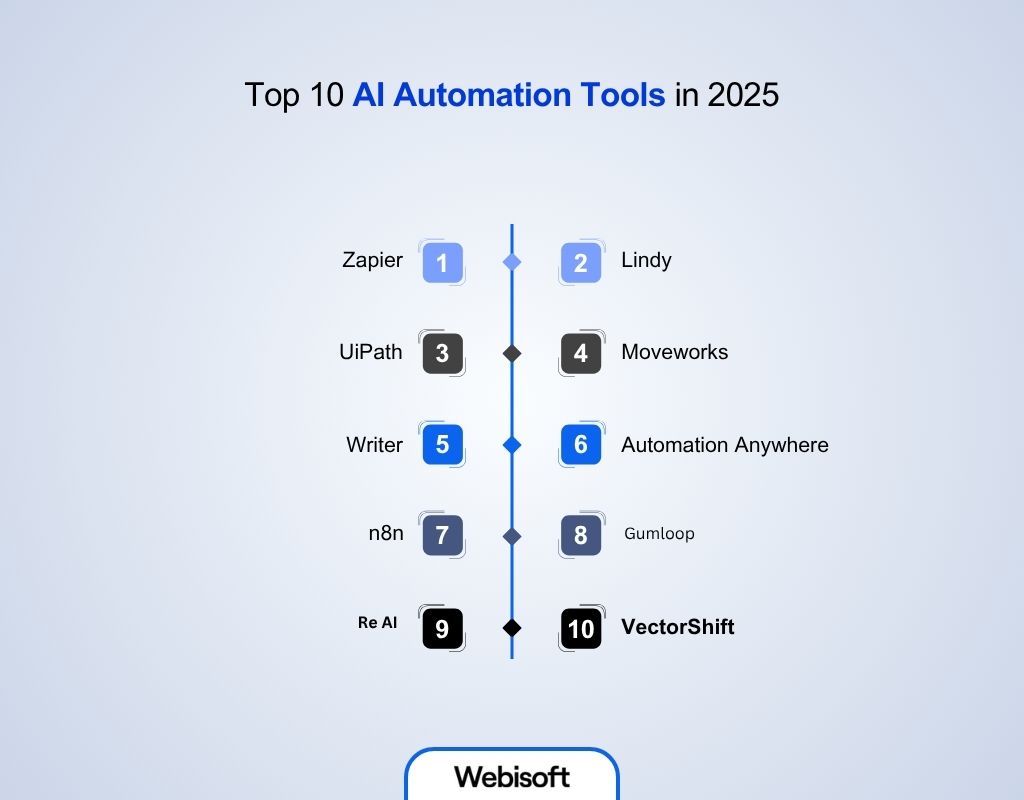
From no-code workflow builders to enterprise agent platforms, these are the tools we would shortlist in 2025, with the honest caveats attached.
1. Zapier
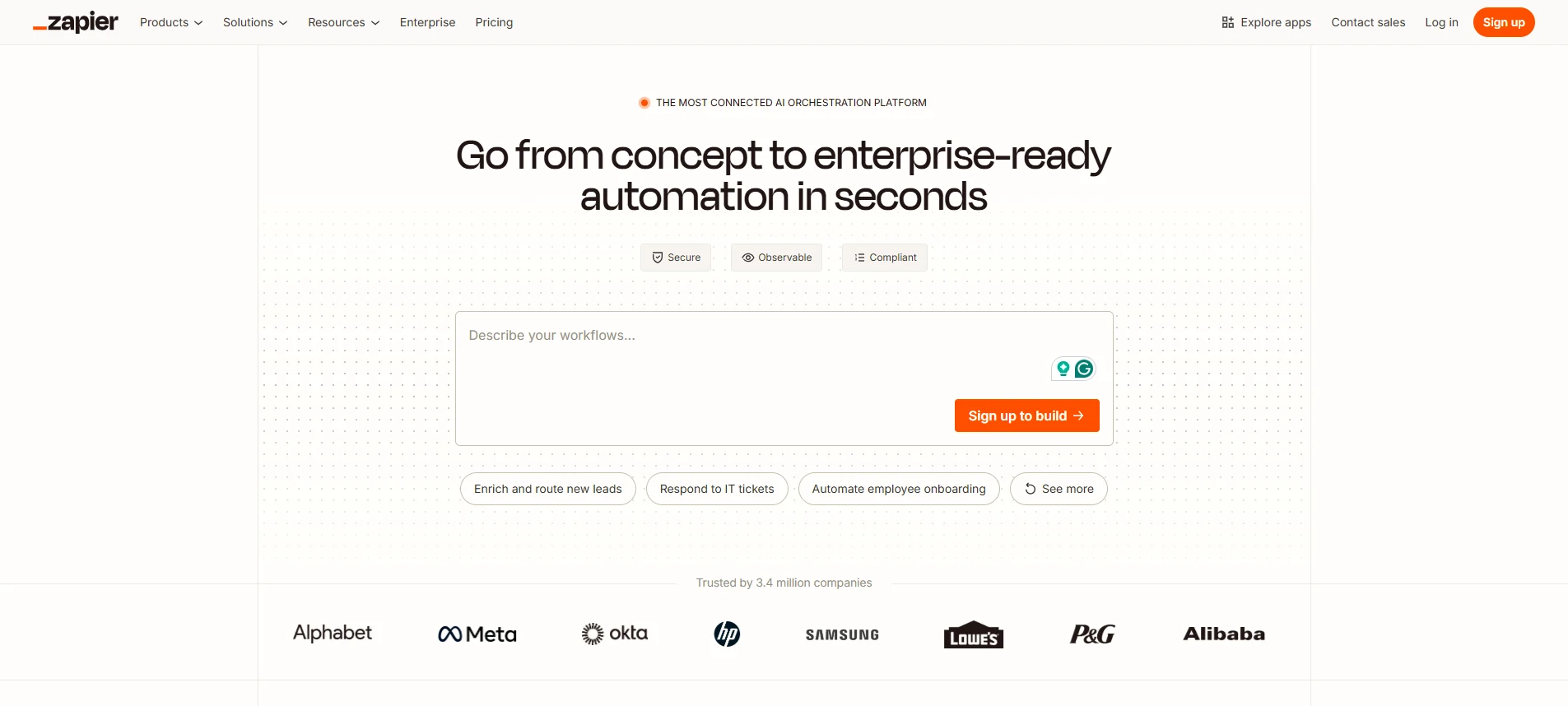
Focus: AI-assisted workflow orchestration across thousands of SaaS apps.
Zapier started as a trigger-action connector and has grown into a full automation platform with AI built into the steps themselves. Its app catalog is the largest in the category, and that catalog is the real moat: whatever your CRM, form tool, or billing system, a connector almost certainly exists.
AI steps inside Zaps, a chatbot builder, and agent-style automations let non-developers add classification, extraction, and drafting to their flows. The trade-off is cost at scale. Per-task pricing is trivial for a small team and becomes material once workflows fire thousands of times a day, so model your volume before standardizing on it.
Key Features:
- AI steps in workflows: Add reasoning, classification, and text generation between triggers and actions.
- Chatbot builder: Deploy conversational automations connected to your apps and data.
- Custom model integration: Call OpenAI and other models directly inside flows.
- Multi-path logic: Branch, filter, and loop to build conditional automations.
Who Should Use It:
Marketers, operations teams, automation engineers, small to mid-size companies
2. Lindy
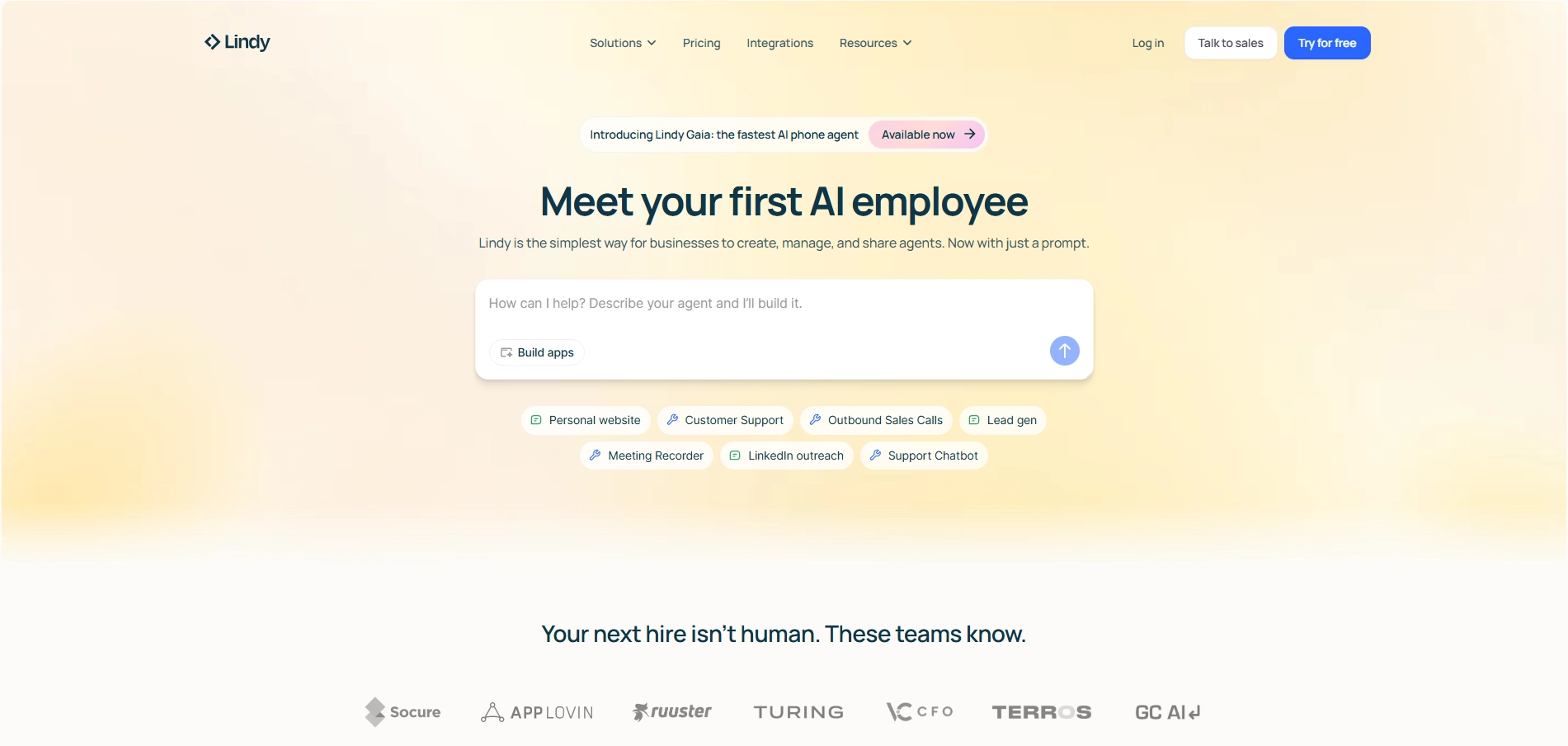
Focus: AI agents for scheduling, email, and multi-step coordination tasks, built from natural language.
Lindy lets you describe an assistant in plain language and get a working agent: one that triages an inbox, schedules meetings, drafts follow-ups, or chains several of those tasks together. It connects to calendars, CRMs, and hundreds of business tools, so agents act on your systems instead of just suggesting text.
Agents plan and execute against an objective, which is where both the value and the risk live. Scope each agent narrowly, keep a human review step on anything customer-facing, and expand autonomy only after you have watched the agent run correctly for a while.
Key Features:
- Natural-language agent builder: Describe the job and get a working agent, no code required.
- Deep integrations: Act across calendars, inboxes, CRMs, and communication tools.
- Autonomous execution: Agents plan multi-step actions toward a stated objective.
- Human-in-the-loop controls: Insert approval steps before consequential actions.
Who Should Use It:
Sales teams, founders, operations, productivity managers
3. UiPath
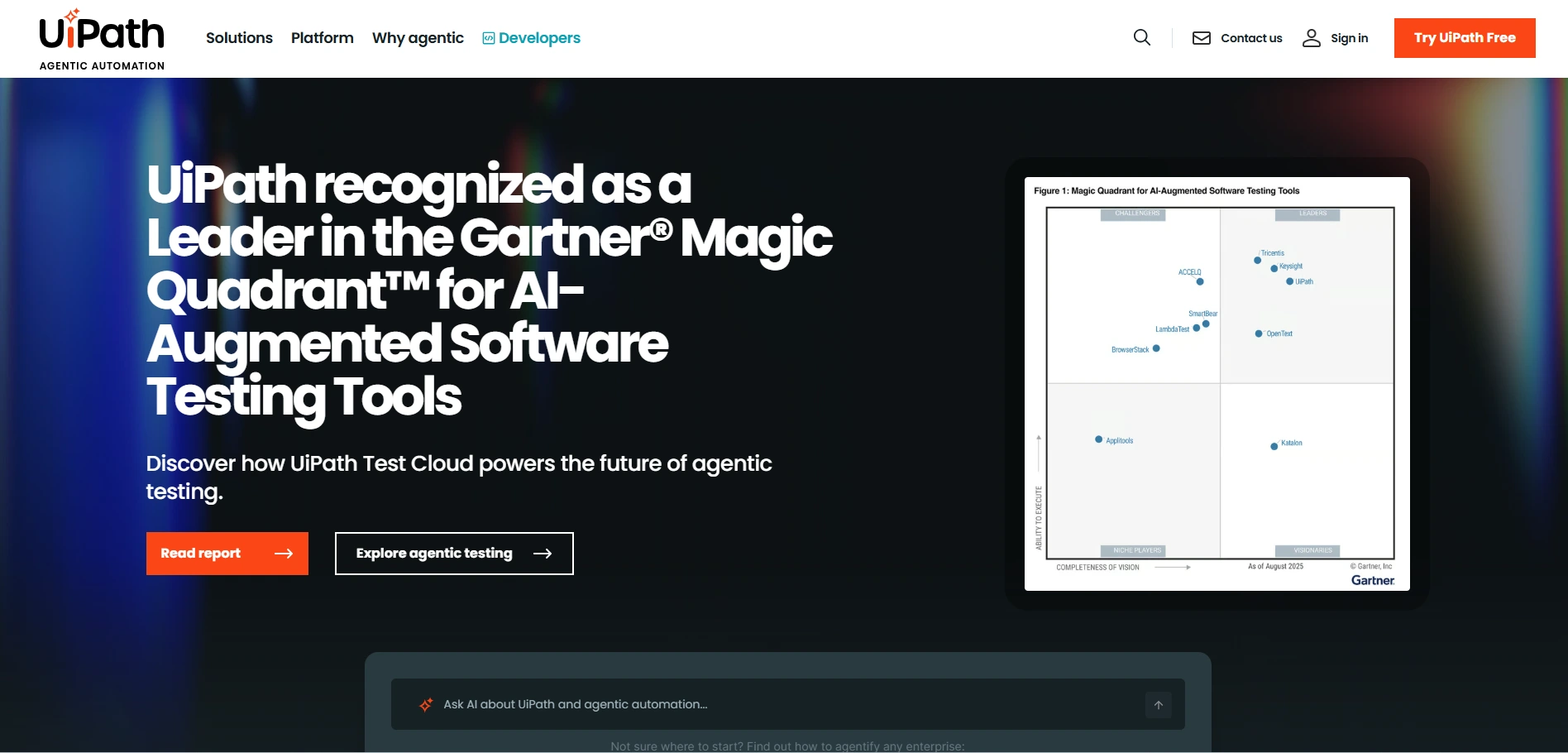
Focus: Enterprise automation combining RPA, AI agents, and human approvals under one governance model.
UiPath is the incumbent in enterprise RPA and has rebuilt its platform around agentic orchestration. Its Maestro layer coordinates robots, AI agents, and human approvers inside a single governed process, which matters in industries where "the model decided" is not an acceptable audit trail.
An OpenAI connector brings generative steps into classic RPA pipelines, so bots that once broke on unstructured input can now interpret it. The platform assumes an operating model to match: licensing, a center of excellence, and governance overhead that pays off at enterprise scale and weighs down small teams.
Key Features:
- Agentic orchestration: Manage AI agents, robots, and human approvals in one workflow.
- OpenAI connector: Embed generative models into enterprise automations.
- Policy and governance: Enterprise-grade access control, auditing, and compliance.
- Adaptive RPA: Augment rule-based bots with AI reasoning over unstructured inputs.
Who Should Use It:
Enterprises, IT teams, process leaders, automation architects
4. Moveworks
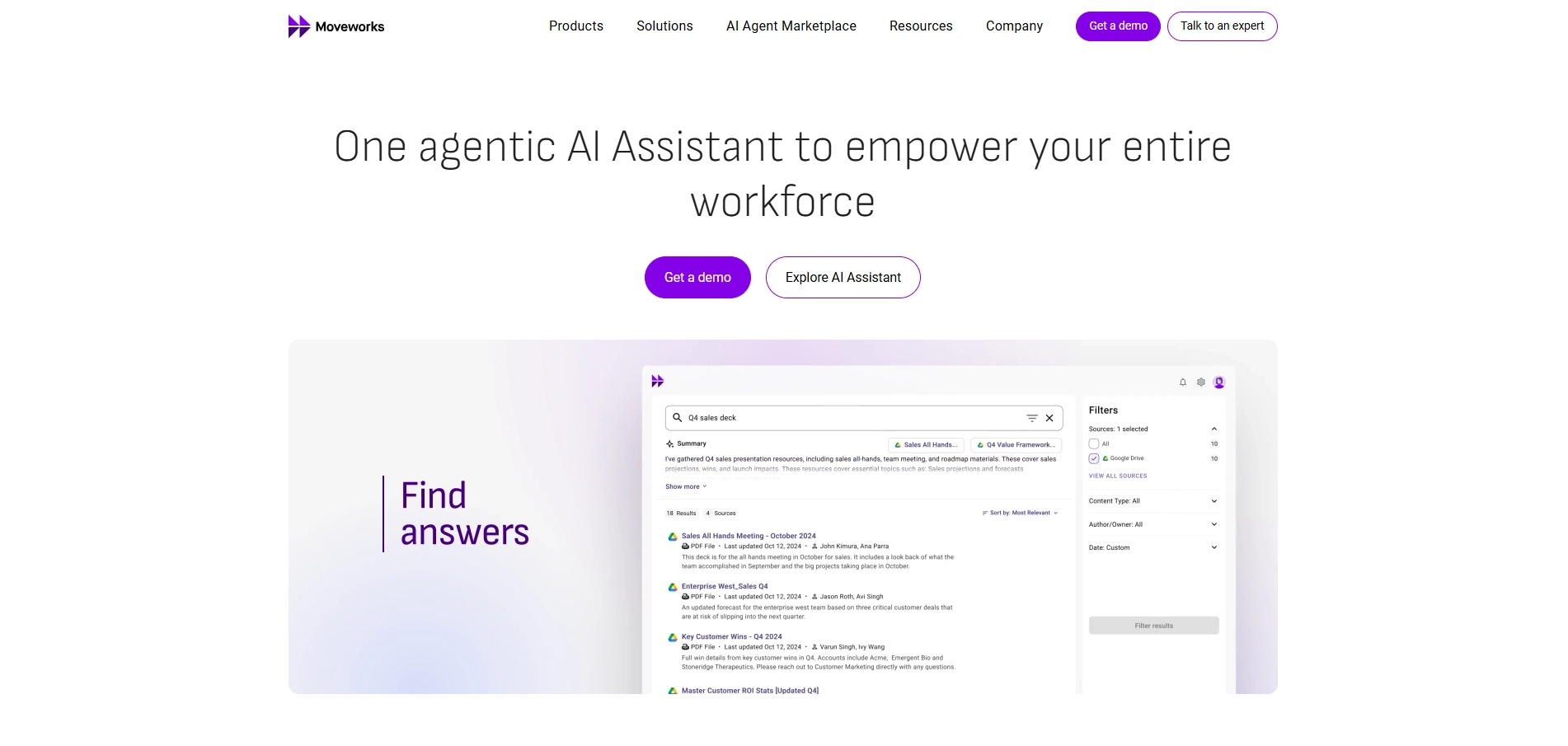
Focus: Agentic employee support that resolves IT, HR, and finance requests end to end.
Moveworks deploys an AI assistant that resolves internal requests rather than routing them. Its reasoning engine parses an employee's question, plans the required steps, and executes them across ticketing, identity, HR, and knowledge systems: resetting access, filing the request, or answering directly from documentation.
Prebuilt agents in its marketplace and a large integration library shorten deployment, and results show up as deflected tickets and faster resolution times. It is an enterprise product at enterprise pricing, so the economics work when internal support volume is large enough to move.
Key Features:
- Agentic reasoning engine: Understands context and plans multi-step actions across systems.
- Conversational workflows: Turn plain-language requests into executed automations.
- AI agent marketplace: Deploy prebuilt agents for common support scenarios.
- Enterprise search and action: The assistant finds answers and acts on them in one flow.
Who Should Use It:
IT teams, HR, employee support, enterprise operations, service desk managers
5. Writer
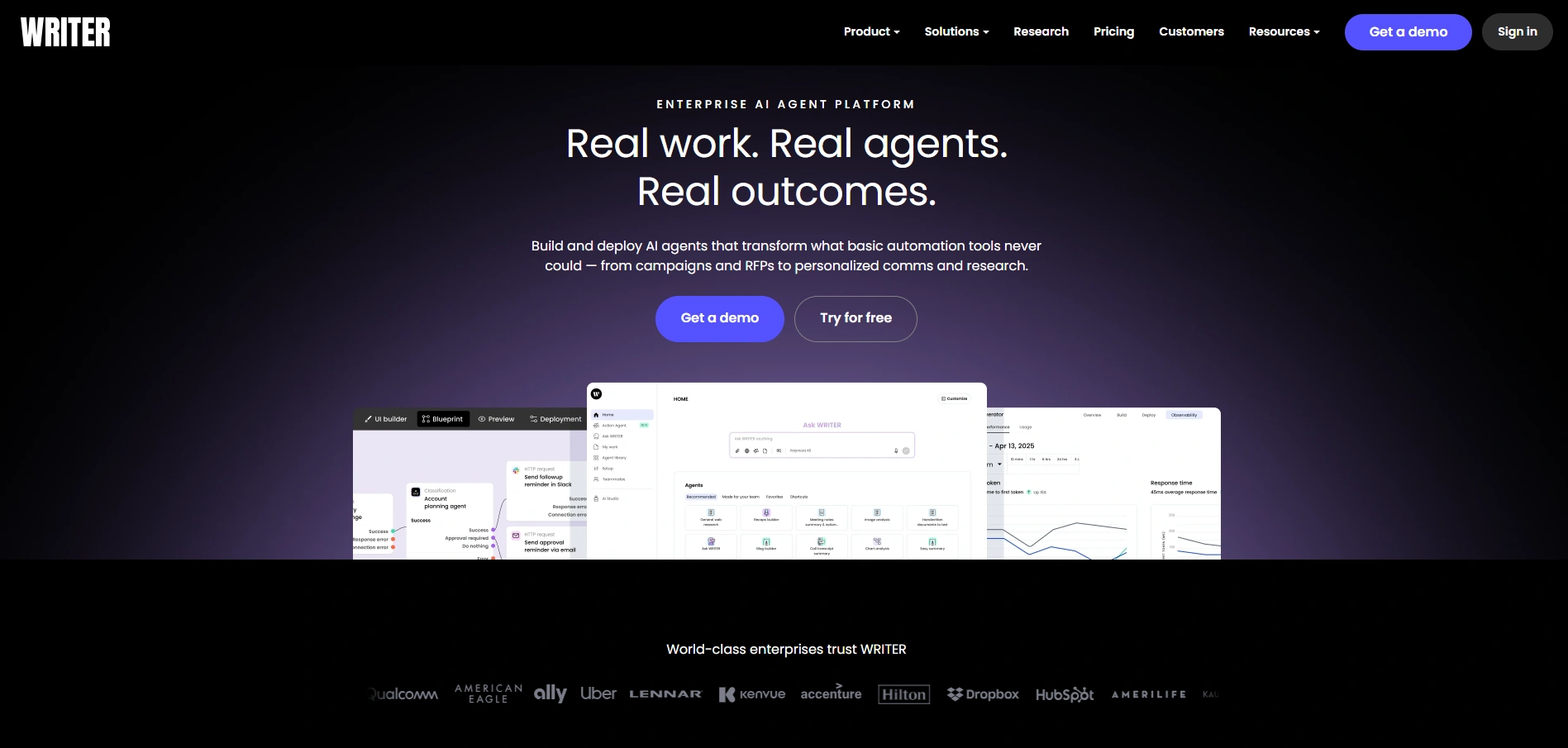
Focus: Governed generative AI and agents for content, knowledge, and decision workflows.
Writer is an enterprise platform for building AI agents around content, data, and internal knowledge. Its Knowledge Graph grounds outputs in your own documentation, which reduces hallucination on the tasks enterprises actually care about: brand-compliant copy, policy answers, and structured research.
A library of prebuilt agents plus a drag-and-drop builder lets business teams assemble automations while IT retains governance and observability. It is content and knowledge centric by design; for heavy transactional process automation, pair it with a workflow or RPA layer.
Key Features:
- Agent builder: Design agents for content and workflow automation without fragmented tooling.
- Knowledge Graph: Ground agent outputs in your own data for contextual accuracy.
- Governance and monitoring: Manage, observe, and scale agents from one control plane.
- Prebuilt agent library: Ready-made agents for marketing, support, and legal tasks.
Who Should Use It:
Marketing teams, content operations, knowledge managers, product teams, enterprise AI leads
6. Automation Anywhere
Focus: AI-enhanced RPA and agent orchestration for document-heavy enterprise processes.
Automation Anywhere pairs traditional RPA with a Process Reasoning Engine that coordinates bots, AI agents, and people inside unified pipelines. Its document automation is a particular strength: unstructured invoices, claims, and contracts become structured data that feeds downstream systems without manual keying.
The platform is cloud-native compared with older RPA suites, which simplifies deployment and scaling. The same caveat as UiPath applies: it expects an enterprise operating model, and its value compounds when you automate whole processes rather than isolated tasks.
Key Features:
- Agentic automation: Coordinate AI agents, bots, and humans in unified pipelines.
- Process Reasoning Engine: Contextual decision logic applied across workflows.
- Document automation: Convert unstructured documents into actionable structured data.
- AI Agent Studio: Build, monitor, and deploy intelligent agents.
Who Should Use It:
Enterprises, automation architects, process leaders, IT operations, digital transformation teams
7. n8n
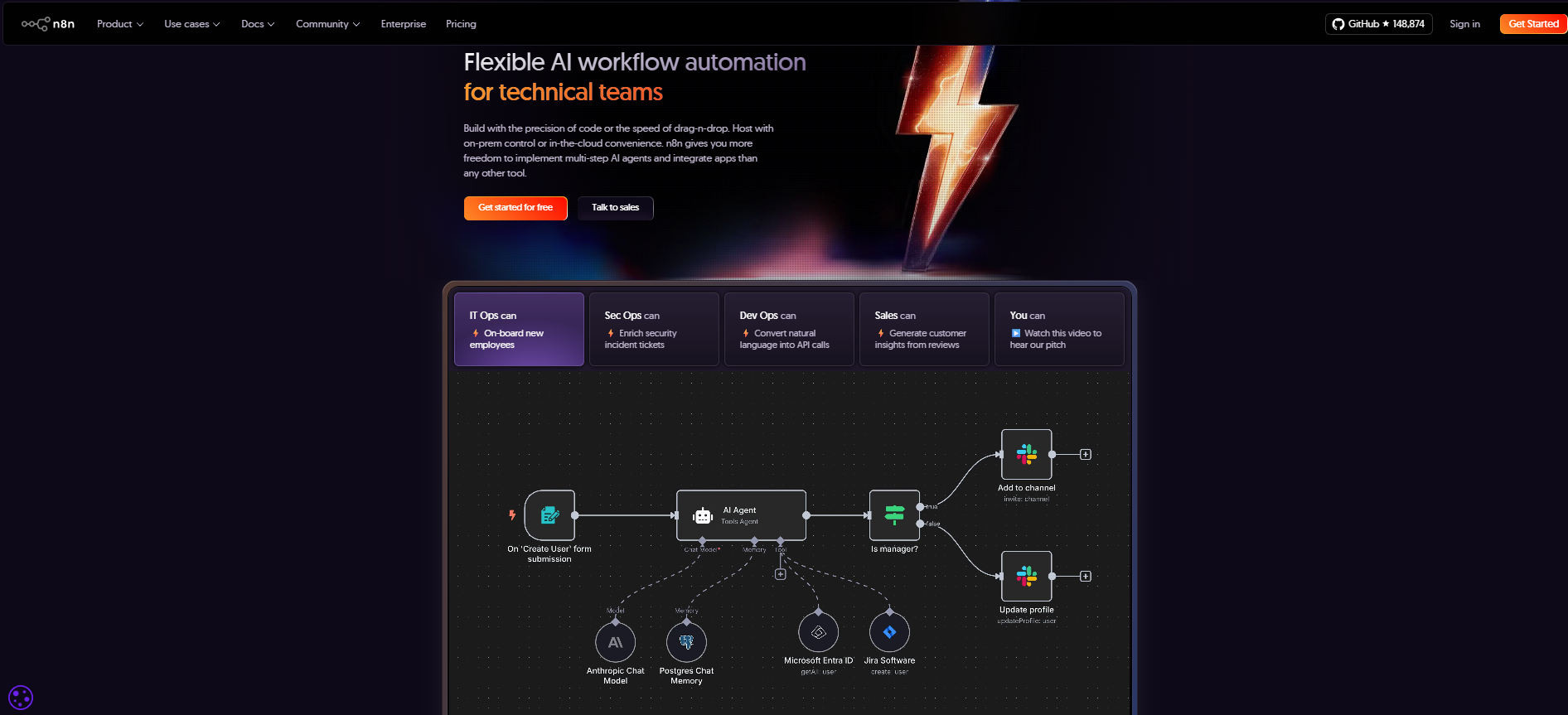
Focus: Source-available workflow automation with first-class LLM and agent nodes.
n8n is self-hostable, which changes the conversation for teams with data residency or compliance constraints: workflows and the data flowing through them stay on your infrastructure. The visual builder covers hundreds of integrations, and you can drop into JavaScript or Python whenever a prebuilt node falls short.
Its AI support is more than a bolt-on. LLM and agent nodes, memory, and tool calling let you build retrieval and agent workflows on the same canvas as your integrations. The cost is operational: upgrades, scaling, and monitoring are yours to run, which suits engineering teams and burdens everyone else. A managed cloud version exists for teams that want the builder without the ops.
Key Features:
- LLM and agent nodes: Use hosted or custom models, memory, and tool calling inside workflows.
- Visual builder with code fallback: Drag-and-drop logic, plus JavaScript or Python where needed.
- Self-hosted or cloud: Full control over deployment, data, and environment.
- Debug and replay: Trace executions, inspect data at each step, and re-run failures.
Who Should Use It:
Developers, technical teams, AI engineers, system integrators, workflow architects
8. Gumloop
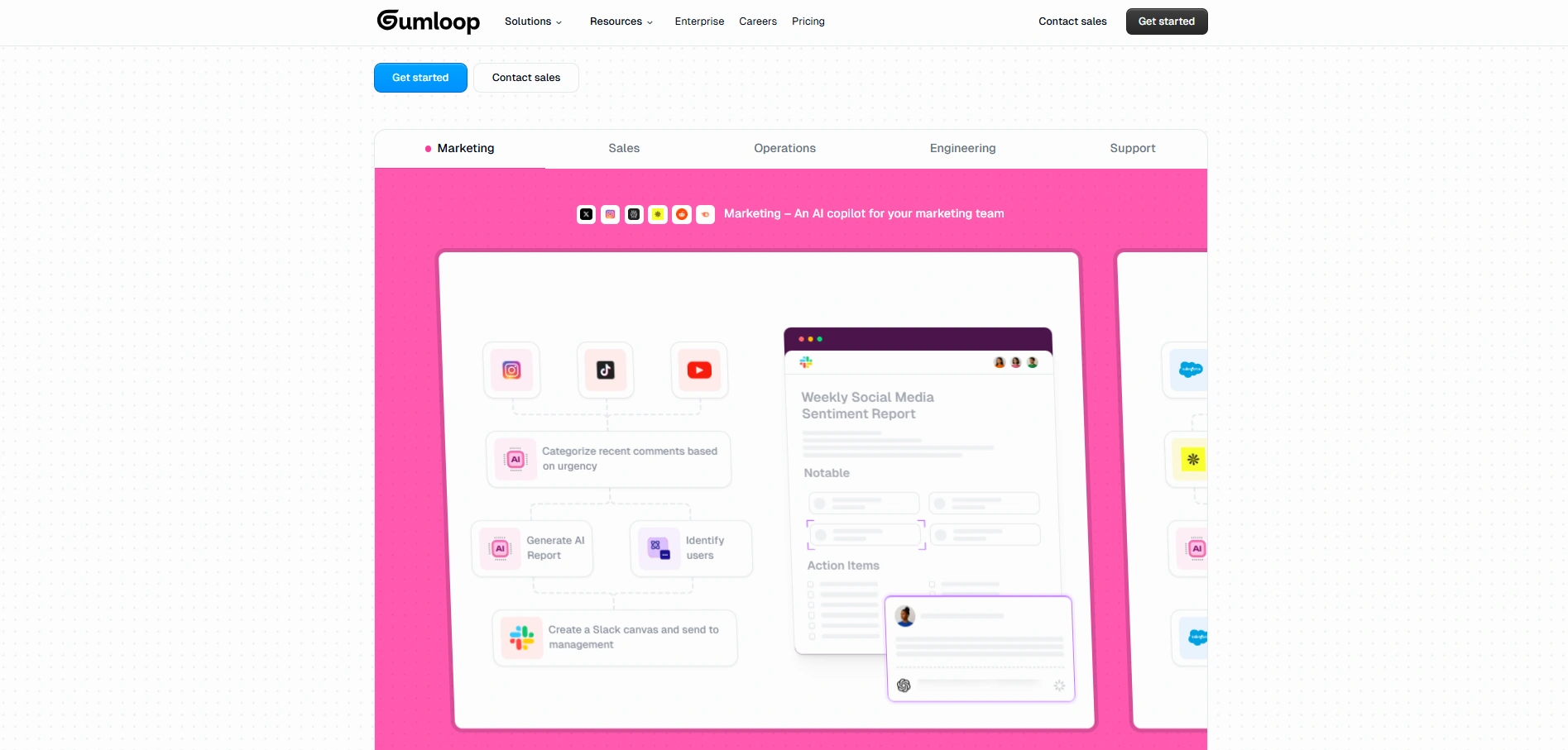
Focus: Visual AI-native workflow building for business teams.
Gumloop is a drag-and-drop canvas where each node can be an app action, a data transform, or an AI step. Built-in capabilities like document parsing, web scraping, and an AI router that directs items based on model output mean that common AI workflows need no glue code at all.
It sits between Zapier's simplicity and n8n's depth: more AI-native than the former, more approachable than the latter. It is also a younger platform with a smaller connector catalog than the incumbents, so confirm your critical integrations exist before committing a core process to it.
Key Features:
- AI router and decisioning: Route data and actions based on context, conditions, and model outputs.
- Native node library: Prebuilt connectors for business, analytics, and communication platforms.
- Visual flow builder: Adaptive workflows with drag-and-drop logic and AI decision layers.
- Managed compute scaling: Resources scale automatically for heavy automation workloads.
Who Should Use It:
Marketing teams, operations, support teams, business analysts, automation leads
9. Relevance AI
Focus: Building and coordinating teams of autonomous AI agents across workflows.
Relevance AI is built around multi-agent systems: you create agents, equip them with tools, and let them hand work to one another. A typical pattern has a research agent qualifying inbound leads, a drafting agent writing the outreach, and a manager agent reviewing output before anything sends.
The platform supports switching between major LLM providers, so you can pick models per task and avoid lock-in, and it operates with SOC 2 Type II compliance. Multi-agent setups multiply capability and failure modes at the same time, so instrument and review outputs before you scale the agent headcount. For how different agent types work together, see this article on AI Agents for Business Growth.
Key Features:
- Agentic automation: Deploy AI agents that operate independently across defined tasks.
- Multi-agent systems: Coordinate agent teams that hand work to one another.
- Tool and prompt chaining: Combine modules and LLM steps into complex agent logic.
- Provider flexibility and security: Switch LLM providers on SOC 2 Type II compliant infrastructure.
Who Should Use It:
Operations teams, product managers, marketing leaders, support teams, enterprise AI leaders
10. VectorShift
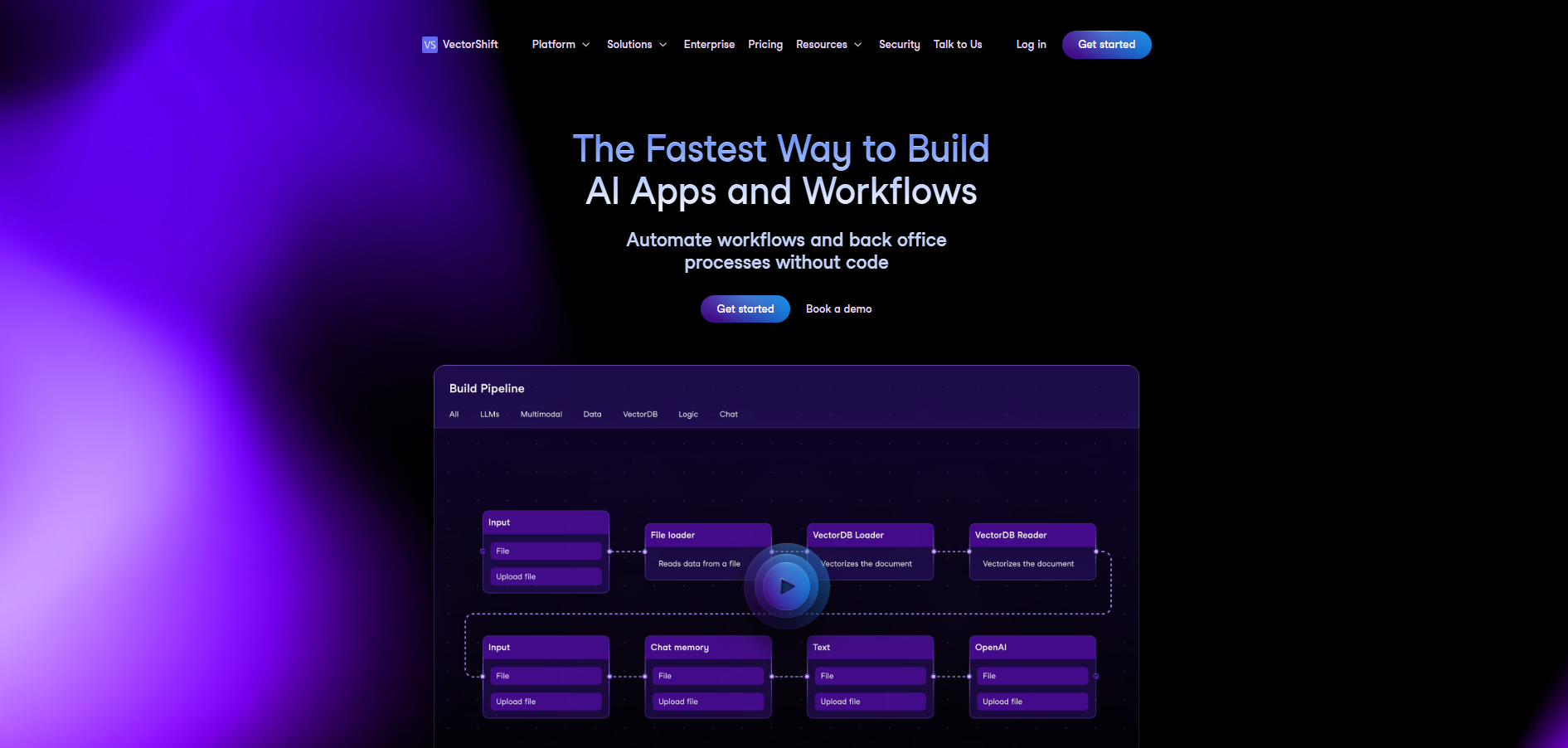
Focus: Hybrid no-code and SDK platform for AI pipelines and agents.
VectorShift's bet is that the same platform should serve drag-and-drop builders and developers working through a Python SDK. That hybrid model means a prototype built visually by a business team can graduate into an engineering-maintained pipeline without a rewrite.
Native support for OpenAI, Anthropic, and open-source models, plus knowledge-base components, makes it a natural fit for retrieval-augmented workflows: chat over internal documents, automated report drafting, and data-aware assistants. Live-sync triggers keep the underlying knowledge current as source data changes.
Key Features:
- No-code plus SDK: Move between visual building and code without switching platforms.
- Live-sync triggers: Automate actions when connected data changes.
- Multi-provider LLM integration: Embed OpenAI, Anthropic, or custom models into pipelines.
- Template agents: Prebuilt agents for common tasks to bootstrap automation.
Who Should Use It:
Developers, AI engineers, product teams, automation architects, technical leaders
How the 10 Compare
A one-glance summary of where each platform fits and the skill level it assumes:
| Tool | Category | Best for | Build skill required |
|---|---|---|---|
| Zapier | Workflow automation | Business teams connecting SaaS apps | None |
| Lindy | AI agents | Scheduling, email, coordination tasks | None |
| UiPath | RPA plus agentic | Governed enterprise processes | Specialist |
| Moveworks | Domain agent (employee support) | IT and HR service desks | Vendor-led |
| Writer | Generative AI plus agents | Content and knowledge work | Low |
| Automation Anywhere | RPA plus agentic | Document-heavy operations | Specialist |
| n8n | Open workflow plus agents | Engineering-owned automation | Technical |
| Gumloop | Visual AI workflows | AI-native business workflows | Low |
| Relevance AI | Multi-agent platform | Research, outreach, and support agents | Low to medium |
| VectorShift | No-code plus SDK pipelines | RAG and custom AI pipelines | Low to technical |
Finding the Most Effective AI Automation Tool for Your Operations
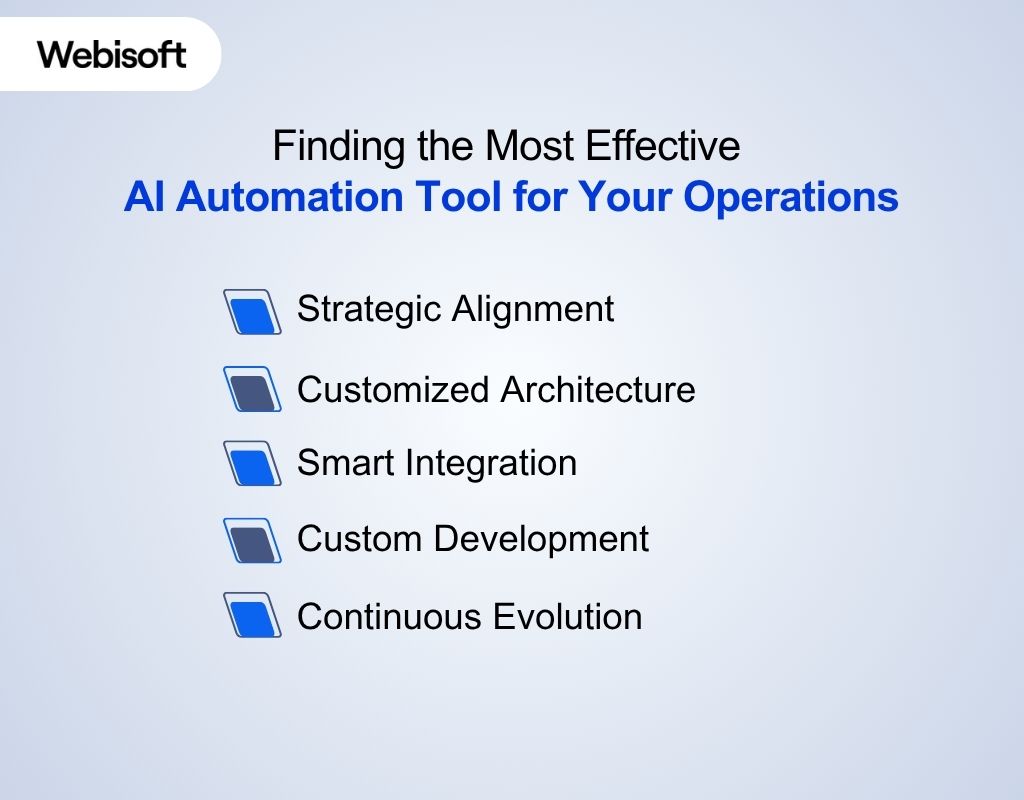
The right platform depends on your goals, your team's technical depth, and the systems you already run. For a broader framework on aligning AI with business workflows, see this guide on How to Implement AI in Business. To narrow the shortlist:
- Define the goal precisely: Pick one process with a measurable cost in hours, errors, or delay, and automate that first. Vague goals produce shelfware.
- Evaluate integration needs: List your systems of record and check for native connectors, not just "possible via API." The difference is weeks of build time.
- Assess complexity honestly: No-code platforms win on speed for standard patterns; choose a code-capable platform when your logic will outgrow a visual canvas.
- Model pricing at scale: Per-task, per-seat, and per-agent pricing behave very differently at 10x your current volume. Run the numbers before you standardize.
- Test in context: Automate one workflow on production data, measure before and after, and only then expand adoption.
Avoid These Missteps When Investing in AI Automation
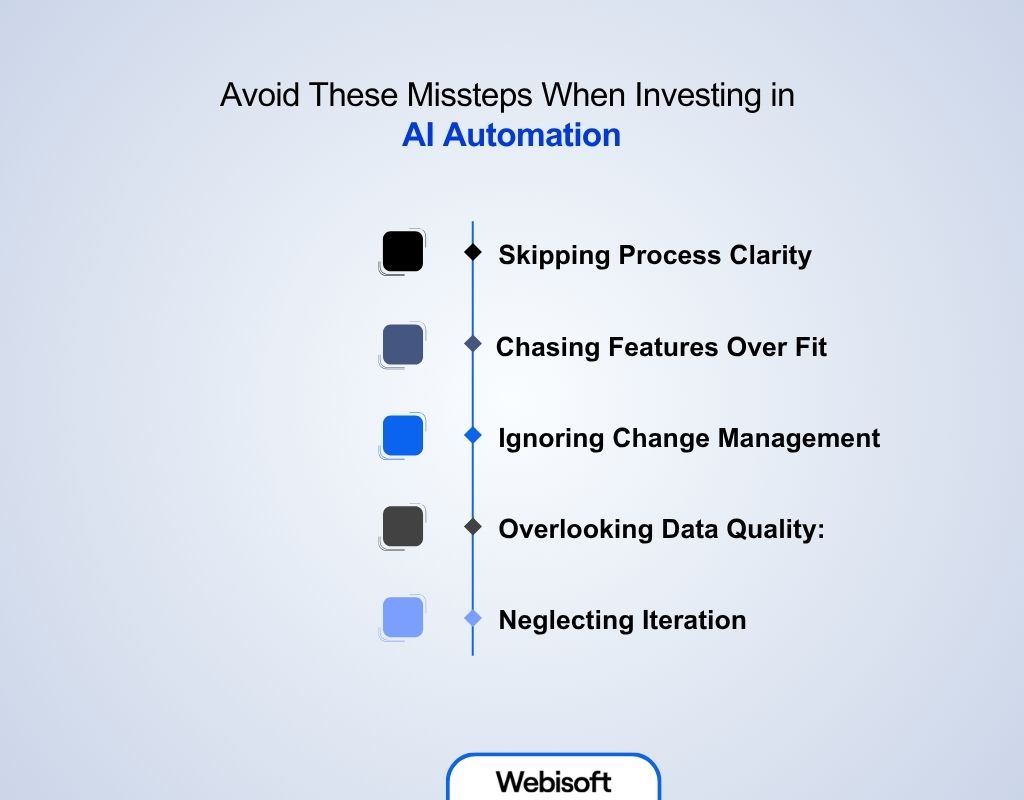
Even with the right tool, automation projects stall on strategy, adoption, and maintenance. The recurring failure patterns:
- Automating an unclear process: Automation scales whatever exists, including inefficiency. Map and fix the process before you encode it.
- Chasing features over fit: Buy against your requirements list, not the vendor's feature list. Unused AI capability is pure cost.
- Ignoring change management: Adoption decides ROI. Involve the people whose work changes before deployment, not after.
- Overlooking data quality: Models amplify their inputs. Clean, structured source data is a prerequisite, not a nice-to-have.
- Skipping failure handling: Decide what happens when a step errors, an API times out, or a model returns nonsense before going live, not during the incident.
- Treating it as set-and-forget: Models drift, connected apps change their APIs, and volumes grow. Schedule regular reviews of accuracy and cost.
From Strategy to Implementation: Build AI Automation Systems with Webisoft
Choosing a tool is half the problem. Wiring it into your data, systems, and team is the other half, and it is where most projects stall. Webisoft, a Montreal-based full-cycle software development firm, works as an AI automation agency that takes automation from process mapping to deployed, maintained systems.
- Strategic alignment: Every engagement starts by identifying the processes where AI produces measurable benefit, not the ones that merely look automatable.
- Customized architecture: Solutions are designed around your workflows, data systems, and performance goals rather than forced into a single platform.
- Smart integration: Existing tools and platforms are connected through secure, scalable frameworks via AI automation services.
- Custom development: When off-the-shelf tools fall short, dedicated systems are built to fit the requirement.
- Continuous evolution: Post-deployment support keeps automations accurate as models, APIs, and business priorities change.
Ready to put AI automation tools to work on a real process? Contact Webisoft to scope the first workflow.
The Bottom Line
The tools are no longer the constraint. Every platform on this list can produce real results; the constraint is choosing deliberately. Match the category to the shape of your process, verify the integrations and pricing at the scale you expect, and start with one workflow you can measure.
Automate a process that matters, prove the numbers, and expand from evidence. That sequence, more than any individual tool, separates the companies getting value from AI automation from the ones still running pilots.
They connect your applications and add model-driven steps such as classification, data extraction, drafting, and decision-making inside workflows. Instead of only moving data between apps on fixed rules, the workflow can interpret unstructured input and choose actions based on context.
RPA replays deterministic, rule-based steps, often against the user interfaces of legacy software. AI agents use a language model to plan steps toward a goal. RPA is predictable but brittle when interfaces change; agents handle unstructured work but need scoping, guardrails, and evaluation to be reliable.
Start no-code when the process fits standard patterns: it validates value in days instead of months. Move to code-capable platforms or custom development when your logic, data constraints, or volume outgrow what a visual canvas can express, or when the automation becomes core infrastructure.
Baseline one process before automating: hours spent, error rate, and cycle time. Compare the same metrics after deployment, and include license fees, build effort, and ongoing maintenance on the cost side. If you cannot measure the process, it is the wrong first candidate.
Yes. That is the core use case for RPA platforms such as UiPath and Automation Anywhere, which automate through the user interface itself. Modern platforms combine that UI-level automation with API connectors and AI steps, so legacy and cloud systems can share one workflow.