Share


Odoo Pricing Explained: Plans, Costs, & Features Included

- BLOG
- Software Development
- October 8, 2025
Odoo has become one of the most talked-about ERP platforms worldwide and for good reason. It brings CRM, accounting, inventory, HR, eCommerce, and dozens of other apps under one roof, fully integrated, and designed to scale with you.
Instead of juggling multiple disconnected tools, Odoo gives you a single ecosystem where every workflow connects seamlessly. But there’s one big question almost every business asks: what does it really cost? Odoo’s pricing model is unique.
It is flexible, modular, and built around your specific needs. The real value lies in understanding how plans, users, and hosting shape the total investment. In this guide, we’ll break down Odoo pricing in detail so you know exactly where it fits for your business and how to choose the right plan.
Contents
- 1 Odoo Software Plans & Pricing Tiers
- 2 What Are the Differences Between Odoo Standard and Custom Plans?
- 3 How is Odoo Pricing Calculated?
- 4 Odoo Community vs Enterprise: Which Edition Should You Choose?
- 5 Is Odoo Worth The Investment?
- 6 What Are the Hosting Options for Odoo? [Odoo Online vs. Odoo.sh vs. self-hosting]
- 7 Hire Odoo Developers with Webisoft!
- 8 Choosing the Right Odoo Pricing Model
- 9 Odoo Pricing vs. Other ERP Systems
- 10 Why Partnering with Webisoft Odoo Implementation Experts Pays Off
- 11 Hire Odoo Developers with Webisoft!
- 12 In Closing
- 13 Frequently Asked Questions
Odoo Software Plans & Pricing Tiers
Odoo avoids the complexity seen in many ERP systems. Instead of packaging apps into dozens of bundles, it offers three clear subscription tiers
| Plan | Price | What You Get |
| One App Free | $0 (unlimited users) | Access to 1 Odoo app, with hosting, support, and maintenance included. |
| Standard | $7.25/user/month (billed annually) — or $8.95 monthly | All apps included, hosted on Odoo Online (SaaS) only. |
| Custom | $10.90/user/month (billed annually) — or $13.60 monthly | All apps included, plus Odoo Studio, Multi-Company, External API, with hosting flexibility (Odoo Online, Odoo.sh, or On-premise). |
What Are the Differences Between Odoo Standard and Custom Plans?
The Standard and Custom plans are the two main choices for businesses that need full access to Odoo. Both include every Odoo app. Both include support and maintenance. The real difference is how much flexibility and control you want.
Odoo Standard Plan
The Standard plan is the simplest way to run Odoo. You get every app, hosted on Odoo Online (SaaS). Odoo handles the hosting, the setup, and the upgrades. You just log in and start using it. What’s Included:
- All Odoo apps with unlimited users.
- Odoo Online hosting (SaaS only).
- Support and upgrades included.
- No setup headaches. Odoo manages it all.
Best For:
- Small businesses – Ideal for startups or local companies that just want reliable tools. For example, a retail shop can manage sales and inventory in one place without needing an IT department.
- Growing companies – Perfect if you’re scaling step by step. A service agency might start with CRM and invoicing, then add project management or eLearning as the team grows.
- Teams without IT staff – Great for companies that don’t have developers or admins. Think of a small consultancy firm where the founders want to manage operations, but not servers.
- Businesses that value simplicity – If you want an ERP that works out of the box, this is it. For example, a small online store can run eCommerce and accounting without worrying about technical complexity.
Odoo Custom Plan
The Custom plan is built for businesses that need more control. You still get all the apps, but now you choose where to host and how to customize. This plan unlocks Odoo Studio, multi-company support, and full API access for integrations. What’s Included:
- All Odoo apps with unlimited users.
- Hosting flexibility: Odoo Online, Odoo.sh, or On-premise.
- Odoo Studio to create or tweak apps without code.
- Multi-company support for businesses managing multiple entities.
- External API access to connect Odoo with third-party systems.
Best For:
- Enterprises with complex needs – Perfect for large organizations. For example, a manufacturing company with multiple factories can unify accounting, production, and logistics under one system.
- Businesses that require custom workflows – Ideal if your processes don’t fit into a standard ERP. For instance, a healthcare provider could design custom patient workflows using Odoo Studio.
- Companies with IT resources – Works well if you already have technical staff. A software company, for example, might choose this plan so its IT team can host Odoo on-premise and control every detail.
- Integration-heavy operations – A strong choice for businesses that rely on external systems. For example, an eCommerce brand might integrate Odoo with Shopify, Amazon, or custom warehouse tools.
Get more out of Odoo with our professional Odoo customization services. We set up the platform to match your business processes and goals. Start today.
How is Odoo Pricing Calculated?
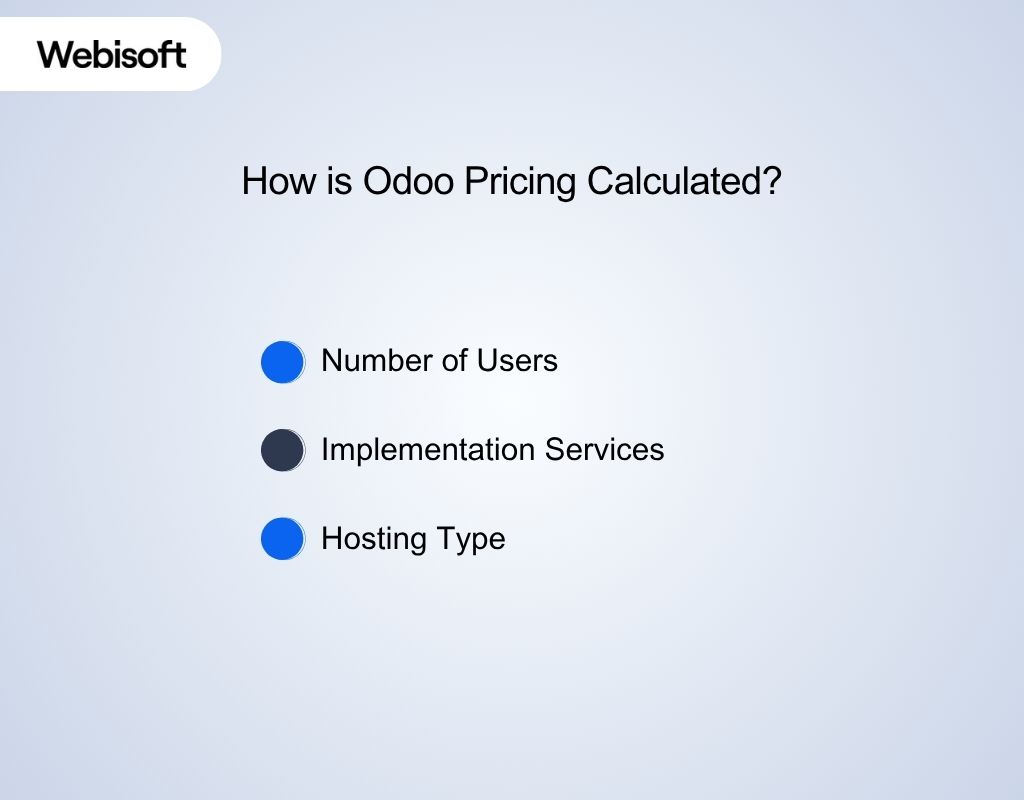 Odoo pricing is based on three elements: the number of users, the implementation service you select, and the hosting option you use. Each of these directly shapes your monthly and yearly costs.
Number of Users
Every active user requires a license. For example, one seat on the Standard Plan costs $7.25 per month (billed yearly at $87). On the Custom Plan, it’s $10.90 per month (billed yearly at $130.80). The key point: costs grow directly with your team size. A 20-person team will pay 20x the per-user rate.
Implementation Services
Odoo offers three ways to set up. Self-Service is included by default at no extra charge. For smaller teams (under 50 users), Odoo recommends Success Packs for guided onboarding.
Larger organizations are advised to work with local Odoo Partners for full-scale implementation, training, and long-term support. In practice: self-service suits straightforward rollouts, while advanced projects typically require expert assistance.
Hosting Type
Standard Cloud Hosting is included at no cost. Self-Hosting is also free if you manage your own infrastructure. Odoo.sh, the advanced cloud option, carries an additional fee based on environments and storage needs. Hosting not only affects pricing but also determines the level of customization and control available.
Odoo Community vs Enterprise: Which Edition Should You Choose?
Before diving into the two editions, it’s worth understanding why Odoo offers different versions in the first place. It all comes down to licensing. Licensing in software decides how you can use it, modify it, and access updates. Odoo follows a dual-licensing model. Let’s beak them down.
i) Odoo Community Edition
The Community Edition is the free, open-source face of Odoo. Built on the LGPL v3 license, it allows you to download, install, and adapt the software at no cost. Many businesses start here because it covers essential apps like CRM, sales, and project management.
However, it is limited in scope compared to Enterprise. Community users handle their own hosting and rely on forums or third-party partners for help. This gives you maximum flexibility at zero licensing cost, but it also places the responsibility of maintenance and upgrades on your team. Checklist for Community Edition:
- No license fees — completely free.
- Self-managed hosting only.
- Basic apps are available, but many advanced features are locked.
- No official Odoo support.
ii) Odoo Enterprise Edition
The Enterprise Edition is the premium, subscription-based side of Odoo. It is licensed under Odoo Enterprise License v1.0 and requires payment per user per month. Unlike Community, it unlocks the full suite of Odoo apps, from advanced accounting and HR to manufacturing and Odoo Studio.
Enterprise also comes with professional support, regular upgrades, and flexible hosting options, including Odoo Online, Odoo.sh, or on-premise deployment. For companies that want stability, scalability, and guaranteed updates, this edition becomes the natural choice. Checklist for Enterprise Edition:
- Paid subscription tied to users.
- Full access to all Odoo apps and advanced features.
- Official Odoo support and bug fixes included.
- Multiple hosting options.
Note:
- Odoo Apps (like themes or premium modules from the Odoo App Store) are published under the Odoo Proprietary License, which means you need a valid license to use them.
- Older versions of Odoo (before version 9) followed different rules. For instance, Odoo 8 was under AGPLv3. From Odoo 9 onward, the dual licensing model (Community + Enterprise) became standard.
Is Odoo Worth The Investment?
Yes, for most growing businesses, Odoo delivers more value than it costs. Its modular design means you only pay for what you use, while still having enterprise-grade scalability. Companies replacing multiple tools with Odoo often cut annual software costs by tens of thousands of dollars.
Add in integrated workflows, future-proof hosting options, and long-term support, and Odoo becomes a cost-efficient ERP that grows with your business instead of holding it back. For example, 20 users on Salesforce, QuickBooks, Slack, and Asana cost $61,476 per year.
The same setup on Odoo costs $1,740 per year. That’s a 96% saving. The real value? Every app talks to each other out of the box. No broken integrations. No hidden fees. Just one system that scales as you grow. Looking to streamline your ERP? Hire Odoo developer from our team and make Odoo work exactly the way you want.
What Are the Hosting Options for Odoo? [Odoo Online vs. Odoo.sh vs. self-hosting]
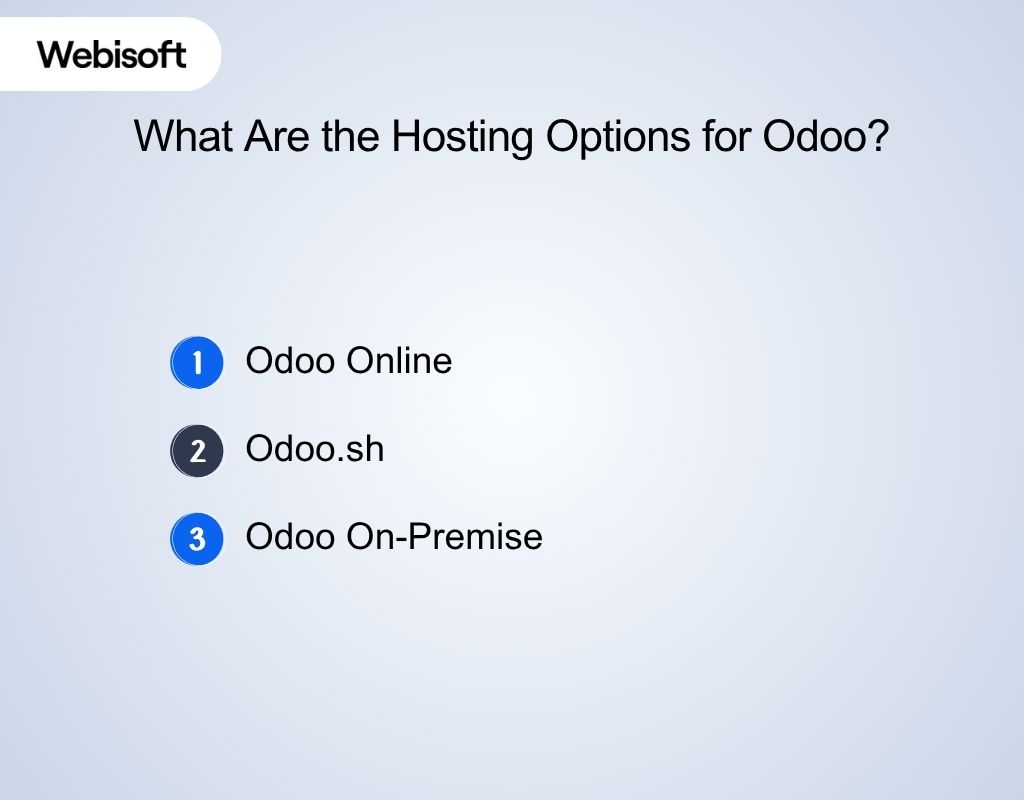 When you choose Odoo, you aren’t just picking software. You’re also deciding where it runs. This choice is known as hosting, and it determines who manages your servers, how flexible your setup is, and how much control you have over the system.
Odoo offers three main hosting models: Odoo Online, Odoo.sh, and On-Premise. Each comes with its own benefits, trade-offs, and costs.
1. Odoo Online
Odoo Online is the simplest option. It’s Odoo’s SaaS offering, where everything is managed in the cloud by Odoo itself. You don’t need to worry about servers, upgrades, or backups. All of that is handled automatically. However, Odoo Online has a key limitation.
It only supports official Odoo apps, so you cannot install custom modules or third-party add-ons. This makes it best suited for businesses that want a plug-and-play ERP without heavy customization.
For example, a growing retail shop that needs CRM, accounting, and eCommerce but doesn’t plan on altering core workflows can rely on Odoo Online without the overhead of IT management.
2. Odoo.sh
Odoo.sh is a managed cloud platform created specifically for Odoo deployments. Think of it as a middle ground: you get more flexibility than Odoo Online, but you don’t need to manage servers from scratch. With Odoo.sh, you can install custom modules, integrate third-party apps, and create highly tailored workflows.
It comes with built-in developer tools like an integrated IDE, automated backups, and continuous upgrades. Costs are influenced by resources, number of users, and the size of your Odoo instance. This option is perfect for companies that need customization without taking on full IT infrastructure management.
3. Odoo On-Premise
Odoo On-Premise is the self-hosted model, where the software is installed directly on your own servers or private cloud. This option gives you the highest level of control and freedom to customize every detail. You can integrate with any system, build unique workflows, and maintain total ownership of your data.
But this freedom comes with responsibility. Your team is in charge of upgrades, backups, and maintenance. That means you’ll need technical expertise or a reliable partner to manage the system. On-premises is best for enterprises with dedicated IT resources or strict compliance requirements.
For example, a financial services company that must keep sensitive client data on local servers would typically choose Odoo On-Premise.


Hire Odoo Developers with Webisoft!
Have full control over your Odoo apps.
Choosing the Right Odoo Pricing Model
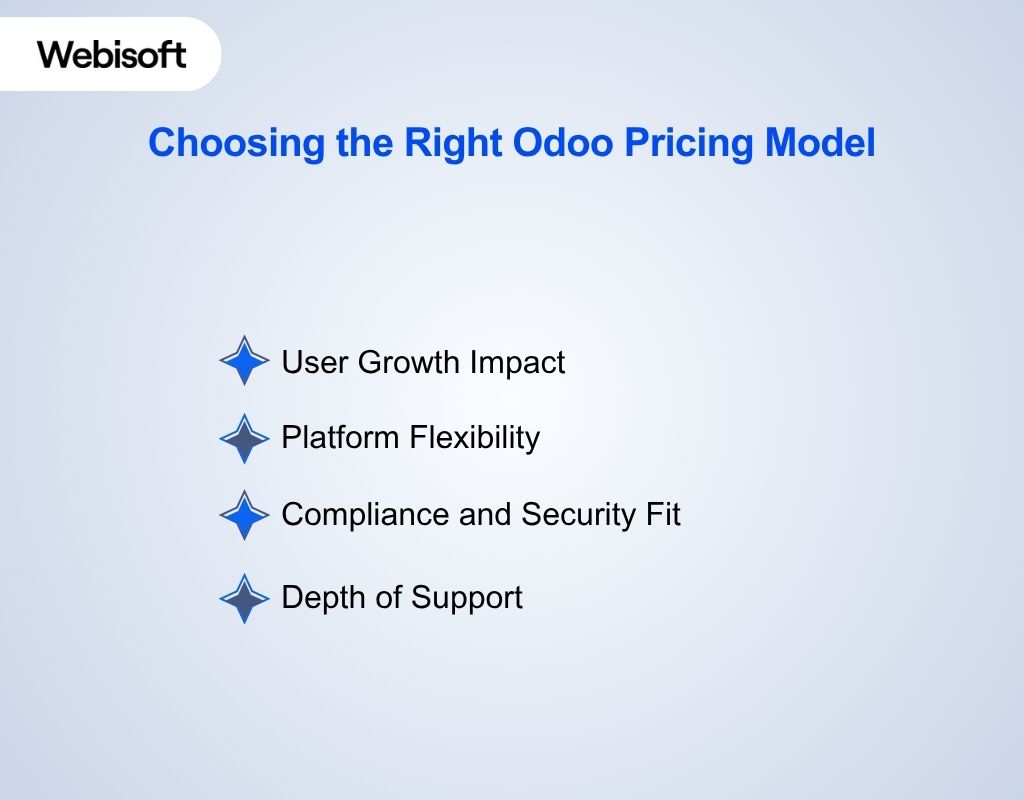 When it comes to Odoo pricing, the real challenge is aligning the model with your growth, compliance needs, and customization plans. Here are four decision checkpoints to guide your choice.
User Growth Impact
Odoo pricing scales per user. A team of 10 moving from One App Free to Standard can see costs increase quickly. Always project how your user count may expand over the next year.
Platform Flexibility
The Standard plan limits you to Odoo Online with only native apps. If you expect integrations, third-party tools, or deeper customizations, the Custom plan ensures you have the space to grow without disruption.
Compliance and Security Fit
Industries such as finance or healthcare often require strict data handling. Odoo.sh or on-premise hosting available in the Custom plan gives you the security controls and compliance features these sectors demand.
Depth of Support
Both plans include Odoo’s support, but the Custom plan extends coverage with more advanced guidance. Global teams running complex operations gain peace of mind through higher-level support and reliability.
Odoo Pricing vs. Other ERP Systems
ERP buyers almost always compare Odoo against the usual suspects: SAP, Microsoft Dynamics, and newer cloud-first tools like Acumatica. The difference is often in pricing flexibility and total cost of ownership. Here’s how Odoo compares to some of the most common alternatives:
| Tool | Trial Info | Price |
| Odoo | Free plan + 15-day trial | From $7.25/user/month |
| Microsoft Dynamics 365 | Free trial | From $210/user/month (annual) |
| SAP Business One | Free demo | From $56/user/month |
| Acumatica | Free demo | From $1,000/month |
| Striven | 7-day trial | From $35/user/month (min 5 users) |
| ERPNext | 14-day trial | From $50/user/month |
Why Partnering with Webisoft Odoo Implementation Experts Pays Off
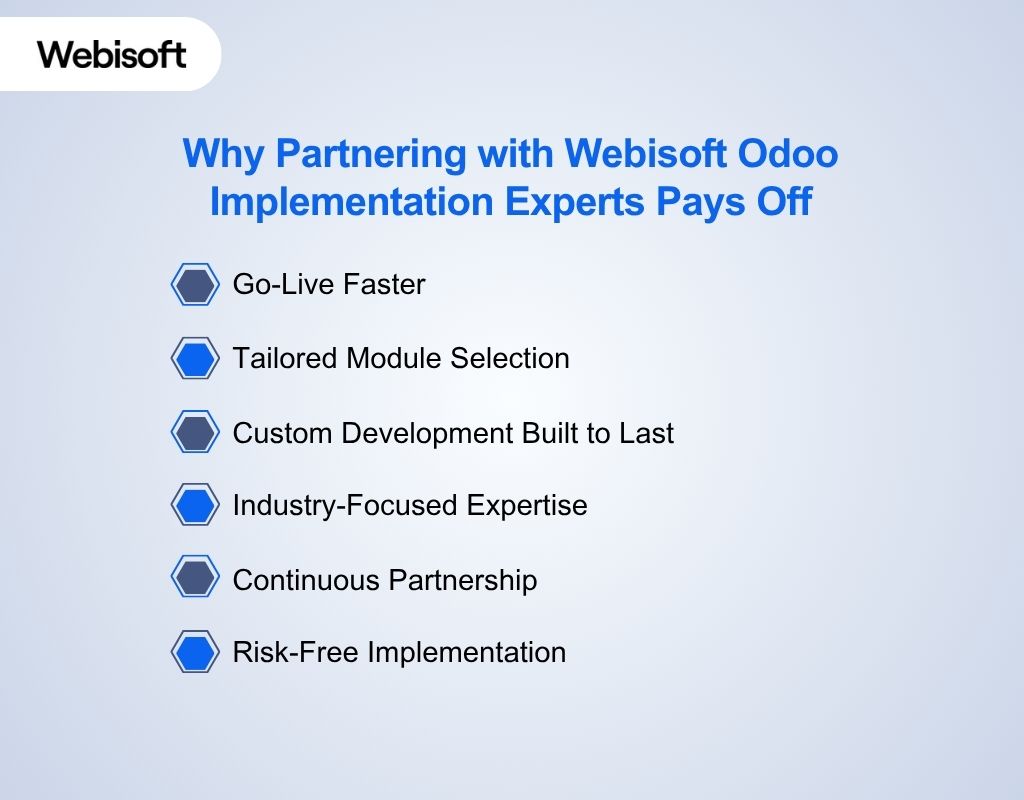 We’ve seen too many businesses struggle with Odoo when they try to go it alone. As an expert Odoo development company, we are dedicated to simplifying complexity, accelerating rollout, and unlocking the real ROI of Odoo.
Go-Live Faster
Our team uses proven deployment methods. We handle setup, data migration, and testing with precision, cutting timelines dramatically and helping your team start seeing value weeks earlier.
Tailored Module Selection
We analyze your processes before rollout. That way, you only implement the Odoo apps that create a measurable impact. Keep costs under control while boosting adoption.
Custom Development Built to Last
When you need features beyond standard apps, our developers build custom modules designed to scale with future upgrades. No instability, only enhancements that keep Odoo growing with you.
Industry-Focused Expertise
From retail and eCommerce to manufacturing and finance, we bring frameworks shaped by real-world rollouts in your industry. This eliminates uncertainty and delivers solutions that actually fit your sector.
Continuous Partnership
Odoo success doesn’t stop at launch. We provide training, upgrades, and ongoing support so your ERP stays aligned with your evolving business goals year after year.
Risk-Free Implementation
We approach every project with structured project management and compliance safeguards. This ensures secure data migration, smooth user adoption, and dependable performance from day one.
Hire Odoo Developers with Webisoft!
Have full control over your Odoo apps.
In Closing
Odoo stands out because it combines flexibility, scalability, and cost-effectiveness in ways most ERP systems can’t. From its modular apps to its transparent Odoo pricing tiers, it adapts to businesses of every size and stage. The key is choosing the right edition, hosting type, and implementation path so you get the full return on investment.
At Webisoft, we help companies cut through the complexity and turn Odoo into a growth engine tailored to their needs. Ready to see what Odoo can do for your business? Let’s build it together.
Frequently Asked Questions
Does Odoo offer a free plan?
Yes. Odoo’s One App Free plan gives you unlimited users but access to only one app. It’s ideal for testing the platform or running a single business function at no cost.
Does Odoo charge extra for future upgrades?
No. Upgrades are included in your subscription. However, if you’ve built custom modules, upgrading those may involve additional development costs.
Can I switch from Community to Enterprise later?
Yes. You can migrate from Community to Enterprise at any time. Keep in mind migration may require technical support if you rely heavily on customizations.
Is there a minimum number of users required for paid plans?
No minimum, you can start with just one user. Many small teams begin with a single-user subscription and scale as they grow.
