Machine learning in iOS is Apple’s system-level approach to embedding predictive intelligence directly into iPhone and iPad apps. It isn’t a cloud-dependent add-on. It’s a tightly engineered stack where trained models execute on-device using optimized silicon, structured frameworks, and controlled runtime pipelines. If you’re building modern iOS apps, you’re expected to deliver real-time personalization, smart predictions, and adaptive interfaces without sacrificing speed or privacy.
Users notice delays. They also notice data misuse. Both can damage product credibility instantly. This guide breaks down how machine learning in iOS actually works and how to implement it correctly from architecture to optimization with the professional help of Webisoft!
What Is Machine Learning in iOS?
Machine learning in iOS refers to how Apple enables apps and system features to run trained models directly on iPhone and iPad devices. It’s not just general machine learning applied loosely. It’s tightly integrated with Apple’s hardware, operating system, and development stack. Unlike traditional ML systems that depend heavily on cloud servers, iOS focuses on optimized on-device inference.
Training usually happens externally using large datasets, while inference runs locally inside the app. This approach reduces latency and protects user data. Apple prioritizes on-device intelligence to balance performance, privacy, and energy efficiency across its ecosystem.
How Apple Uses Machine Learning Across iOS
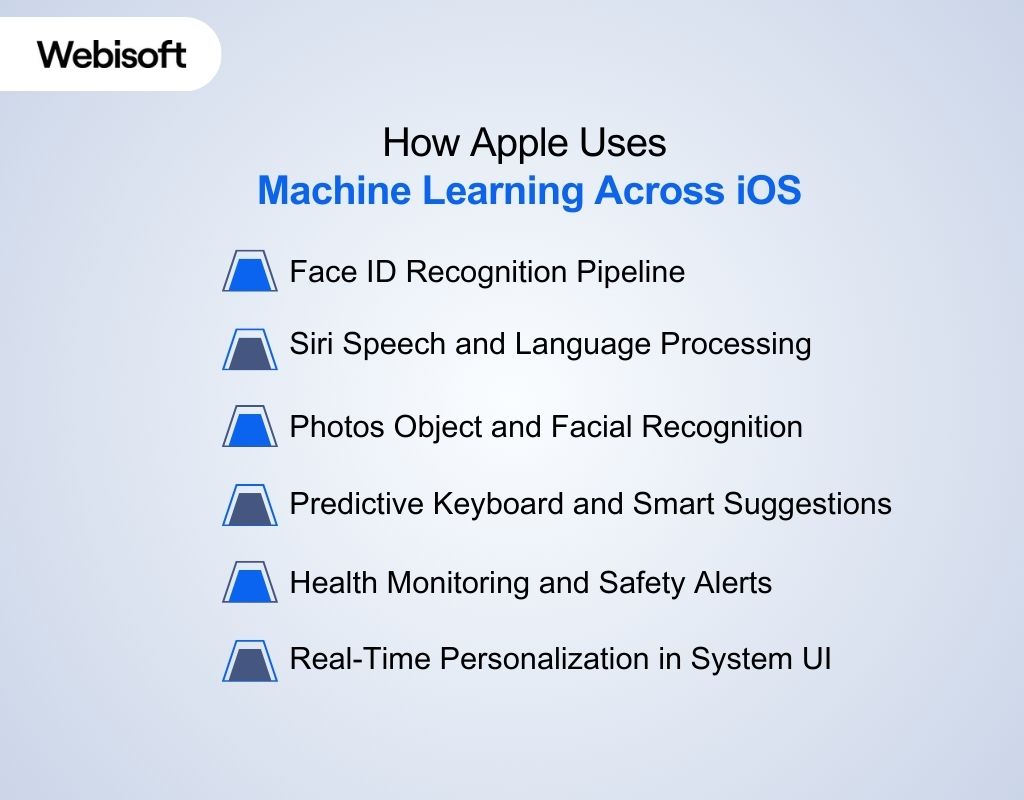
Machine learning in iOS is embedded at the system level. It’s not limited to third-party apps. Apple integrates models directly into core features, allowing intelligence to run locally and consistently across devices. For example:
Face ID Recognition Pipeline
Face ID combines hardware and neural networks. The TrueDepth camera captures structured light and depth data. A trained convolutional model converts this input into a mathematical face map. Matching occurs on-device inside the Secure Enclave. The model evaluates subtle geometric patterns instead of raw images, which reduces spoofing attempts and protects biometric data.
Siri Speech and Language Processing
Siri uses multi-stage pipelines. First, acoustic models convert speech to text. Then language models analyze syntax and intent. This layered architecture demonstrates AI and machine learning in iOS working across speech recognition and contextual understanding while minimizing unnecessary data transmission.
Photos Object and Facial Recognition
The Photos app runs vision models that detect faces, objects, and scenes. These models classify images, cluster similar faces, and enable searchable categories. All processing is optimized for on-device inference, ensuring your photo library remains private.
Predictive Keyboard and Smart Suggestions
The keyboard relies on compact language models trained to predict next-word probabilities. These models adapt locally based on your typing behavior. Because inference runs on-device, suggestions remain fast and personalized.
Health Monitoring and Safety Alerts
Health features analyze heart rate variability, motion signals, and sensor fusion data. Time-series models detect irregular patterns and trigger alerts when necessary. Crash detection uses anomaly recognition across accelerometer and gyroscope inputs to identify impact events.
Real-Time Personalization in System UI
App suggestions, widget placement, and notification ranking are influenced by usage patterns. These adaptive decisions show that machine learning in iOS is woven into everyday system behavior, not isolated in a single feature.
Types of Machine Learning Commonly Used in iOS Apps
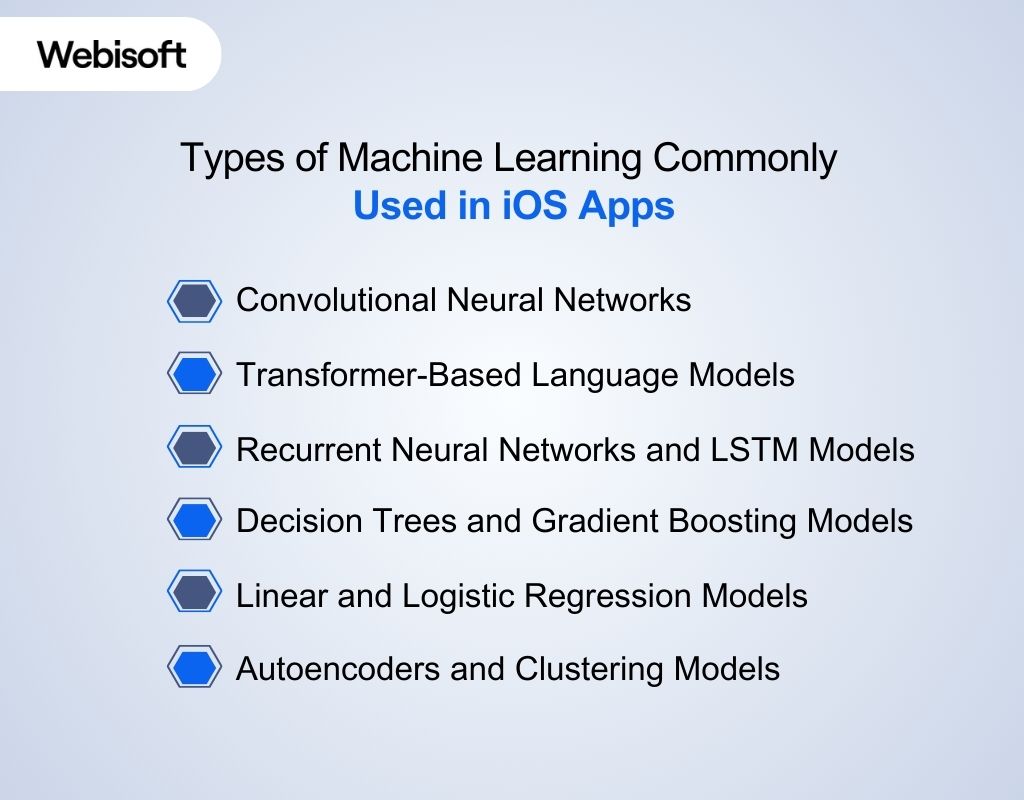
When you talk about machine learning in iOS, you’re dealing with model architectures that are carefully selected for mobile execution. These models must run efficiently on limited memory, low latency, and strict battery constraints. Here are the core machine learning model types actually deployed in production iOS apps:
Convolutional Neural Networks
These power most vision-driven features. Image classification, face recognition, document scanning, and object detection rely on CNN architectures. Training typically happens off-device. The optimized model is converted and deployed through the Apple machine learning framework, often using Core ML with Vision integration. Inference then runs locally, enabling fast and private visual analysis.
Transformer-Based Language Models
These are responsible for contextual language understanding. They drive features like smart replies, predictive text, on-device summarization, and intent recognition. In iOS, these models are optimized to reduce parameter size while maintaining contextual awareness. When integrated with the Natural Language framework iOS, developers can process tokenization, language tagging, and classification directly on the device.
Recurrent Neural Networks and LSTM Models
RNNs and LSTMs handle sequential data. They are common in speech pipelines, motion tracking, and time-series analysis. Fitness apps, voice assistants, and sensor-driven systems depend on these architectures to model patterns that unfold over time.
Decision Trees and Gradient Boosting Models
Structured prediction problems often use tree-based models. Risk scoring, ranking logic, and behavioral prediction benefit from their efficiency and smaller memory footprint. They offer faster inference compared to deep neural networks, which makes them suitable for mobile deployment.
Linear and Logistic Regression Models
These models remain useful for probability estimation and binary classification. Because they require fewer parameters, they execute quickly and support lightweight predictive logic inside apps.
Autoencoders and Clustering Models
Autoencoders detect irregular patterns by reconstructing compressed representations. Clustering models group similar behaviors without labeled data. Both approaches support personalization, anomaly detection, and adaptive user experiences while keeping computation local and privacy intact.
The Hardware Behind Machine Learning in iOS
Apple’s advantage in mobile intelligence starts at the silicon level. The company designs its chips, operating system, and frameworks together. That tight integration allows models to run efficiently without draining the battery or overheating the device. The hardwares are:
CPU vs GPU vs Neural Engine [Architectural Comparison]
Modern iPhones divide computational workloads across three main processors. Each one is optimized for a different type of task. That separation is what enables fast and efficient model execution.
| Processor | Core Role | Strength in ML Workloads |
|---|---|---|
| CPU | Controls logic and app flow | Data preprocessing, manages logic, orchestration, lightweight computation |
| GPU | Handles parallel computation | Handles matrix operations and parallelizable workloads |
| Neural Engine | Dedicated AI accelerator | Fast, low-power neural inference with high efficiency |
The CPU manages control logic and memory coordination. The GPU accelerates parallel math operations. The Neural Engine is purpose-built for neural network layers such as convolution and attention.
How iOS Distributes Machine Learning Workloads Across Hardware
Workloads are routed based on computational intensity, latency sensitivity, and energy impact. The system decides which processor executes which task to maintain responsiveness and battery stability.
- CPU: Model loading, data preprocessing, control flow management, and fallback logic when specialized accelerators are not required.
- GPU: Parallel tensor operations, feature map extraction, and medium-scale neural layers that benefit from high-throughput vector processing.
- Neural Engine: Low-latency neural inference for vision pipelines, speech recognition, and adaptive personalization models.
Hardware separation reduces CPU strain, lowers power usage, prevents thermal throttling, and enables stable real-time inference without overheating or excessive battery drain.
Core Frameworks for Machine Learning in iOS Apps
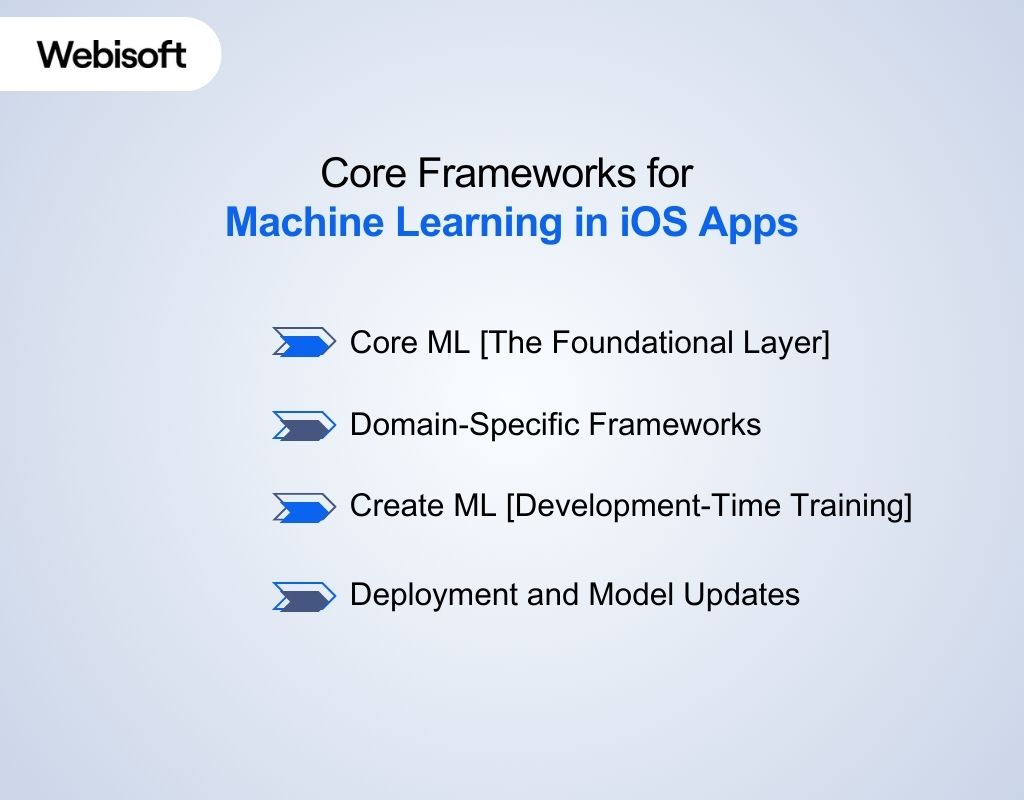
Machine learning in iPhone apps is built on a layered framework stack. Core ML sits at the center as the runtime engine, while domain-specific frameworks handle structured input before prediction. Here are more details:
Core ML [The Foundational Layer]
Core ML is Apple’s primary runtime for executing trained models inside iOS apps. It loads compiled .mlmodel files, manages typed inputs and outputs, and performs inference within the app sandbox. When you add a model file to Xcode, the IDE automatically generates a Swift interface.
That means you call prediction methods directly instead of manually handling tensors. Models trained in TensorFlow or PyTorch can be converted using coremltools and deployed through this pipeline. Core ML automatically routes execution to available accelerators for optimized performance while keeping all processing on-device.
Domain-Specific Frameworks
Core ML does not process raw input directly. Higher-level frameworks prepare data before inference.
| Framework | Input Type | Primary Role in Workflow |
|---|---|---|
| Vision | Images, video | Preprocess frames, detect regions, route to model |
| Natural Language | Text | Tokenize, tag, classify structured text |
| Speech | Audio | Convert speech to text for downstream logic |
| Sound Analysis | Audio streams | Classify environmental sounds |
Create ML [Development-Time Training]
Create ML is used during development, not at runtime. It allows developers to train classification or regression models locally on macOS using labeled datasets. The trained output is exported into Core ML format and added to the app project.
Deployment and Model Updates
Models can be bundled with the app or updated securely after deployment. Using MLUpdateTask, developers can fine-tune supported models on-device while preserving user privacy. This integrated ecosystem provides a structured and scalable way to implement machine learning for iOS apps without relying on external cloud inference.
Machine Learning Model Lifecycle in iOS Applications
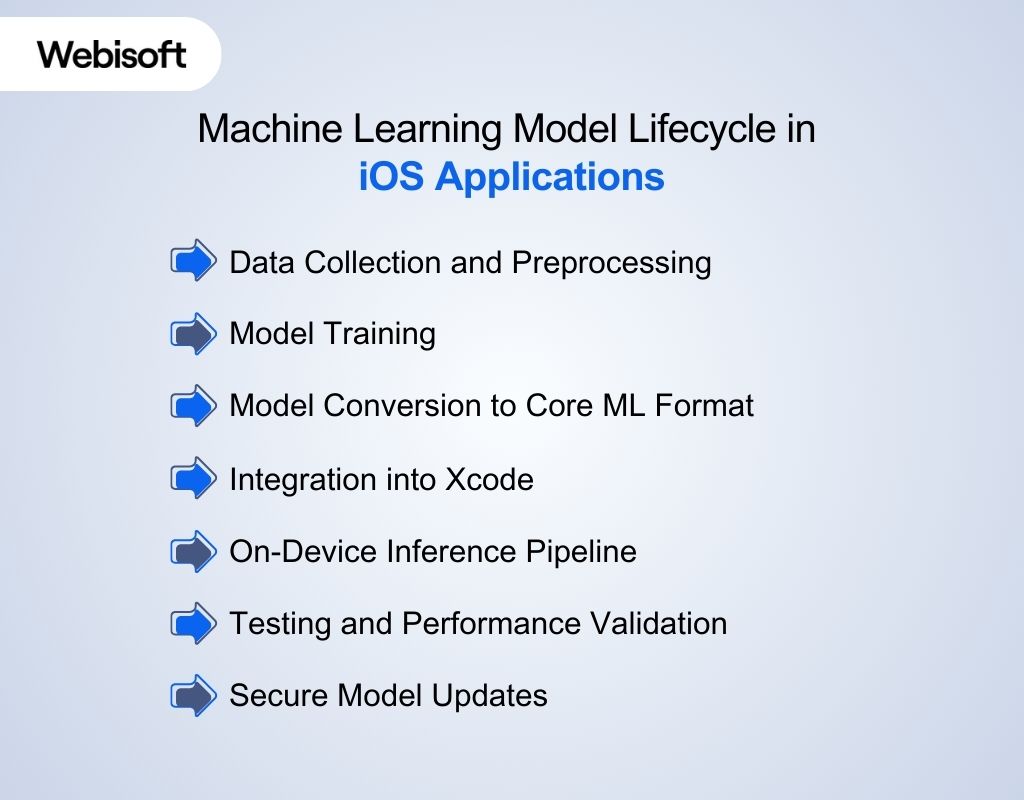
Building machine learning in iOS follows a structured pipeline. Each stage affects performance, privacy, and reliability on the device.
Data Collection and Preprocessing
Everything starts with data. Whether you are working with images, text, or sensor streams, the dataset must be cleaned, labeled, and balanced. Feature selection matters because mobile models cannot afford unnecessary dimensional complexity.
Model Training
Training usually happens outside the device using frameworks like TensorFlow or PyTorch. For smaller use cases, Create ML can handle local training on macOS. During this phase, you validate accuracy, monitor overfitting, and tune hyperparameters before deployment.
Model Conversion to Core ML Format
Once trained, the model is converted into the .mlmodel format using coremltools. Input and output shapes must be defined clearly. During compilation in Xcode, the model is optimized for Apple silicon.
Integration into Xcode
This is where iOS ML model integration happens. After adding the model file to the project, Xcode generates a Swift interface. Developers call prediction methods directly with typed inputs, keeping inference logic structured and maintainable.
On-Device Inference Pipeline
At runtime, inputs are preprocessed, routed through the model, and executed using available accelerators. Latency must stay within interaction thresholds to avoid disrupting user experience.
Testing and Performance Validation
Engineers measure inference latency, peak memory usage, and energy impact under realistic workloads. Testing must include older devices with smaller RAM and weaker accelerators. Profiling tools such as Instruments help detect bottlenecks.
Frame drops during camera-based inference or spikes in CPU utilization are early warning signs. Without this testing phase, a model that performs well in development can degrade app performance in production.
Secure Model Updates
Models can be bundled with the app or downloaded securely after release. Updates must preserve compatibility with existing input formats and prediction logic. Version management ensures backward compatibility.
Secure delivery prevents tampering, and incremental updates allow performance improvements without forcing full app releases. Continuous refinement keeps the model accurate while protecting user data.
Pipeline Overview:
Data → Training → Conversion → Integration → Inference → Testing → Update
On-Device vs Cloud Machine Learning in iOS
When implementing machine learning in iOS, choosing where inference runs is a strategic decision. It directly impacts privacy, latency, infrastructure cost, and user trust. Here’s a table to help you make that decision with clarity:
| Factor | On-Device ML | Cloud-Based ML |
|---|---|---|
| Privacy | Data remains on device | Data transmitted to servers |
| Latency | Immediate response | Network-dependent delay |
| Offline Use | Fully functional | Requires internet |
| Scalability | Hardware-limited | Virtually unlimited compute |
| Cost | No per-request cost | Ongoing server expenses |
On-device inference aligns with Apple’s privacy-first approach. It reduces data exposure and guarantees consistent performance regardless of network quality. This is critical for camera analysis, biometric features, and real-time personalization.
In contrast, cloud inference is useful when models exceed device memory or require heavy computation. In practice, many apps adopt a hybrid model, keeping sensitive or latency-critical tasks local while offloading complex processing to secure backends.
Machine Learning in iOS vs Android
If you’re building intelligent mobile apps, you eventually compare ecosystems. This section clarifies strategic differences between Apple and Android without bias.
| Dimension | iOS | Android |
|---|---|---|
| Ecosystem Integration | Vertical integration across chip, OS, and frameworks | Broader hardware diversity with layered abstraction |
| Privacy Architecture | Strong on-device default processing | Mix of on-device and cloud-driven services |
| Hardware Optimization | Neural Engine tightly integrated with Core ML | Varies by manufacturer and chipset |
| Framework Stack | Core ML, Vision, Natural Language | TensorFlow Lite, ML Kit |
| Device Consistency | Limited device range enables predictable optimization | Wide device range creates variability |
| Update Control | Centralized OS updates | OEM-dependent rollout cycles |
Apple controls silicon, operating system, and runtime frameworks. That alignment allows models to be compiled specifically for Apple chips, improving consistency across devices. On the contrary, Android offers flexibility and broader hardware diversity. Performance optimization depends heavily on device manufacturer and chipset configuration.
Performance Optimization for Machine Learning in iOS
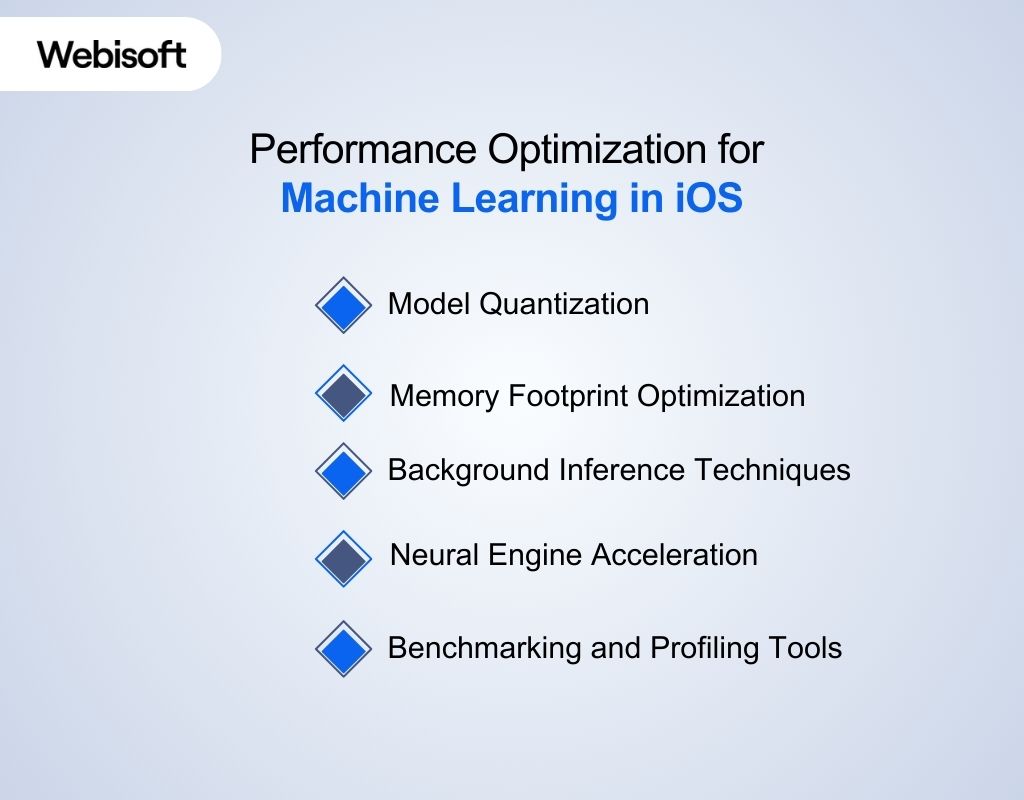
A model that performs well in isolation can still cause UI lag, thermal spikes, or battery drain if not engineered correctly. Optimization requires attention to model size, memory flow, execution routing, and runtime measurement.
Model Quantization
Quantization reduces precision from 32-bit floating point to 16-bit or 8-bit integers. This lowers memory usage and accelerates tensor operations. When done correctly, accuracy loss is minimal while inference speed improves noticeably. In ML model optimization iOS workflows, quantization is often applied during model conversion, allowing more layers to execute efficiently on the Neural Engine.
Memory Footprint Optimization
Memory constraints differ across iPhone models. Large activation maps and unnecessary layers increase runtime allocation pressure. Engineers reduce footprint by pruning unused weights, minimizing input resolution, and avoiding redundant feature maps. Controlling tensor shapes prevents memory spikes that can trigger background app termination.
Background Inference Techniques
Inference should never block the main thread. Predictions must run asynchronously to preserve UI responsiveness. For camera-driven apps, analyzing every frame is wasteful. Instead, frame sampling strategies process selected intervals, maintaining responsiveness while reducing computational overhead.
Neural Engine Acceleration
The Neural Engine executes supported neural layers at high throughput with lower energy cost per operation. To maximize acceleration, developers must use supported operators and avoid custom layers that force CPU fallback.
Layer compatibility directly affects routing decisions. If a model contains unsupported operations, execution shifts to slower processors. Careful architecture selection ensures more layers remain hardware-accelerated.
Benchmarking and Profiling Tools
Performance cannot be assumed. It must be measured. Engineers use Instruments to analyze CPU load, memory allocation, and energy impact during inference cycles. Xcode performance reports highlight execution time per prediction. Testing across older and newer devices exposes scaling issues early. Without profiling, optimization decisions rely on guesswork rather than data.
Security and Privacy in Machine Learning on iOS
Security is a core requirement when deploying intelligent features on personal devices. Enterprises evaluating machine learning in iOS must understand how both data and models are protected.
- Secure Enclave: Isolates biometric data and cryptographic keys in a dedicated hardware coprocessor. Prevents direct OS-level access to sensitive identity information.
- On-Device Processing: Keeps images, voice, and behavioral data local. Reduces exposure risk and avoids unnecessary network transmission.
- Model Encryption: Signs and encrypts compiled models to prevent tampering. Protects proprietary logic from unauthorized modification.
- Data Minimization: Extracts features without storing raw inputs. Limits retention and reduces privacy liability.
- Regulatory Compliance: Supports GDPR and HIPAA alignment by minimizing external data flow and enforcing encrypted storage.
This layered approach ensures that intelligence runs efficiently without compromising security or privacy expectations. If you want to ensure this top-notch security, you can rely on webisoft’s machine learning development experts for your project.
Challenges of Implementing Machine Learning in iOS
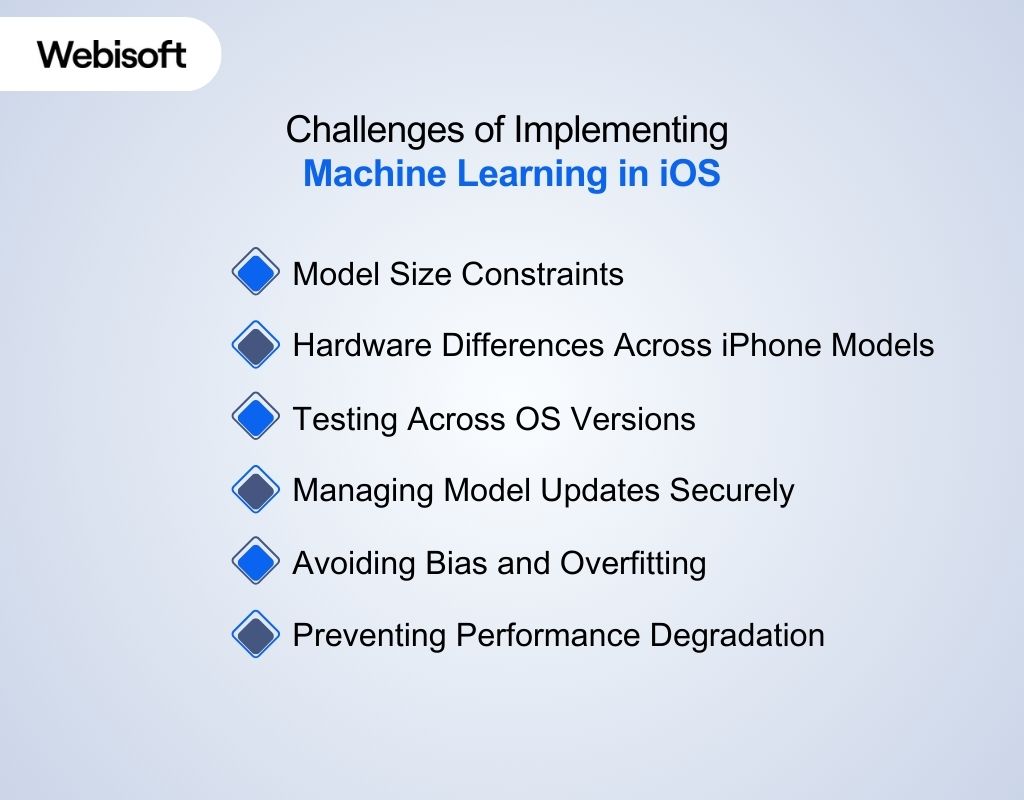
Even well-designed systems face practical limitations once deployed on real devices. Addressing these challenges early improves stability and long-term maintainability.
Model Size Constraints
Mobile apps cannot ship oversized models without consequences. Large parameter counts increase memory allocation, raise app bundle size, and slow installation times. On older devices, excessive tensor allocation may trigger memory warnings or background termination.
Hardware Differences Across iPhone Models
Not all devices have identical processing power or Neural Engine capacity. A model performing smoothly on the latest chipset may struggle on earlier hardware. Deployment strategies must account for varied RAM limits and compute throughput.
Testing Across OS Versions
Framework updates can introduce subtle behavioral differences. APIs evolve, performance characteristics shift, and background execution rules change. Comprehensive testing across supported iOS versions prevents runtime surprises.
Managing Model Updates Securely
Updating a model after release requires strict version control. Input formats, preprocessing logic, and prediction outputs must remain compatible. Secure distribution and validation prevent tampering or deployment errors.
Avoiding Bias and Overfitting
Training data that lacks diversity leads to biased predictions. Overfitting produces impressive test results but poor real-world performance. Proper validation and dataset balancing are essential.
Preventing Performance Degradation
As apps evolve, additional features compete for system resources. Without continuous profiling, inference latency may increase. Ongoing optimization ensures stable execution across device generations.
How Businesses Can Strategically Implement Machine Learning in iOS Apps
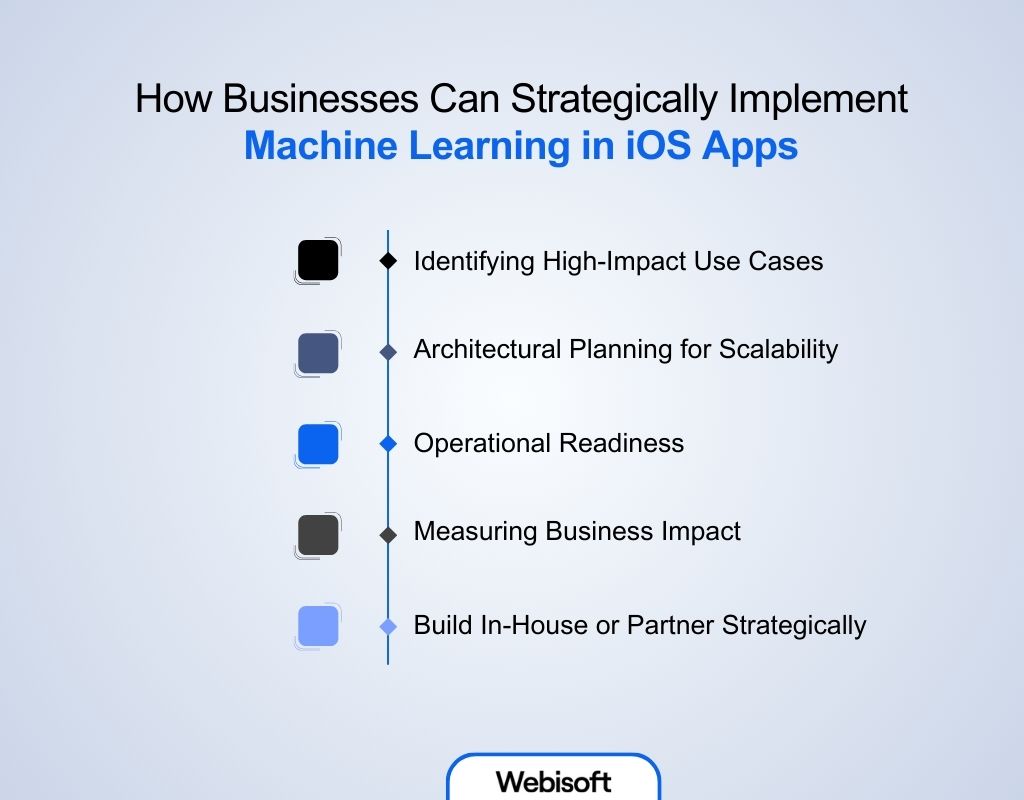
Implementing machine learning in iOS is not about adding intelligence for the sake of trend alignment. It starts with identifying where predictive logic directly improves user decisions or system efficiency. Here’s how business can use ML strategically in iOS apps:
Identifying High-Impact Use Cases
Not every feature needs a model. Businesses should prioritize workflows where automation reduces friction or improves accuracy. If a rule-based system performs reliably, adding a model may introduce unnecessary complexity. The goal is measurable improvement, not experimentation.
Architectural Planning for Scalability
Device diversity across iPhone generations requires planning. Models must scale across different memory capacities and Neural Engine capabilities. Early architectural decisions about update strategies and fallback behavior determine long-term stability.
Operational Readiness
Successful deployment requires coordination between data engineers and iOS developers. Training pipelines, validation logic, and runtime profiling must align before release. Ongoing monitoring ensures inference latency does not degrade as the app evolves.
Measuring Business Impact
Performance gains should translate into retention, engagement, or reduced backend cost. On-device inference can lower infrastructure expenses while strengthening privacy positioning, which increasingly influences user trust.
Build In-House or Partner Strategically
When optimization, hardware tuning, and secure deployment become complex, partnering with specialists accelerates execution. If you’re planning to deploy advanced machine learning in iOS features at scale, Webisoft’s experience in performance tuning and secure integration can help you move from prototype to production without costly trial-and-error.
How Webisoft Help You with Machine Learning Service for iOS Apps
Deploying intelligent features on mobile devices requires more than adding a model file to your project. It demands architectural planning, hardware-aware optimization, and secure deployment. Webisoft supports businesses at each critical stage of implementation. Here’s why Webisoft is your reliable partner for implementing machine learning in iOS:
- Strategic Use-Case Validation: Evaluates whether predictive logic genuinely improves user workflows. Assesses latency sensitivity, privacy impact, and device-level feasibility before development begins.
- Architecture Planning: Designs scalable pipelines aligned with iOS hardware constraints. Determines model size targets, fallback logic, and update strategies to ensure long-term stability.
- Custom Model Development: Builds and tunes models specifically for iOS machine learning environments. Applies compression and quantization techniques to maintain performance across device generations.
- iOS ML Model Integration: Implements structured model deployment within Xcode, ensuring typed input handling, asynchronous execution, and seamless runtime interaction.
- Performance Profiling and Optimization: Uses real-device testing to measure inference latency, memory usage, and energy impact. Identifies bottlenecks before release.
- Secure Deployment and Updates: Configures encrypted model delivery, version control, and privacy-preserving update workflows to maintain compliance and intellectual property protection.
- Continuous Monitoring: Tracks runtime behavior after launch, refining performance and maintaining consistent execution as app complexity evolves.
This structured approach ensures intelligent features are reliable, secure, and production-ready across the Apple ecosystem. Contact Webisoft today to start the journey with machine learning in Apple apps.
Conclusion
To sum up, machine learning in iOS is built around tight hardware integration, secure on-device inference, and optimized deployment through Apple’s ecosystem. From model selection to performance tuning and privacy safeguards, every layer works together to deliver responsive and secure intelligence.
Businesses that approach implementation strategically can unlock measurable product value while maintaining user trust and long-term scalability across evolving iPhone generations.
FAQs
Here are some commonly asked questions regarding machine learning in iOS:
No. Training typically happens on external systems using large datasets. iPhones are optimized for inference, not full-scale training. Limited on-device personalization is possible, but heavy training workloads are impractical on mobile hardware.
Small, compressed transformer models can run locally. Very large language models usually exceed mobile memory and compute limits. Many apps use hybrid approaches, keeping lightweight tasks on-device and routing complex processing to secure servers.
Apps must comply with Apple’s privacy and data usage policies. Developers need transparent disclosures if user data is processed. Secure handling and clear privacy practices are essential for App Store approval.