Learning how to deploy smart contract means putting your code (program) on the blockchain so it can run automatically when certain things happen. As a result, it doesn’t need anyone else to control it.
Webisoft builds this for clients through our blockchain development services. If you are planning a project, we can help you scope and deliver it.
For example, in 2022, the smart contract industry was worth $192.7 million. Looking ahead, it’s expected to grow and become worth $2.5 billion by 2032. This clearly shows that more people and companies are using smart contracts.
To help you with this, the guide will show you how to deploy a smart contract in simple steps. Since this guide is designed for beginners, you’ll learn how to do it easily. Let’s begin!
What Is a Smart Contract?
A smart contract is like a computer program or digital agreement that runs automatically on a blockchain.
- It follows rules written in code.
- It works without needing people to manage it.
- It’s transparent, anyone can see how it works.
- It’s secure, once created, no one can change it.
Think of it like this:
“If X happens, then do Y.”
Example:
“If A sends 1 ETH to the contract, then send them a digital ticket.”
And smart contracts are used in:
- Cryptocurrencies (like Ethereum)
- DeFi (decentralized finance apps)
- NFTs
- Voting systems
- Supply chain
- Games (blockchain-based)
Popular Blockchains for Smart Contract Deployment
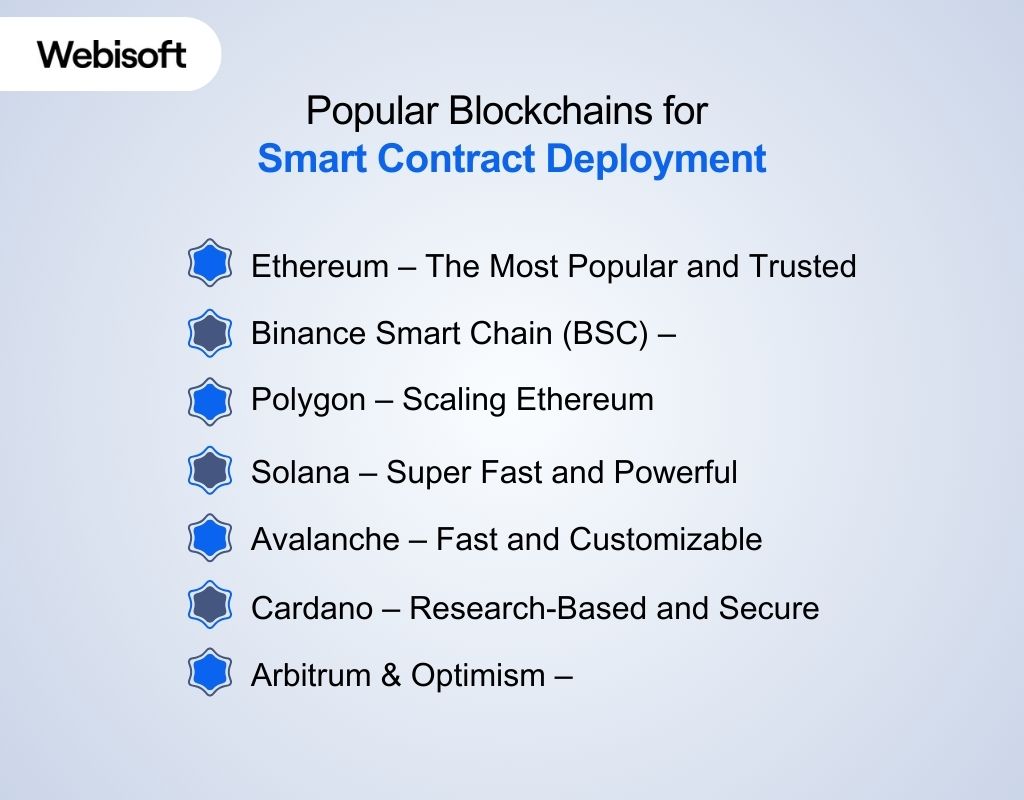
Different blockchains offer smart contract features, but each one is a bit different. Some are faster, some cost less, and others are more secure or flexible. Choosing the right blockchain depends on what kind of project you are building and how to deploy smart contract on it.
Here are the most popular blockchains developers use:
Ethereum – The Most Popular and Trusted
Ethereum is the first and most widely used blockchain for smart contracts. It created the idea of programmable contracts on the blockchain and still leads the space today.
Ethereum hosts over 75 million smart contracts, highlighting its dominance in the space.
Why developers choose it:
- Large developer community and resources
- Tons of tools (like Remix, Hardhat, Truffle)
- Highly secure but may be more expensive (gas fees)
- Supports many dApps like Uniswap, OpenSea, Aave
Binance Smart Chain (BSC) – Low Fees, Fast Transactions
BSC is similar to Ethereum (EVM-compatible), but it’s faster and much cheaper. Many small to medium projects choose BSC for cost-saving reasons.
BSC processed a record 32 million transactions in a single day in December 2023.
Why developers choose it:
- Very low transaction (gas) fees
- Fast block times = quicker transactions
- Easy to move from Ethereum to BSC
- Large user base for DeFi and gaming apps
Polygon – Scaling Ethereum
Polygon is not a standalone blockchain but a Layer-2 solution for Ethereum. It helps make Ethereum apps faster and cheaper.
Polygon has seen the deployment of over 381 million smart contracts, reflecting its scalability.
Why developers choose it:
- Low fees with Ethereum-level security
- Supports Ethereum tools and wallets
- Used for games, NFT apps, and social platforms
- Optimized for scalability
Solana – Super Fast and Powerful
Solana is built for speed and performance. It can handle thousands of transactions per second, making it ideal for apps that need real-time speed.
Solana can process up to 65,000 transactions per second, much faster than Ethereum (~30 TPS).
Why developers choose it:
- Ultra-fast and low fees
- Great for real-time apps like games
- Not EVM-compatible (code is different)
- Growing ecosystem for NFTs and finance
Avalanche – Fast and Customizable
Avalanche is known for its speed and allows developers to create custom blockchains (called subnets) under its network.
Avalanche supports 4,500+ dApps and is growing in DeFi and gaming spaces.
Why developers choose it:
- Flexible architecture
- Custom rules for your app (via subnets)
- EVM-compatible = easy move from Ethereum
- Supports fast finality (transactions confirmed quickly)
Cardano – Research-Based and Secure
Cardano takes a careful and scientific approach to smart contracts. It’s slower to evolve but is focused on security and formal methods.
In 2024, Cardano added nearly 100,000 new smart contracts, showcasing its growth.
Why developers choose it:
- Peer-reviewed and highly secure
- Ideal for long-term, trusted apps
- Lower risk of bugs due to formal verification
- Smaller developer base and fewer tools
Arbitrum & Optimism – Ethereum Layer-2 Speed Boosters
These blockchains work on top of Ethereum to reduce gas fees and improve speed, while still being secure.
Since January 2022, over 637 million EVM smart contracts have been deployed across seven Layer 2 blockchains, including Arbitrum and Optimism.
Why developers choose them:
- Faster and cheaper than Ethereum mainnet
- Still fully connected to Ethereum
- Popular for DeFi and NFT projects
- Easy to migrate from Ethereum
Tools You Need Before Deployment
Before you deploy a smart contract, you need the right tools to help you write, test, and deploy it. Tools like Truffle and platforms like Ethereum are essential. Knowing how to write a smart contract is also important for successfully developing smart contracts that are secure and work properly.
| Tool | What It Does | Examples |
|---|---|---|
| Solidity Compiler | Turn your smart contract code into something the blockchain can understand. | Remix IDE, Truffle, Hardhat |
| Ethereum Wallet | Helps you manage your digital wallet and sign transactions. | MetaMask, MyEtherWallet, Ledger |
| Node.js & npm | Helps manage your project and install necessary tools. | Node.js, npm (for installing things like web3.js) |
| Development Framework | Helps set up and deploy your smart contract. | Truffle, Hardhat, Brownie |
| Test Network | Allows you to test your contract without using real money. | Rinkeby, Ropsten, Kovan |
| Web3 Library | Helps you interact with the blockchain using code. | web3.js, ethers.js |
| Gas Fee Estimator | Tells you how much it will cost to deploy your contract. | ETH Gas Station, GasNow |
| IPFS/File Storage | Lets you store large files off the blockchain. | IPFS, Filecoin |
| Block Explorer | Allows you to see the status of your contract after it’s deployed. | Etherscan, Blockchair |
Step-by-Step Guide to Deploy a Smart Contract
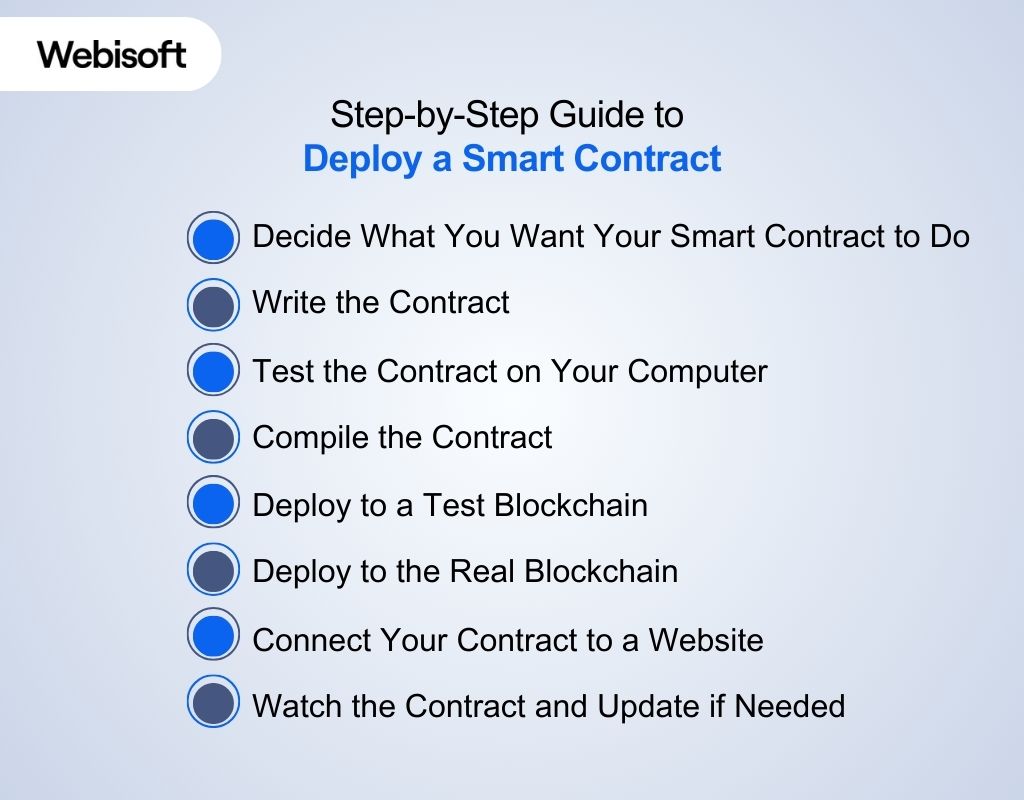
This guide will show you how to deploy smart contracts and understand how to build a smart contract from scratch, even if you’re new to developing smart contracts. You’ll learn the entire process, from writing the code to launching the contract on a blockchain like Ethereum, making it easier to understand how to create a smart contract and get it running.
Step 1: Decide What You Want Your Smart Contract to Do
Before you start coding, you need to be very clear about the goal. Ask yourself:
- What is the smart contract for?
- What rules should it follow?
- Who is allowed to use it?
Why this step is important: If you don’t know what your contract should do, you won’t be able to write it correctly later.
Example: Let’s say you want to create a smart contract where only you (the owner) can send money (Ether) to other people. That’s your idea. Simple and clear.
Step 2: Write the Contract (Using Solidity)
Now you write the smart contract using a language called Solidity. It’s made specially for Ethereum. The code says how the contract will behave.
Why this step matters: This is the heart of your contract. It defines the logic.
Here’s a small example and how it works:
| solidity // Version of Soliditypragma solidity ^0.8.0; contract SimpleContract { address public owner; constructor() { owner = msg.sender; // sets the person who deploys as the owner } function transfer(address payable _to, uint _amount) public { require(msg.sender == owner, “Only owner can send”); _to.transfer(_amount); } receive() external payable {} // this allows the contract to receive money} |
It’s a very basic smart contract written in Solidity that:
- Sets one person as the owner when the contract is first created (deployed).
- Lets only the owner send money (Ether) from the contract to someone else.
- Can receive Ether from anyone.
Step 3: Test the Contract on Your Computer
Now that you’ve written the code, you want to test it — but not on the real blockchain. Instead, you test it on your computer, using a tool like Hardhat or Ganache.
Why test locally?
- You won’t spend any real money.
- You can easily find mistakes.
- It’s safe.
You pretend to use the contract, like:
- Sending money from one address to another
- Checking if the “only owner” rule works
It’s like trying out a machine before you sell it.
Step 4: Compile the Contract
Now you have to compile the contract. What does “compile” mean? Think of your smart contract code like a story written in English (Solidity). But the blockchain doesn’t understand English — it only understands a special secret language (called bytecode).
Compiling means turning your English story (code) into this secret language so the blockchain can understand and run it.
How do you compile?
- You use a tool called Hardhat (a program to help build smart contracts).
- Once you write your code, you tell Hardhat:
“Please translate this smart contract into a secret language.” - You do this by typing a simple command in your computer’s terminal (a place where you write instructions):
| bashnpx hardhat compile |
- npx is a way to run the Hardhat tool without installing it globally.
- hardhat compile is the instruction to compile your smart contract.
Why is this important?
Without compiling, your smart contract cannot be put on the blockchain because the blockchain only understands the compiled bytecode, not the original code you wrote.
Step 5: Deploy to a Test Blockchain (Testnet)
Before you launch for real, you put the contract on a test blockchain — like Goerli. It works like the real Ethereum, but uses fake money.
Why test on a testnet?
- You can try it online without using real ETH.
- You see how it behaves for real users.
- You can fix anything that’s broken.
Steps:
- Get some free test ETH from a faucet
- Deploy using your test script
- Try sending and receiving Ether through your contract
Step 6: Deploy to the Real Blockchain (Mainnet)
Once everything works perfectly, now you put your contract on the real Ethereum network.
Why mainnet?
- This is where real users will use your contract
- Transactions here use real Ether
- It’s permanent and public
Before you deploy:
- Make sure your wallet has some ETH
- Double-check the code
- Run the deploy command again, but for the mainnet
Step 7: Connect Your Contract to a Website
Now your contract is live, but people need a way to use it. So you build a small website or app that lets users click buttons instead of writing code.
Why connect with a frontend?
- Most people don’t know how to interact with contracts directly
- A user interface makes it easy
You use tools like:
- Ethers.js or Web3.js — to talk to your contract
- MetaMask — so users can sign transactions safely
Step 8: Watch the Contract and Update if Needed
Once your contract is running, you don’t just leave it. You watch how it works — are people using it correctly? Any bugs? Do you want to add something?
Why monitor and maintain?
- You want to make sure it runs smoothly
- If you need to improve it, you’ll create a new version
You use tools like Etherscan, Alchemy, or Infura to watch what’s happening.
Common Mistakes to Avoid While Deploying
When learning how to deploy smart contract, many make mistakes like skipping proper testing or ignoring security checks. Knowing these mistakes helps you avoid them and ensures that the smart contract development process is smooth and your deploy smart contract is secure.
Not Testing the Smart Contract Thoroughly
If you don’t test your smart contract properly before you deploy it, you could miss bugs or issues that are hard to fix once it’s live.
90% of smart contract issues are related to things like attacks, which can only be caught through proper testing.
Always test your contract on test networks (like Ropsten or Binance Smart Chain Testnet) before deploying it for real.
How to avoid it:
- Test your contract on testnets first.
- Use tools like Hardhat or Truffle for testing.
Forgetting to Check Gas Fees
Gas fees are the costs you pay to use the blockchain. If you don’t check how much gas costs before deploying, your transaction could fail because you might not have enough funds. During busy times, gas fees can be higher, and failing to check can cause problems. Many transactions fail because of this mistake.
How to avoid it:
- Always check the current gas prices (e.g., using ETH Gas Station).
- Make sure you have enough funds for gas fees.
Not Verifying the Contract Code
When your contract is deployed, it needs to be verified. If you don’t verify it, people won’t be able to see the code and might not trust it. Non-verified contracts can be seen as risky. Verified contracts are more trusted by users and developers.
How to avoid it:
- Verify your contract code on explorers like Etherscan.
- Make sure the code you deploy is the same as the code shown in the explorer.
Using the Wrong Compiler Version
When you write and deploy a contract, you need to use the same version of the software (compiler). If you use the wrong version, your contract could fail to work. This is a common mistake that causes contracts to behave incorrectly or fail.
How to avoid it:
- Use the same version of the compiler for both writing and deploying the contract.
- Check the compiler version in your code.
Not Securing the Private Key
Your private key is like a password to control your contract. If it’s exposed, someone else can take control of your contract. Private key theft is a serious issue that can cause huge losses.
How to avoid it:
- Store your private key in secure wallets like MetaMask or Ledger.
- Never share or store your private key in unsafe places.
Forgetting to Set Constructor Arguments
Some smart contracts need specific information (constructor arguments) when they are created. If you forget to add this information, your contract won’t work as expected. Around 10-15% of issues come from this mistake.
How to avoid it:
- Double-check the constructor arguments before deploying.
- Most tools like Truffle or Hardhat let you set these arguments.
What’s Next After Deployment?
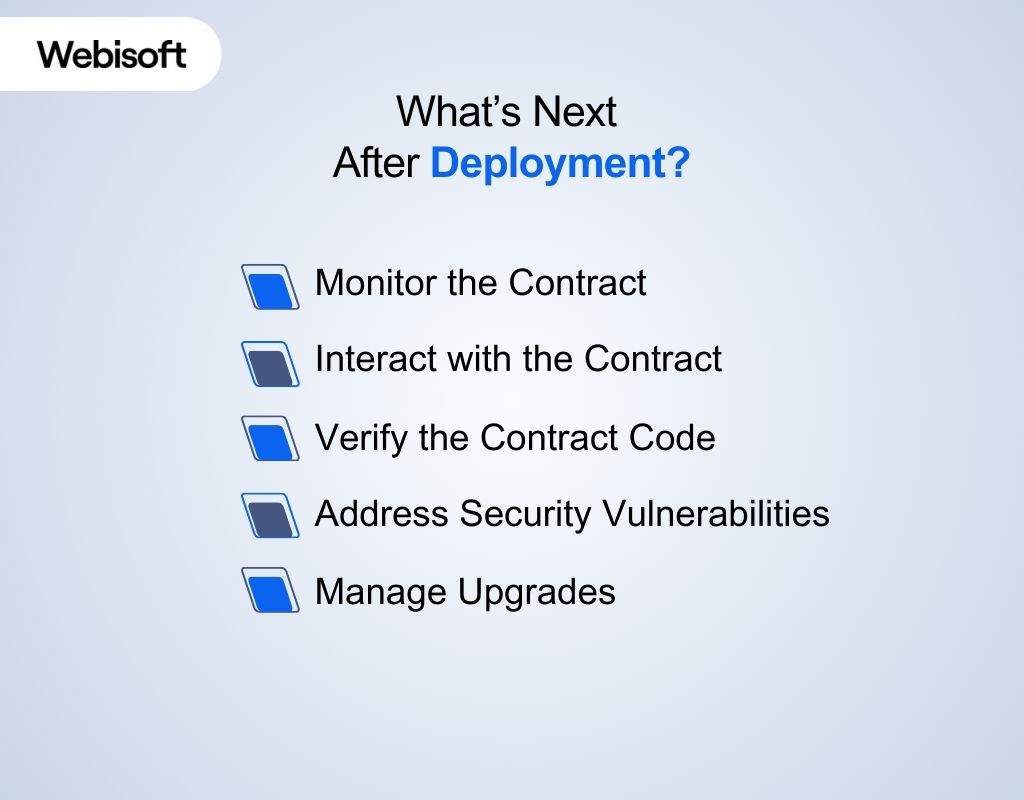
After learning how to deploy smart contract and completing the deployment, the work doesn’t end there. You need to follow important steps to make sure your contract works well, stays secure, and can be updated when needed. Here’s a breakdown of the key tasks after deployment:
Monitor the Contract
Once your smart contract is live, it’s important to keep an eye on it. Monitoring helps you spot any potential issues, like unexpected behavior or security vulnerabilities, early on.
How to do it:
- Use blockchain explorers (like Etherscan or BscScan) to track contract activity.
- Set up alerts for abnormal activities, such as failed transactions or unusually high gas usage.
Interact with the Contract
Once deployed, the smart contract is open to interactions from users, decentralized applications (dApps), and other smart contracts. Ensuring smooth interaction with these entities is key to your contract’s success.
How to do it:
- Provide a user interface (UI) or API to interact with your smart contract.
- Encourage users or other dApps to test and interact with your contract to ensure everything works smoothly.
Verify the Contract Code
After deployment, verifying your contract’s code ensures transparency and helps build trust. This step is crucial for showing the world that your code is safe and exactly what you intended to deploy.
How to do it:
- Verify the contract code on a blockchain explorer (e.g., Etherscan for Ethereum).
- Provide a clear explanation of the contract’s logic and security measures for better user understanding.
Address Security Vulnerabilities
Even after deployment, you must ensure the contract remains secure. A contract might be vulnerable to attacks like reentrancy, front-running, or others, which could lead to lost funds or unauthorized access.
How to do it:
- Regularly audit the contract for vulnerabilities.
- Engage with third-party auditors or automated tools (e.g., Myco, CertiK) for security assessments.
Manage Upgrades (if Applicable)
Smart contracts are usually immutable, but there are ways to manage upgrades through Proxy Contracts or upgradeable contract patterns. This helps in improving or fixing contracts without redeploying.
How to do it:
- Consider using Proxy Contracts to allow contract logic to be upgraded while keeping data intact.
- Keep track of the deployed contract version and record any upgrades.
Why Deploy a Smart Contract?
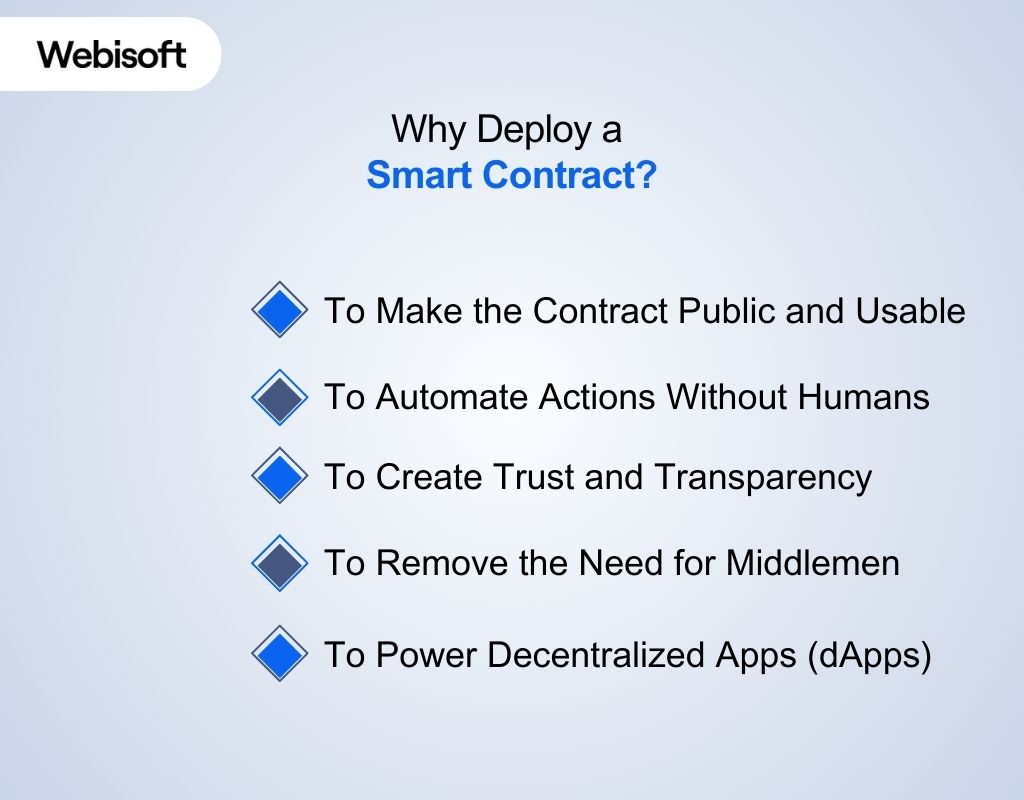
Deploying a smart contract makes it possible to automate tasks and ensure rules are followed without relying on middlemen. This is important in smart contract development, as it helps improve efficiency and security.
To Make the Contract Public and Usable
Before deployment, your smart contract is just some code on your computer. After you deploy it to the blockchain, it becomes live, real, and available for anyone to use, just like publishing a website.
In fact, more than 5 million smart contracts have already been deployed on the Ethereum mainnet. That shows how many people and businesses trust and use this technology.
Why this matters:
- People from anywhere in the world can use it.
- Apps, wallets, or websites can connect with it and make it work.
- Once deployed, it has a fixed address (like a home) on the blockchain.
To Automate Actions Without Humans
Smart contracts are made to follow rules and act automatically. Once deployed, they don’t wait for a human to press a button. They follow their rules on their own.
On just seven Ethereum-based blockchains, more than 637 million smart contracts have been deployed since 2022. This shows how much people use automation on blockchains.
Why this matters:
- It does things instantly, like sending tokens or processing payments.
- You don’t need a person in the middle to approve things.
- Less chance of mistakes, since the smart contract always follows its code.
To Create Trust and Transparency
Once you deploy a smart contract, you can’t change it. Everyone can read the code and know exactly what it does. This builds trust, because there are no hidden rules.
Because of this trust, the smart contract market is growing fast — from $2.14 billion in 2024 to $12.07 billion by 2032.
Why this matters:
- Nobody can secretly change the rules later.
- Anyone can check the code and see what it will do.
- Everyone knows what to expect and it’s fair and open.
To Remove the Need for Middlemen
In the traditional world, we often need someone in the middle — like a bank, lawyer, or agent — to make a deal happen. With smart contracts, the code itself makes things happen.
Businesses love this! That’s why the smart contract industry is growing by 23.9% every year, as it helps reduce costs and saves time.
Why this matters:
- No extra fees for middle services like banks or brokers.
- Nobody controls it — it works by itself on the blockchain.
- You can make deals directly with someone else — peer-to-peer.
To Power Decentralized Apps (dApps)
Smart contracts are the heart of dApps — apps that don’t rely on a company or server. When you deploy a contract, it becomes the brain of the app, handling its rules and logic.
North America, where many dApps are built, controls 35.05% of the global smart contract market because of this technology.
Why this matters:
- The dApp works based on the smart contract you deployed.
- Users can use your app to trade, vote, send money, etc.
- The dApp keeps working 24/7, without any company running it.
Webisoft’s Role in Smart Contract Development & Deployment
Webisoft helps businesses at every step of the smart contract process. They guide the creation, testing, and deployment of smart contracts and make sure everything works securely and smoothly. They also offer support after the contract is live to ensure it continues to perform well. Webisoft ensures that smart contracts meet business needs, are secure, and follow legal rules.
- Design & Development: Webisoft customizes smart contracts based on the business’s needs, making sure they fit into the blockchain system.
- Security Checks: Webisoft tests the smart contract for any weaknesses before it’s deployed to avoid future issues.
- Testing: Before going live, Webisoft tests the contract on test blockchains to make sure it works correctly without causing problems.
- Deployment: Once everything is ready, Webisoft helps deploy the contract on the main blockchain and ensures it’s done correctly.
- Support After Deployment: After the contract is live, Webisoft provides continuous support to fix problems and make updates if needed.
- Blockchain & dApp Integration: Webisoft helps integrate smart contracts with decentralized apps (dApps) to ensure everything functions properly for users.
- Legal Compliance: Webisoft makes sure that the smart contract follows the relevant laws, especially if it deals with money or personal information.
- Training & Education: Webisoft helps businesses learn about smart contracts and blockchain, so they can manage and use them effectively.
Click here to learn more about our smart contract deployment services.
In Closing
The smart contract market is growing fast. As more people use blockchain, knowing how to deploy smart contract will become more important. This guide will help you learn how to deploy your smart contract, giving you a useful skill for the future.
As the demand for blockchain solutions increases, Webisoft provides expert services to help you build safe and efficient blockchain applications. With Webisoft, you can bring your blockchain ideas to life and succeed in this growing field.
Frequently Asked Questions
No, you don’t need to register or get approval from any authority to deploy a smart contract. Once you have the code ready and enough cryptocurrency (like ETH) to cover gas fees, you can deploy it directly to the blockchain. However, if your contract deals with sensitive information, money, or regulated industries (like finance or healthcare), you may need to follow local laws or get legal advice to stay compliant.
Deploying a smart contract usually takes just a few seconds to a few minutes, depending on the blockchain network. On busy networks like Ethereum, it may take longer due to congestion. If you’re deploying on a testnet or using a fast chain like BNB or Polygon, it can be nearly instant. Most of the time is spent preparing, testing, and verifying—not the actual deployment.
You can’t deploy a smart contract for free on the main blockchain (mainnet) because it requires gas fees, which must be paid using cryptocurrency (like ETH on Ethereum). However, you can deploy for free on test networks (called testnets) like Goerli or Sepolia using free test tokens from a faucet. These test deployments are great for practice before going live.