Share


Custom AI Chatbot: Unlock Your Business Potential in 2025

- BLOG
- Uncategorized
- October 12, 2025
Ever feel like the common chatbots just don’t understand your business? Maybe they can’t handle your specific workflows, don’t speak your brand’s language, or leave gaps in customer support. In this case, a custom AI chatbot is the answer!
A custom AI chatbot is a conversational software solution designed and built to match a business’s particular requirements. It integrates with your systems and processes and uses your given data to deliver customized and automated interactions.
Curious how a chatbot is built to solve problems that a generic bot can’t? Keep reading to learn about the benefits, features, and development process.
Contents
- 1 The Real Meaning of “Custom” in AI Chatbots
- 2 Technology-Driven Chatbot Types
- 3 Key Features That Set Custom AI Chatbots Apart
- 4 Core Benefits of a Custom AI Chatbot for Enterprises
- 5 Why Businesses Need Custom AI Chatbots
- 6 Who and When to Invest in a Custom AI Chatbot
- 7 Free vs. Fully Custom: The “Custom AI Chatbot Free” Trap
- 8 How to Build a Custom AI Chatbot from Scratch
- 8.1 Step 1: Define Your Chatbot’s Purpose and Audience
- 8.2 Step 2: Set Up the Python Environment
- 8.3 Step 3: Install Required Libraries
- 8.4 Step 4: Build and Train the Core Chatbot
- 8.5 Step 5: Add Memory and Context Handling
- 8.6 Step 6: Train with Your Business Data
- 8.7 Step 7: Add Advanced Features (NLP and Custom Actions)
- 8.8 Step 8: Integrate With Your Business Systems
- 8.9 Step 9: Deploy the Chatbot as a Web Service
- 8.10 Step 10: Test, Monitor, and Optimize
- 8.11 Step 11: Confirm Security and Compliance
- 9 How Webisoft can Help You with Custom AI Chatbot Development
- 10 Conclusion
- 11 FAQs
The Real Meaning of “Custom” in AI Chatbots
“Custom” means the chatbot is built for your business, using your data, your workflows, and your brand’s voice.
This means it can give your users answers that are specific to your products, policies, and even individual customer histories.
Take healthcare, for example: one chatbot can book appointments, help patients check symptoms, and even handle insurance questions.
Technology-Driven Chatbot Types
Chatbots use different technologies, each built for specific tasks and purposes. Here are the main types of chatbots:
| Type | Description |
| Rule-based chatbots | Operate on predefined rules, scripts, or decision trees; best for simple, predictable tasks. |
| Keyword-based chatbots | Respond to specific keywords in user input, bridging rule-based and more advanced AI bots. |
| Menu/button-based chatbots | Guide users through clickable options or menus; very structured and easy to use. |
| AI-powered chatbots | Use NLP and machine learning to understand intent and context and provide dynamic responses. |
| Machine learning chatbots | Continuously learn and improve from user interactions and data patterns. |
| Generative AI chatbots | Use large language models (LLMs) to generate original, human-like responses in real time. |
| Voice chatbots | Interact via spoken language using speech recognition and synthesis (e.g., Alexa, Siri). |
| Hybrid chatbots | Combine rule-based and AI-driven approaches for greater flexibility and coverage. |
How a Custom AI Chatbot Is Different from All of Them
A custom AI chatbot and a regular AI chatbot both use artificial intelligence to understand and respond to people, but they’re not the same.
A standard AI chatbot handles general conversations. A custom AI chatbot is trained on your business’s data, built for your workflows, and speaks in your brand’s voice.
A custom AI chatbot does more than answer FAQs. It handles your unique workflows, connects with your internal tools, and speaks in your brand’s voice. It’s built to scale, modify, and solve real business problems, not just chat.
If you still need a clearer concept of the customized chatbot compared to a regular one, here’s a comparison table for you:
| Aspect | Customized | Regular Chatbot |
| Data Source | Uses your business’s own data and knowledge | Relies on generic or vendor data |
| Purpose | Built for your unique needs and workflows | Handles common, broad tasks |
| Learning & Modifying | Trained and improved on your feedback and data | Learns from general interactions |
| Personalization | Matches your brand’s voice and customer experience | Feels generic, lacks deep personalization |
| Security & Compliance | Can meet your industry’s specific requirements | Offers standard protections |
| Cost | Higher upfront, long-term value for complex needs | Lower cost, but limited flexibility |
| Scalability | Grows and adjusts as your business expands | May struggle as needs become complex |
Key Features That Set Custom AI Chatbots Apart
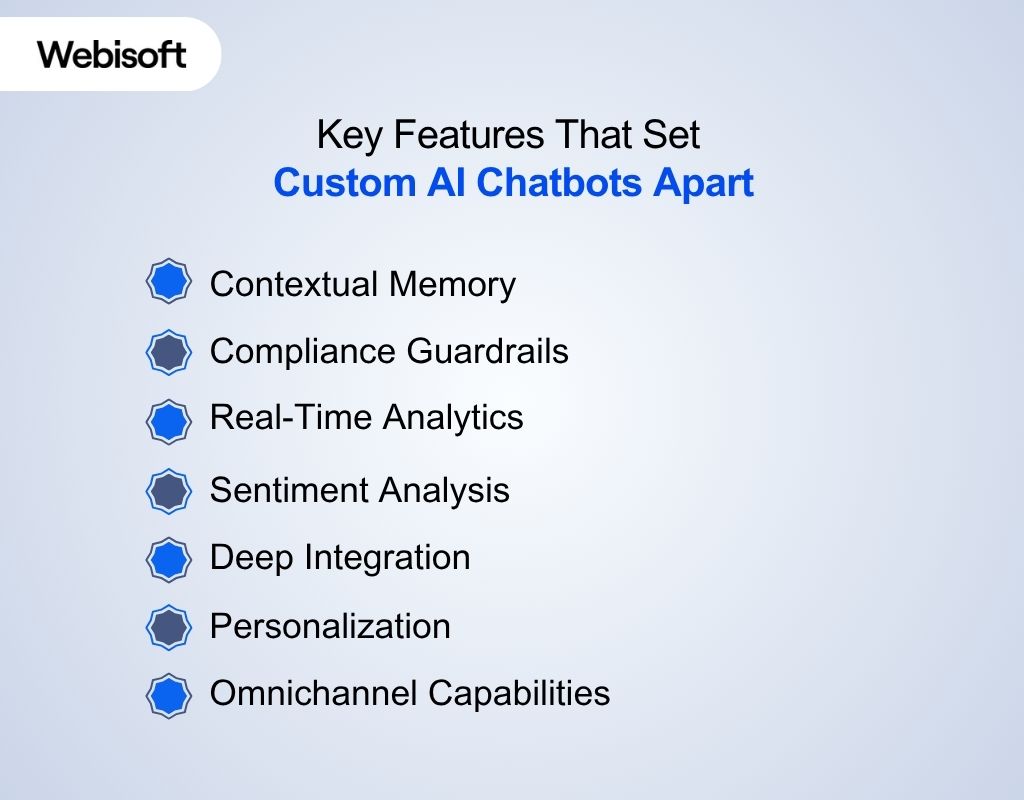
Here are the key features of the best AI chatbot according to their functionality:
1. Contextual Memory
Custom AI chatbots remember what you said earlier in the conversation. No more repeating yourself.
They keep track of details across multiple chats, so every interaction feels seamless and personal. The features they use for remembering are as follows:
- Short-term memory
- Long-term memory
- Context windows
- Buffer memory
- Conversation history
- Vector database integration
- Retrieval-augmented generation (RAG)
2. Compliance Guardrails
They handle sensitive data and follow strict rules, think GDPR, HIPAA, and SOC2, so your business stays protected and audit-ready. Here are the features that enable compliance guardrails:
- Data Encryption (in transit and at rest)
- Role-Based Access Control (RBAC)
- Secure Authentication (including multi-factor authentication)
- Consent Management (explicit opt-in/opt-out)
- Data Minimization (only collecting necessary data)
- Data Masking and Anonymization
3. Real-Time Analytics
You need to know what’s working and what’s not right now, not next quarter. These features give you instant insight into chatbot performance and user behavior:
- Performance dashboards
- Conversation analytics
- Drop-off tracking
- Conversion funnel analysis
- Custom reporting modules
4. Sentiment Analysis
You want your chatbot to sense when a customer is happy or ready to bail. These features help the customized bot read the mood and act fast:
- Sentiment detection algorithms
- Emotion recognition models
- Escalation triggers
- User mood tracking
5. Deep Integration
A custom AI chatbot plugs right into your business systems, such as CRM systems, databases, and internal tools. So it can pull up info, update records, or trigger workflows without missing a beat. These features make seamless connections possible:
- API integration modules
- Webhooks
- CRM connectors
- Database sync tools
- Third-party service adapters
6. Personalization
They use your data to respond, recommend products, or solve problems in a way that feels unique to each user. These features let a chatbot customize their answers:
- User profiling
- Dynamic response generation
- Contextual recommendation engines
- Modified conversation flows
7. Omnichannel Capabilities
Accesses and acts on data across multiple communication channels, keeping everything in sync whether the user is on your website, app, or social media.
Core Benefits of a Custom AI Chatbot for Enterprises
Here’s what a custom AI chatbot brings to your business; each benefit makes your business operation easier and your customers happier:
- Customers receive instant, 24/7 support, so you never lose a sale or leave anyone hanging, no matter the hour.
- You cut response times to seconds, resulting in happier customers and more repeat business.
- The chatbot plugs right into your systems, automating those complex, multi-step tasks you wish you didn’t have to do yourself.
- Every conversation feels personal because the bot remembers preferences and context, making your customers feel truly understood.
- You save big on hiring and training, letting your team focus on work that actually grows your business.
- As your business grows, your chatbot scales right along with you, handling thousands of chats at once without breaking a sweat.
- You keep your data locked down and compliance boxes checked, so you can serve customers with confidence and avoid costly mistakes.
- You get real-time insights and analytics, helping you spot trends, track ROI, and make smarter decisions every day.
- No matter where your customers reach you, such as website, app, or social media, the experience is always seamless and on-brand.
Why Businesses Need Custom AI Chatbots
You’re not investing in a chatbot just to check a box with messages. The main purpose is results that actually matter for your business.
With the insight gained by the chatbot, you can generate more revenue, reduce returns, and grow quicker than expected. Here are some reasons why businesses are opting for customized chatbots:
- The e-commerce shop saw returns drop by 15%, all because their chatbot started giving shoppers smart sizing tips based on what they’d bought before.
- A SaaS team cut their support tickets almost in half. Their custom bot handled the tricky tech questions, pulling answers straight from their own docs.
- Over in healthcare, a provider watched appointment no-shows get sliced in half. Patients could reschedule or get reminders right through a HIPAA-compliant chatbot.
- And for an insurance company, claims started moving 30% faster. Their bot walked customers through every step, flagging anything missing before it ever hit a human’s desk.
Who and When to Invest in a Custom AI Chatbot
Not every business needs a custom AI chatbot, as chatbots for e-commerce have multiple purposes. Customization is a strategic move, not a generic choice. Here’s when it makes sense to invest:
- When Traditional Chatbot Fall Short
If your business faces challenges that generic chatbots can’t handle, it’s time to consider custom. These challenges can be complex workflows, specialized customer questions, or anything beyond basic scripts.
- When You Have Valuable Business Data
Custom AI chatbots shine when they’re trained on your own data. If you have rich customer histories, product info, or internal documentation, a custom bot can use that to deliver smarter, more relevant answers.
- When Deep Integration Is a Must
Need your chatbot to update your CRM, pull records from internal databases, or kick off multi-step workflows? Regular bots rarely function that way. Customization lets your bot work seamlessly with the tools you already use.
- When Compliance and Security Are Non-Negotiable
If you’re in healthcare, finance, or any industry where data privacy and compliance matter, you can’t risk shortcuts. Custom AI chatbots can be built to meet GDPR, HIPAA, SOC2, and any other standard you need.
- When You’re Scaling Fast
If your customer base is growing and your team can’t keep up, a custom chatbot can handle thousands of conversations at once, all while maintaining quality and consistency.
- When You Want a Unique Brand Experience
A custom AI chatbot isn’t just functional; it’s an extension of your brand. If you want conversations that reflect your voice and values and set you apart from competitors, custom is the way to go.
Free vs. Fully Custom: The “Custom AI Chatbot Free” Trap
Surely free solutions are tempting: quick setup, no coding, and maybe even zero up-front cost. But they’re built for generic needs, not your business.
If you want a chatbot that actually drives ROI, automates real work, and keeps your data secure, a fully custom build is the only smart choice. Here’s what you’re really getting from free and fully custom solutions:
| Free Platform | Custom Solution |
| Limited integrations | Seamless API/database connections |
| Basic analytics | Real-time ROI dashboards |
| Pre-built templates | Fully customized workflows and conversations |
| Vendor lock-in | Full ownership and flexibility |
| Security is platform’s call | Enterprise-grade, business-specific security |
| Hidden upgrade costs | Transparent pricing, no surprises |
How to Build a Custom AI Chatbot from Scratch
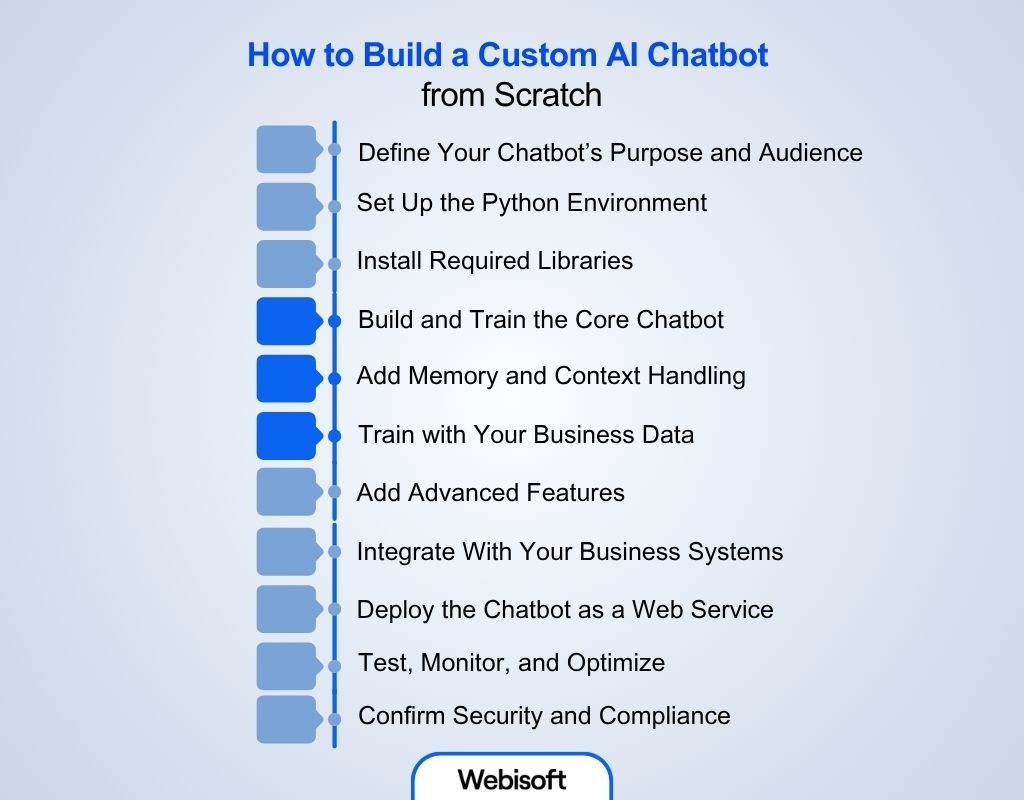
Here’s how to make a AI chatbot in Python from scratch:
Step 1: Define Your Chatbot’s Purpose and Audience
First, the developer team sits down with you to get clear on what the chatbot needs to do.
Is it handling customer support, qualifying leads, or automating internal workflows? They’ll map out the main goals, user types, and sample conversations to guide every technical decision.
Step 2: Set Up the Python Environment
The builders create a dedicated Python environment for your project. For most modern frameworks (like Rasa, LangChain, and advanced voice/chat features), Python 3.10 or newer is recommended.
For ChatterBot, some forks may require Python below 3.8, but the most up-to-date and maintained solutions work well with Python 3.10+.
After selecting the Python model, they’ll open the terminal (on Mac/Linux) or Command Prompt/PowerShell (on Windows). Then navigate to the project directory where they want the virtual environment to live and run the command:
- For Mac/Linux:
python -m venv venv
source venv/bin/activate
- For Windows:
python -m venv venv
venv\Scripts\activate
Step 3: Install Required Libraries
Depending on the complexity of your chatbot, the team installs the right libraries. For a basic conversational bot, ChatterBot is a good start. For advanced, enterprise-grade bots, Rasa or transformers are used.
pip install chatterbot==1.0.4 pytz
Or,
pip install rasa
The builders will paste these commands directly into the terminal while the virtual environment is active. T
Step 4: Build and Train the Core Chatbot
The builder will create a Python file (e.g., chatbot.py) and set up the core logic. Here’s an example using ChatterBot:
from chatterbot import ChatBot
from chatterbot.trainers import ListTrainer
# Create chatbot instance
chatbot = ChatBot(“SupportBot”)
# Set up the trainer
trainer = ListTrainer(chatbot)
# Train with sample conversations
trainer.train([
“Hi”,
“Hello! How can I help you today?”,
“What’s your return policy?”,
“You can return any item within 30 days.”
])
# Start a conversation loop
while True:
user_input = input(“You: “)
if user_input.lower() in [“exit”, “quit”]:
break
response = chatbot.get_response(user_input)
print(“Bot:”, response)
This is the engine that powers basic conversations.
Step 5: Add Memory and Context Handling
To make your chatbot remember past conversations or user preferences, the team adds a memory module. For example, using LangChain’s ConversationBufferMemory:
from langchain.memory import ConversationBufferMemory
memory = ConversationBufferMemory()
This lets your bot keep track of context so it can reference earlier messages and deliver more personalized responses.
Step 6: Train with Your Business Data
The builders will feed the chatbot real data from your business, such as FAQs, chat logs, and support tickets, so it understands your products, policies, and customer language.
Step 7: Add Advanced Features (NLP and Custom Actions)
For complex tasks and deeper understanding, the team uses Rasa for natural language processing and custom actions. Here’s an example of a custom action that checks order status:
First, the builders create a new Python file named actions.py inside the rasa/actions/ directory of your project. Next, the actual Python code for the custom action is pasted into that file:
from typing import Any, Text, Dict, List
from rasa_sdk import Action, Tracker
from rasa_sdk.executor import CollectingDispatcher
class ActionCheckOrderStatus(Action):
def name(self) -> Text:
return “action_check_order_status”
def run(self, dispatcher: CollectingDispatcher,
tracker: Tracker,
domain: Dict[Text, Any]) -> List[Dict[Text, Any]]:
order_id = tracker.get_slot(“order_id”)
# Fetch order status from your database
dispatcher.utter_message(text=f”Order {order_id} is shipped.”)
return []
Note: The comment # Fetch order status from your database is a placeholder. It reminds the developer to add the logic that connects to your internal order management or CRM system to retrieve real-time data.
Step 8: Integrate With Your Business Systems
Custom API integrations can make your chatbot talk to your CRM, databases, or other tools. This often involves writing Python code to fetch, update, or sync data in real time.
Step 9: Deploy the Chatbot as a Web Service
To make your chatbot available on your website or app, the developers use Flask. Here’s a simple example in app.py:
from flask import Flask, request, jsonify
from chatbot import get_bot_response
app = Flask(__name__)
@app.route(‘/chat’, methods=[‘POST’])
def chat():
user_message = request.json[‘message’]
bot_response = get_bot_response(user_message)
return jsonify({“response”: bot_response})
if __name__ == “__main__”:
app.run(debug=True)
Now your chatbot can be accessed via HTTP requests, ready for integration anywhere you need it.
Step 10: Test, Monitor, and Optimize
Next, the builders run extensive tests, both automated and manual, to catch bugs, check performance, and make sure of smooth integration. They monitor user interactions with analytics tools and make ongoing improvements based on real feedback.
Step 11: Confirm Security and Compliance
Throughout the process, the team implements encryption, access controls, audit logs, and compliance guardrails to meet standards like GDPR, HIPAA, and SOC2. Security is built in from day one. Lastly, keep your chatbot updated with new data to make it compatible with your business.
How Webisoft can Help You with Custom AI Chatbot Development
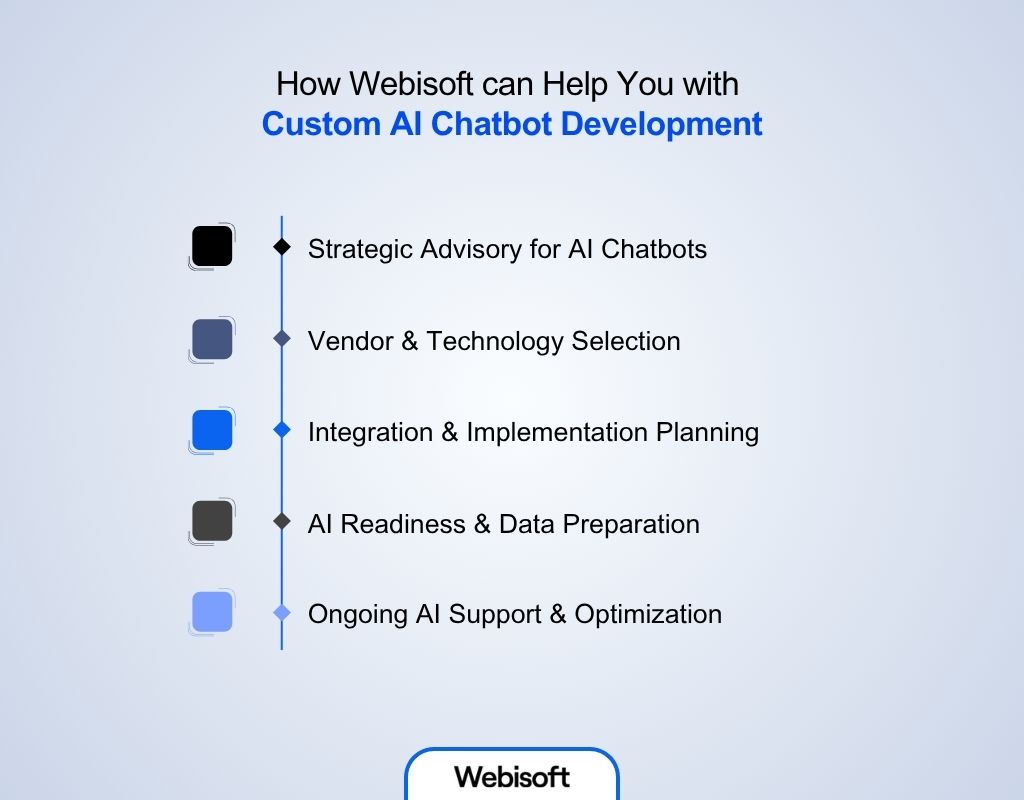
Webisoft may not build your custom AI chatbot directly, but their expertise makes sure you make the smartest decisions at every stage of your chatbot journey. Here’s how their advisory and AI support services can help:
1. Strategic Advisory for AI Chatbots
Webisoft’s advisory team will help you define your chatbot goals, clarify business requirements, and map out a winning AI strategy.
They assess your current workflows, identify automation opportunities, and recommend the best-fit technologies and platforms, so you avoid costly mistakes and wasted effort.
2. Vendor & Technology Selection
Choosing the right chatbot platform or development partner is critical. Webisoft guides you through vendor evaluation, helping you compare features, integration capabilities, security standards, and scalability.
3. Integration & Implementation Planning
Webisoft’s AI experts provide technical planning and integration advice. They’ll help you design how your chatbot should connect with your CRM, ERP, or internal systems, ensuring a smooth rollout and maximum business value.
4. AI Readiness & Data Preparation
A successful chatbot needs the right data. Webisoft helps you assess your data quality, structure, and privacy requirements, preparing your organization for effective AI adoption and compliance with standards like GDPR and HIPAA.
5. Ongoing AI Support & Optimization
After your chatbot is launched, Webisoft offers ongoing AI support. They help you monitor performance, analyze user interactions, and refine your strategy so your chatbot keeps improving and delivering results.
Ready to move forward with confidence? Explore Webisoft’s advisory services and AI support to get expert guidance for your custom AI chatbot project.
Conclusion
In summary, investing in a custom AI chatbot is one of the smartest moves you can make for your business.
Unlike generic solutions, a custom AI chatbot delivers customized experiences, robust security, and seamless integration with your unique workflows.
Don’t settle for one-size-fits-all; choose Webisoft for a solution built around your goals. Take the next step and give your business an edge with a custom AI chatbot from Webisoft today.
FAQs
Here are some commonly asked questions regarding a custom AI chatbot:
Is building a custom AI chatbot expensive or complicated?
Not necessarily. Modern platforms and expert partners make it surprisingly accessible. The cost and complexity depend on your requirements, but even small businesses can benefit from custom solutions.
Is ongoing maintenance required for a custom AI chatbot?
Yes, regular updates, retraining, and monitoring are needed to keep your chatbot accurate and effective. This includes refining responses, updating knowledge bases, and adjusting to new business needs.
What are the main challenges in building a custom AI chatbot?
Common challenges include preparing quality training data, integrating with legacy systems, ensuring data privacy, and scaling as usage grows.
