Most business processes still depend on people moving information between systems: reading an email, checking a record, updating a spreadsheet, sending a reply. Every handoff adds delay, and every manual step adds a chance of error. That overhead compounds as a company grows, which is why headcount has historically scaled with workload.
AI agents attack that problem directly. Unlike a script that follows fixed rules, or a chatbot that only answers questions, an agent runs a loop: it observes its environment (a ticket queue, a CRM, an inbox), plans a course of action, calls the tools it needs (APIs, databases, internal documentation), checks the result, and repeats until the job is done. Memory of past interactions plus the ability to act on external systems is what separates an agent from a plain language model.
For a business, that architecture translates into four concrete gains:
- Routine work handled end to end, not just triaged and forwarded
- Decisions grounded in live data instead of last month's report
- Faster response times for customers and employees
- Capacity that scales without a proportional increase in headcount
This guide covers the main agent types, where they earn their keep, what working deployments look like, and the trade-offs you should plan for before putting one into production.
Types of AI Agents for Business
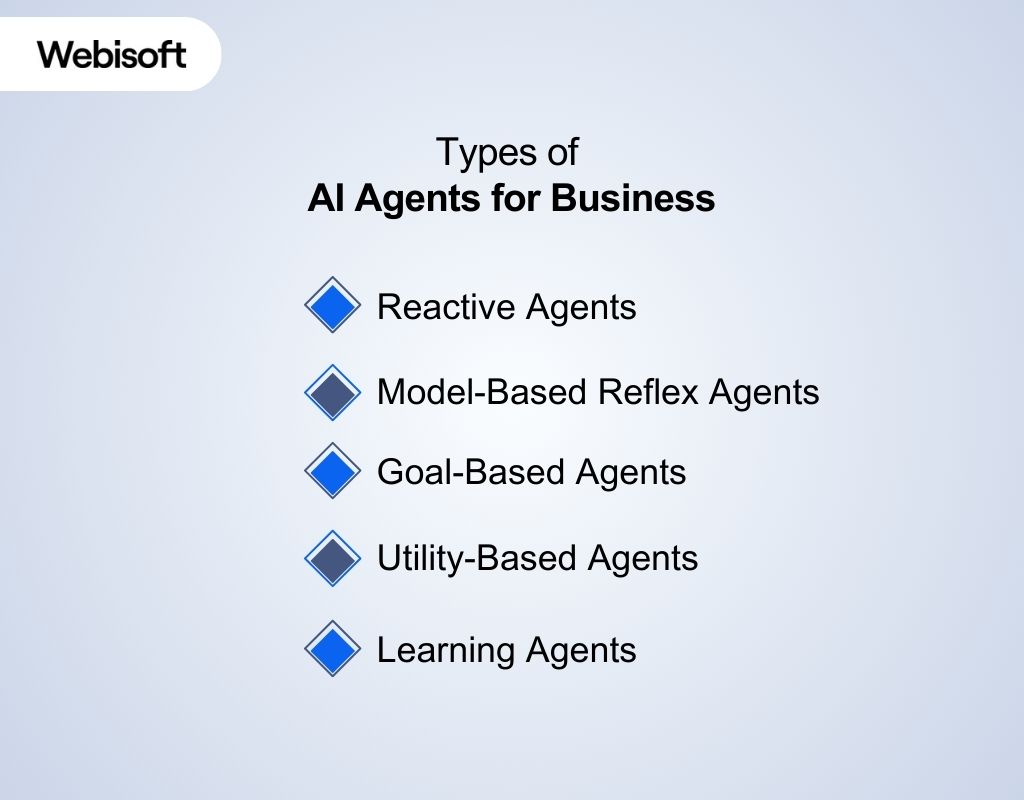
Agent architectures sit on a spectrum, from simple stimulus-response systems to systems that improve from feedback. The right choice depends on two questions: how much context does the task require, and how costly is a wrong action? Here are the five classes you will encounter, ordered by sophistication.
1. Reactive Agents
Reactive agents map inputs directly to outputs. No memory, no model of the world, no planning. They are cheap to run, fast, and predictable, which makes them a good fit for high-volume, low-stakes work such as FAQ deflection and simple ticket routing. Their limitation is equally clear: any task that requires context from a previous interaction is out of reach.
Example: Zendesk Answer Bot, which matches incoming questions to help center articles and replies instantly.
2. Model-Based Reflex Agents
These agents maintain an internal representation of system state, so the same input can produce different actions depending on what happened before. That makes them suitable for IT support, fraud alerting, and infrastructure monitoring, where history changes the correct response. The trade-off is upkeep: the internal model has to stay accurate, because a stale state model produces confidently wrong actions.
Example: ServiceNow Virtual Agent, which draws on records of past incidents and requests to resolve employee IT issues.
3. Goal-Based Agents
Goal-based agents evaluate possible action sequences against a defined outcome, such as qualifying a lead or booking a discovery call, then choose the path most likely to reach it. They handle multi-step workflows well, but they need a precisely specified goal. Give one a vague objective and you get erratic behavior, so goal definition is an engineering task in itself.
Example: Salesforce Einstein, which scores opportunities so sales teams prioritize the deals most likely to close.
4. Utility-Based Agents
Where a goal-based agent asks whether an action reaches the goal, a utility-based agent asks which action reaches the best outcome. It scores options against a utility function that can weigh cost, speed, risk, and customer impact at the same time. This is the standard architecture for optimization problems where every decision is a trade-off between competing values.
Example: real-time bidding systems in advertising platforms, which weigh expected conversion value against impression cost thousands of times per second.
5. Learning Agents
Learning agents improve from feedback: the outcomes of past actions adjust future behavior. They are the right choice for personalization, recommendations, and any workflow where the environment shifts over time. The cost is operational. They need feedback pipelines, monitoring for drift, and periodic evaluation to confirm that what the agent is learning still matches what the business wants.
Example: HubSpot's AI sales tools, which score and prioritize leads based on how similar contacts converted in your own pipeline.
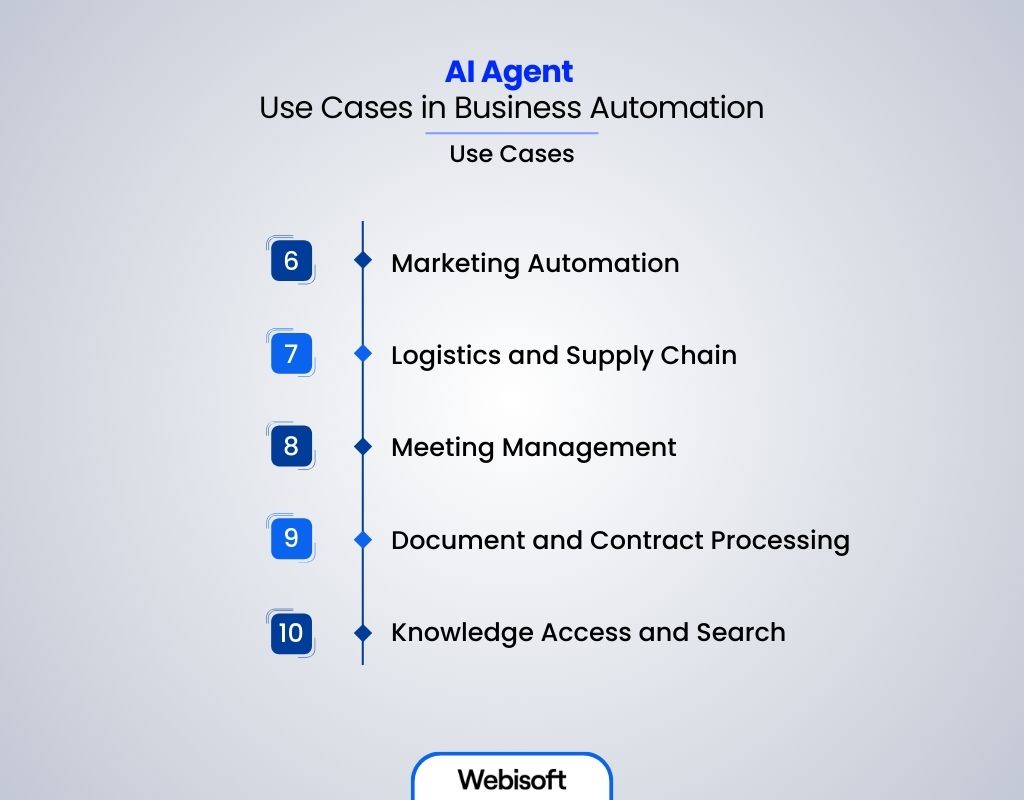
AI Agent Use Cases in Business Automation
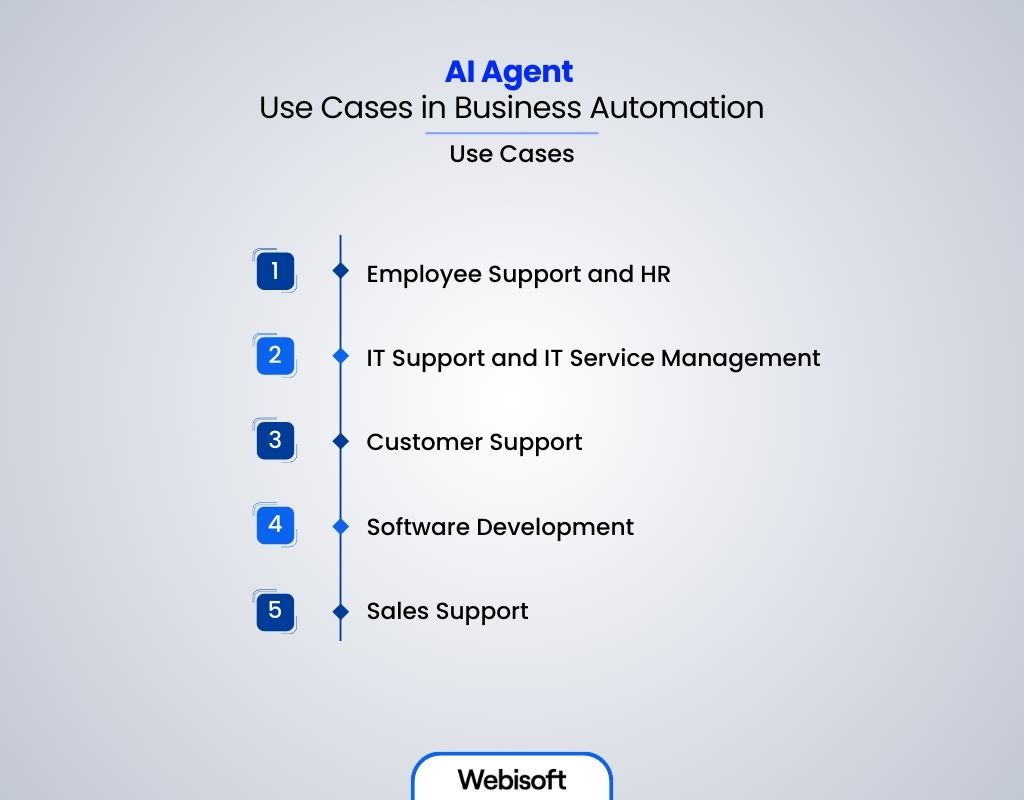
AI agents deliver value wherever a workflow is high volume, rule adjacent, and currently handled by a person copying data between systems. Here are the ten deployment areas where they most consistently pay off.
1. Employee Support and HR
HR teams field the same questions on repeat: benefits eligibility, vacation balances, expense procedures, tax forms. An agent connected to the HRIS answers these instantly and executes the follow-up actions, such as filing the request or updating the record. Onboarding is a natural extension: the agent schedules sessions, collects documents, and triggers equipment provisioning from a single checklist, so a new hire's first week does not depend on someone remembering every step.
2. IT Support and IT Service Management (ITSM)
Password resets, software installs, and access requests make up a large share of IT tickets, and all of them follow known procedures. An agent with API access to the identity provider and endpoint management tools resolves them without a human in the loop, and escalates the genuinely novel problems with full diagnostic context attached. The same pattern, agents operating inside strict permission boundaries, is how AI agents in healthcare operate under far stricter regulatory constraints.
3. Customer Support
Support agents answer account questions, track orders, process routine changes, and recommend products around the clock, across web, app, and social channels. Humans keep the complex, high-stakes conversations, which is where empathy and judgment actually matter. This is also where analysts expect the fastest adoption: Gartner predicts that agentic AI will autonomously resolve 80 percent of common customer service issues without human intervention by 2029.
4. Software Development
Development agents generate boilerplate, propose bug fixes, write test cases, and flag security vulnerabilities and performance regressions during code review, before they reach production. Integrated into the CI pipeline, they shorten review cycles without lowering the bar. Specialized domains push this further; AI agents in crypto extend the same pattern to on-chain data and smart contract workflows, where an unchecked error is expensive by design.
5. Sales Support
Sales agents qualify inbound leads against your ideal customer profile, respond within minutes instead of days, and tailor outreach using CRM history and site behavior. They score and nurture prospects until a human conversation is warranted, which means salespeople spend their hours on deals, not data entry.
6. Marketing Automation
Marketing agents segment audiences on live behavioral data, adjust email content and send times per recipient, and reallocate ad spend toward what is converting right now rather than what converted last quarter. The payoff for getting this right is well documented: McKinsey research found that companies that excel at personalization generate 40 percent more revenue from those activities than average players.
7. Logistics and Supply Chain
Supply chain agents forecast demand from historical sales, market trends, and external signals such as weather, then act on the forecast: placing stock orders, reallocating inventory across locations, and flagging disruptions the moment a supplier signal changes. The difference from traditional forecasting software is the acting part; the agent closes the loop instead of producing a report someone has to read.
8. Meeting Management
Meeting agents transcribe calls, extract decisions and action items, assign owners, and push follow-ups into your task tracker. With remote and hybrid work inflating meeting volume, the hours recovered from manual note-taking and status chasing are one of the easiest automation wins to measure.
9. Document and Contract Processing
Document agents extract structured data from contracts, invoices, spreadsheets, and legal filings, and validate it against source systems. JPMorgan's COiN platform is the canonical example: it reviews commercial loan agreements in seconds, work that previously consumed enormous amounts of lawyer and loan officer time, with fewer extraction errors than manual review.
10. Knowledge Access and Search
Knowledge agents use retrieval-augmented generation to answer employee questions from internal wikis, documents, tickets, and message threads, with citations back to the source. The mechanism matters: because answers are grounded in retrieved documents rather than the model's training data, the agent can be audited, and it stays current as the knowledge base changes.
3 AI Agents for Business in Production
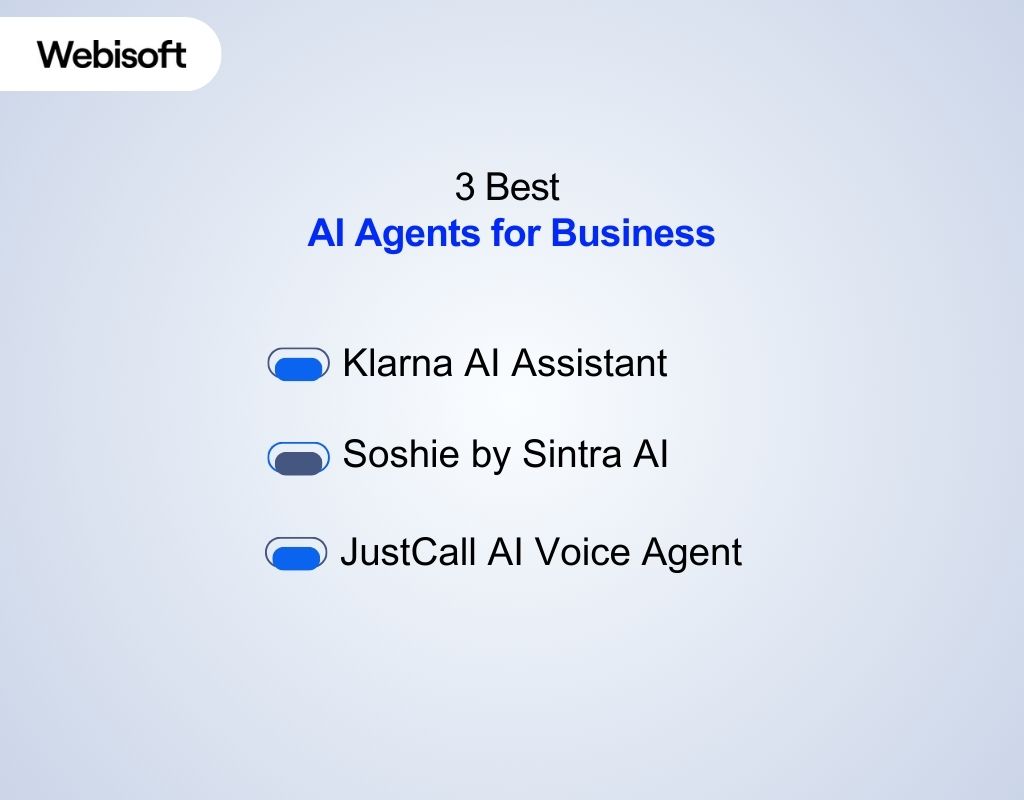
Abstract categories only go so far. Here are three deployed agents that show what the technology looks like when it is doing real work:
| AI Agent | Best For | Key Features | Pricing |
|---|---|---|---|
| Klarna AI Assistant | Customer support automation at scale | Autonomous chat support with human escalation, multilingual, multi-market | Internal deployment (not sold separately) |
| Soshie by Sintra AI | Social media marketing assistance | Content calendars, post drafts, campaign analysis | Subscription |
| JustCall AI Voice Agent | Inbound call handling and lead qualification | 24/7 answering, meeting booking, multilingual, human handoff | Subscription |
1. Klarna AI Assistant
Klarna's assistant, built on LangGraph with LangSmith for observability, handles customer conversations about payments, refunds, and escalations as a fully autonomous first line of support. In its first month in production, Klarna reported it handled two thirds of customer service chats, roughly 2.3 million conversations across 23 markets in more than 35 languages, doing the equivalent work of 700 full-time agents.
Two details make it a useful reference case. First, resolution time dropped from minutes to seconds because the agent acts on account data directly rather than reading scripts. Second, complex and sensitive issues still route to humans, which is the escalation design any serious deployment needs.
2. Soshie by Sintra AI
Soshie is a social media assistant trained on marketing campaign data. It drafts posts, plans content calendars, proposes video scripts, and analyzes campaign performance across accounts.
It is best understood as a force multiplier for a small marketing team: it will not invent your positioning, but it removes most of the production grind between strategy and published content.
3. JustCall AI Voice Agent
JustCall's voice agent answers inbound calls around the clock, qualifies leads against your criteria, books meetings directly into calendars, and answers common questions in multiple languages.
The business case is straightforward: missed calls are missed revenue, and staffing phones 24/7 with people rarely pencils out for small and midsize companies. The agent takes every call and transfers the conversations that need a human, with context attached.
The Benefits of AI Agents for Businesses
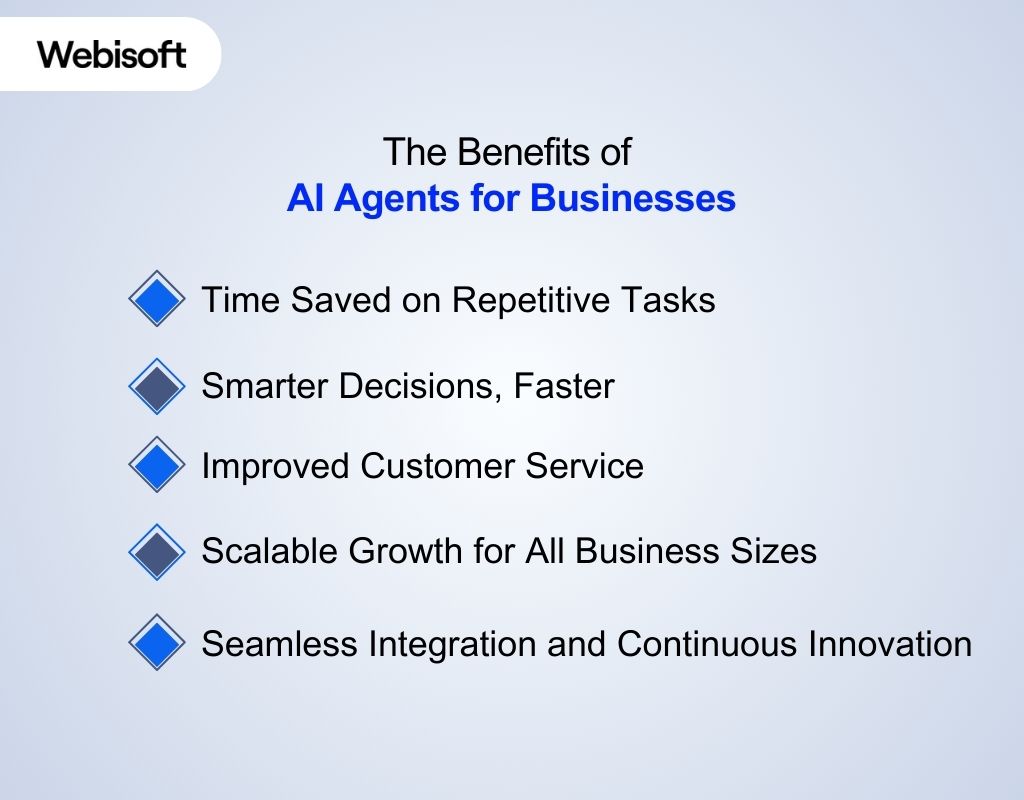
The value of AI agents for business comes down to leverage: the same team accomplishing more, faster, with fewer errors. The specific gains fall into five categories.
Time Recovered from Repetitive Work
The first and most measurable benefit is offloading tedious, repeatable tasks: categorizing emails, answering common questions, filing routine requests, flagging updates that need attention. Because the agent executes the full task rather than just sorting it, the time saved is real rather than displaced onto someone else's queue. Fewer manual touches also means fewer transcription and copy-paste errors.
Faster, Better-Grounded Decisions
Agents analyze operational data continuously and surface what matters: emerging trends, demand shifts, anomalies, and risks. Decision-makers stop reconciling spreadsheets and start acting on current information. The practical difference is latency; a question that used to wait for next month's report gets answered from live data today.
Improved Customer Service
Instant, always-on responses raise baseline satisfaction, and routing routine inquiries to the agent frees human staff for the conversations that build loyalty. Handled well, the split improves both sides: customers with simple questions get answers in seconds, and customers with hard problems get a person who is not buried in ticket backlog.
Scalable Growth Without Proportional Headcount
For startups and midsize companies, agents deliver a capability that used to require enterprise budgets: absorbing workload spikes without hiring ahead of revenue. Support volume doubling no longer means the support team doubling, which changes the unit economics of growth.
Compounding Process Improvement
Because agents integrate with existing systems through APIs, deployment does not require replatforming, and the agent's logs create a precise record of where processes are slow or inconsistent. Teams that review those logs routinely find process fixes they would never have seen otherwise, so the system improves the operation even beyond what it automates.
The Challenges of Leveraging AI Agents in Business
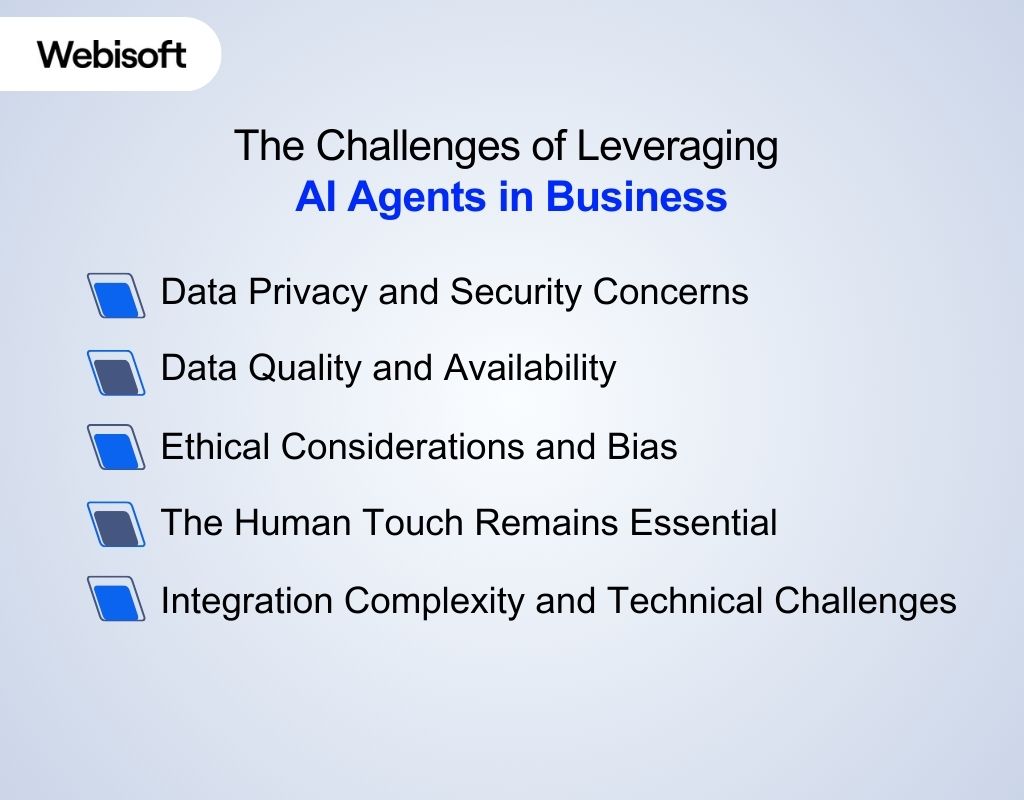
The failure modes of agent projects are predictable, which is good news: every one of them can be designed around if you plan for it before deployment rather than after an incident.
Data Privacy and Security
The most useful agents have broad access across a company's platforms, and broad access is exactly what makes them a security concern. Any agent touching customer or employee data must operate under the same regimes as the humans it assists: GDPR, CCPA, HIPAA, or whichever regulations apply. Concretely, that means scoped credentials rather than admin keys, audit logs for every action the agent takes, and data retention rules applied to the agent's own memory.
Data Quality and Availability
An agent is only as good as the data it reads. Incomplete, outdated, or biased data produces an agent that misunderstands queries or takes confidently wrong actions, and a sales agent working from stale CRM records will generate polished, useless outreach at scale. Treat data hygiene as a prerequisite: validate sources, monitor freshness, and connect the agent to systems of record rather than exports.
Reliability and Error Handling
Language models can produce plausible but wrong output, and an agent turns wrong output into wrong actions. The mitigations are architectural: constrain what the agent is allowed to do, require human approval for irreversible or high-value actions, ground answers in retrieved documents instead of model memory, and run evaluation suites against known cases before every change. Deploying an agent without an evaluation harness is deploying untested code.
Ethics and Bias
Agents inherit the biases in their training and business data, and opaque decision-making makes those biases hard to detect until they cause harm, in hiring, credit, or customer treatment. Governance is the answer: document what the agent decides and on what basis, review outcomes across demographic segments, and keep a human accountable for decisions that materially affect people.
The Human Layer Stays Essential
Agents are tools, not staff replacements. Empathy, negotiation, and judgment in ambiguous situations remain human strengths, and customers know the difference. The deployments that work follow a consistent pattern: the agent handles routine volume, humans handle exceptions, and reaching a person is always easy. Hiding the escape hatch to a human is the fastest way to turn an efficiency win into a reputation problem.
Integration Complexity
Legacy systems, inconsistent APIs, and undocumented internal tools make integration the largest engineering cost in most agent projects. Plan for synchronization issues, API version changes, and ongoing maintenance from the start. This is also the strongest argument for starting with one well-bounded workflow: you discover your integration problems on a small surface area instead of across the whole company.
How Webisoft Helps You Build and Scale AI Agents for Business
Webisoft is a Montreal-based software engineering firm that builds custom AI agents integrated with the systems you already run: CRM, HR platforms, IT infrastructure, and internal tools. The focus is production software, not demos.
A typical engagement covers the full cycle:
- Scoping the workflow and defining what the agent may and may not do
- Selecting the architecture and grounding the agent in your own data and documentation
- Building the integrations, permission boundaries, and human escalation paths
- Setting up evaluation, monitoring, and audit logging before launch
- Deploying to production and iterating on real usage data
If you have a workflow that fits the patterns in this article, contact Webisoft to scope what an agent would look like in your stack.
Where to Start
AI agents for business have moved past the demo stage. In production today, they resolve support tickets, qualify leads, process documents, and manage supply chain decisions, with measurable results at companies like Klarna and JPMorgan.
You do not need an AI strategy document to begin. Pick one workflow that is high volume, well documented, and painful, deploy an agent against it with proper guardrails, and measure the result. That single data point will teach you more about what agents can do for your business than any amount of reading, and it gives you the integration experience every subsequent deployment builds on.
In most deployments they absorb routine volume rather than roles. The consistent pattern in successful rollouts is a split: the agent handles repetitive, well-defined interactions, and people handle exceptions, judgment calls, and relationships. Headcount impact shows up as slower hiring against growing workload more often than as layoffs.
Through architecture, not trust. Constrain what the agent is permitted to do, require human approval for irreversible or high-value actions, ground its answers in retrieved company documents rather than model memory, log every action for audit, and run an evaluation suite against known cases before each change ships. An agent without an evaluation harness is untested code with production access.
An AI agent is software that pursues a goal autonomously: it observes its environment (a ticket queue, a CRM, an inbox), plans actions, calls tools such as APIs and databases, and checks its own results until the task is complete. That planning and acting loop, plus memory of past interactions, is what separates an agent from a script or a plain language model.
A chatbot answers questions; an agent completes tasks. A chatbot can tell a customer how to request a refund, while an agent can look up the order, apply the refund policy, process it, and confirm the outcome. The difference is tool access and autonomy: agents act on systems, chatbots talk about them.
Start with a workflow that is high volume, well documented, and low risk if an individual action goes wrong. Common first deployments are IT password resets and access requests, tier-one customer support, inbound lead qualification, and meeting summaries. A narrow first project surfaces your integration and data quality problems on a small surface area before you commit to bigger ones.
It depends on scope. An off-the-shelf agent for a common task like call answering is a monthly subscription, while a custom agent integrated with your CRM, HR, or internal systems is a software project whose cost is driven mostly by integration complexity, data readiness, and how much guardrail and evaluation work the use case demands. A scoping conversation that maps the workflow and systems involved is the fastest way to get a real number.
